

JoeRod
2/23/26
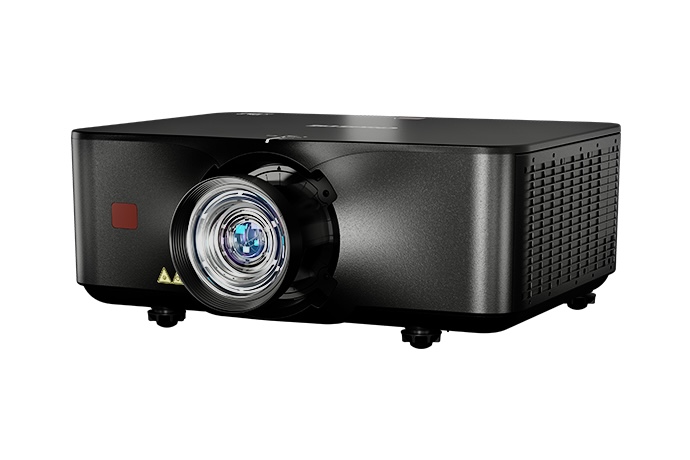
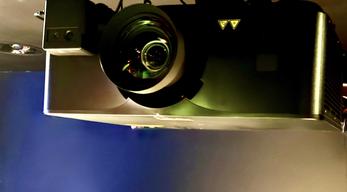
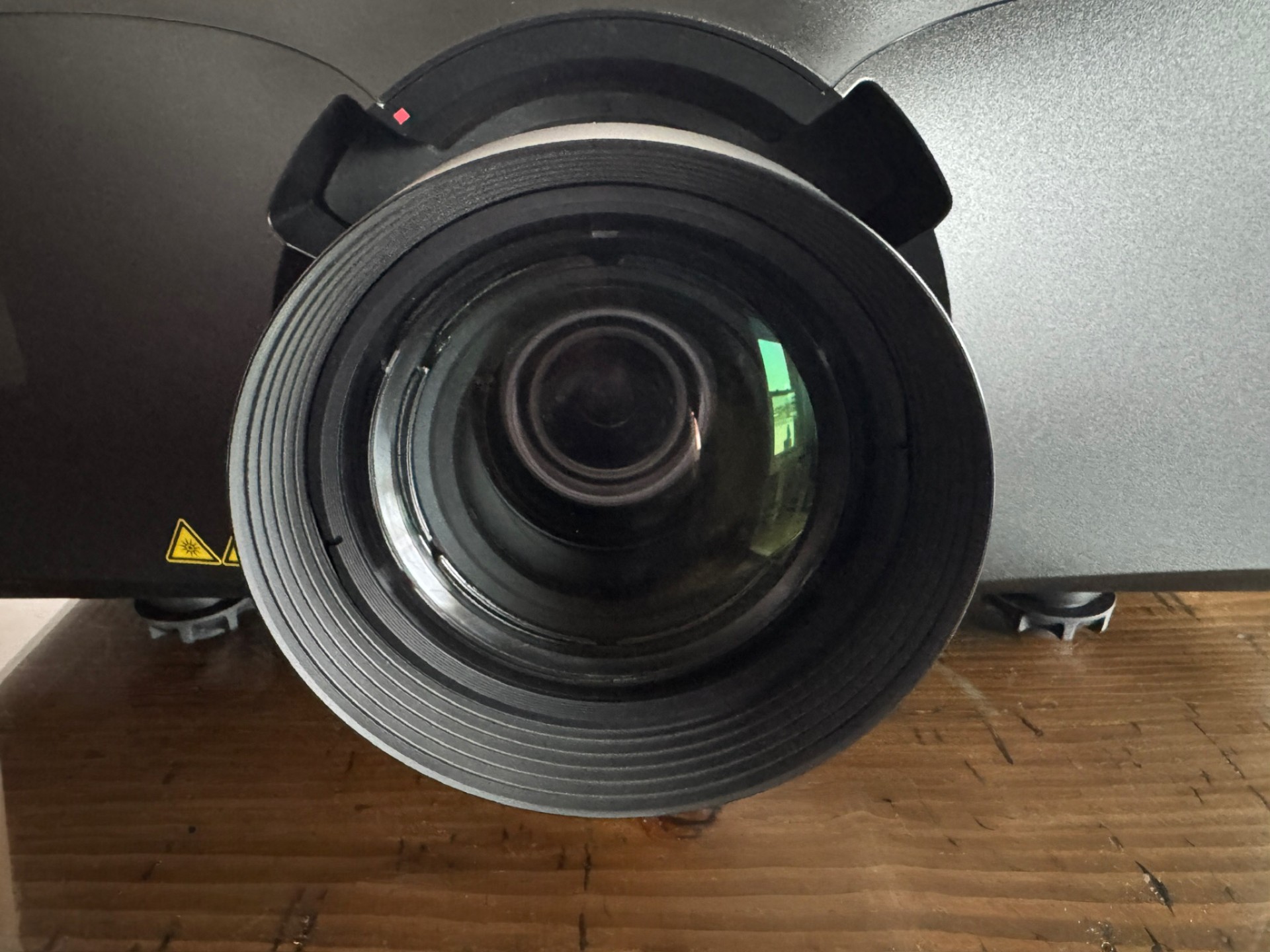
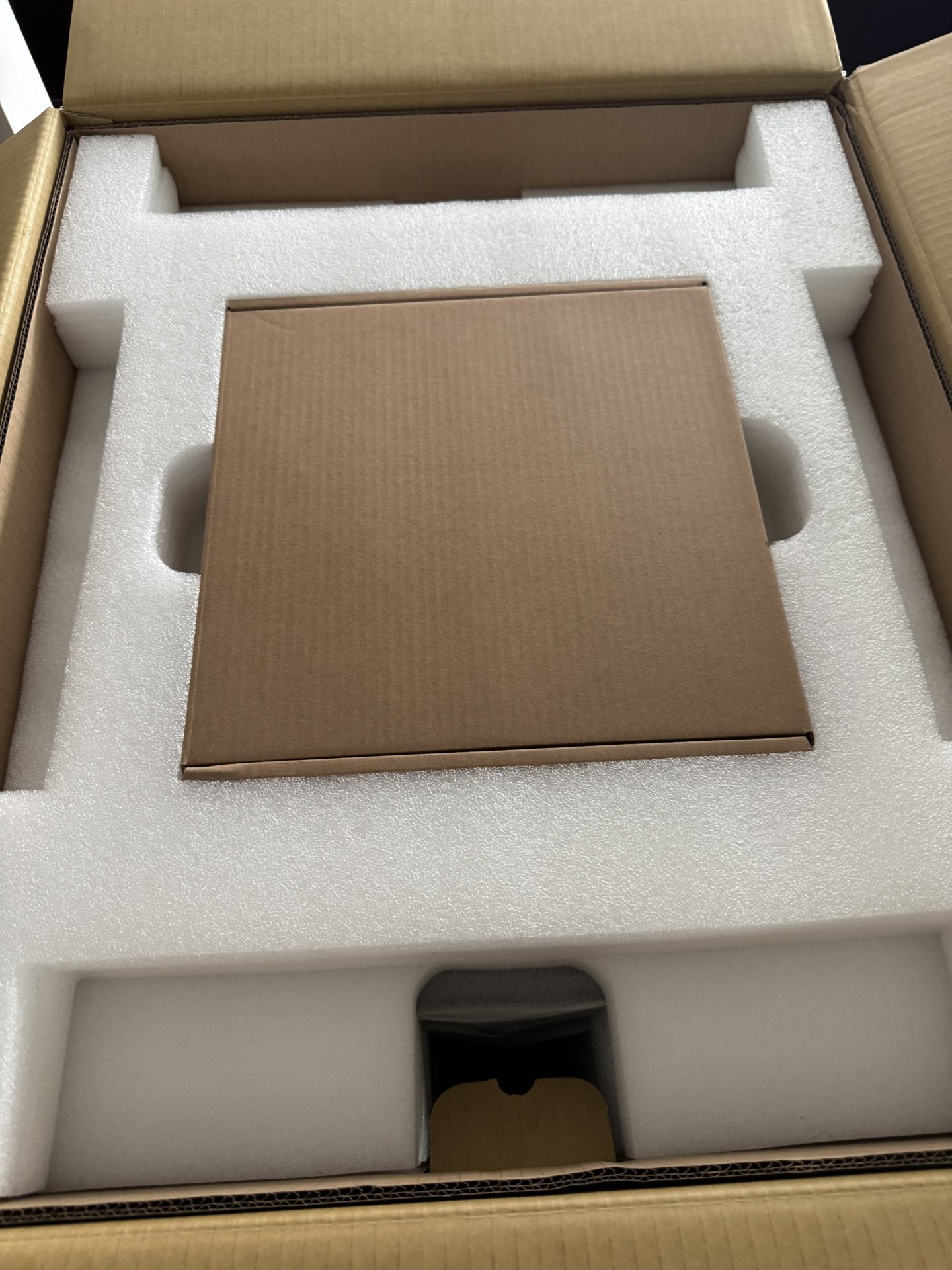
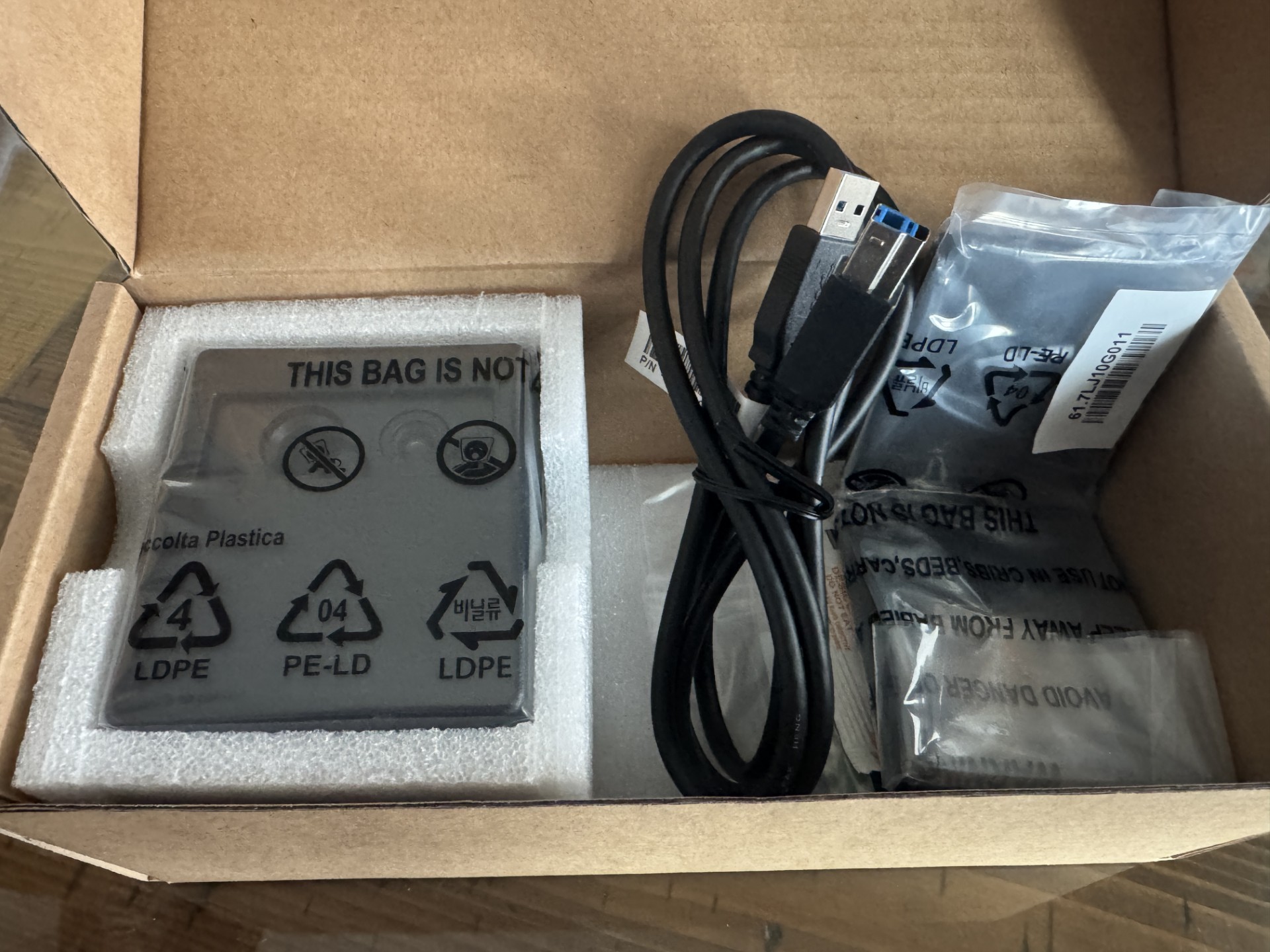
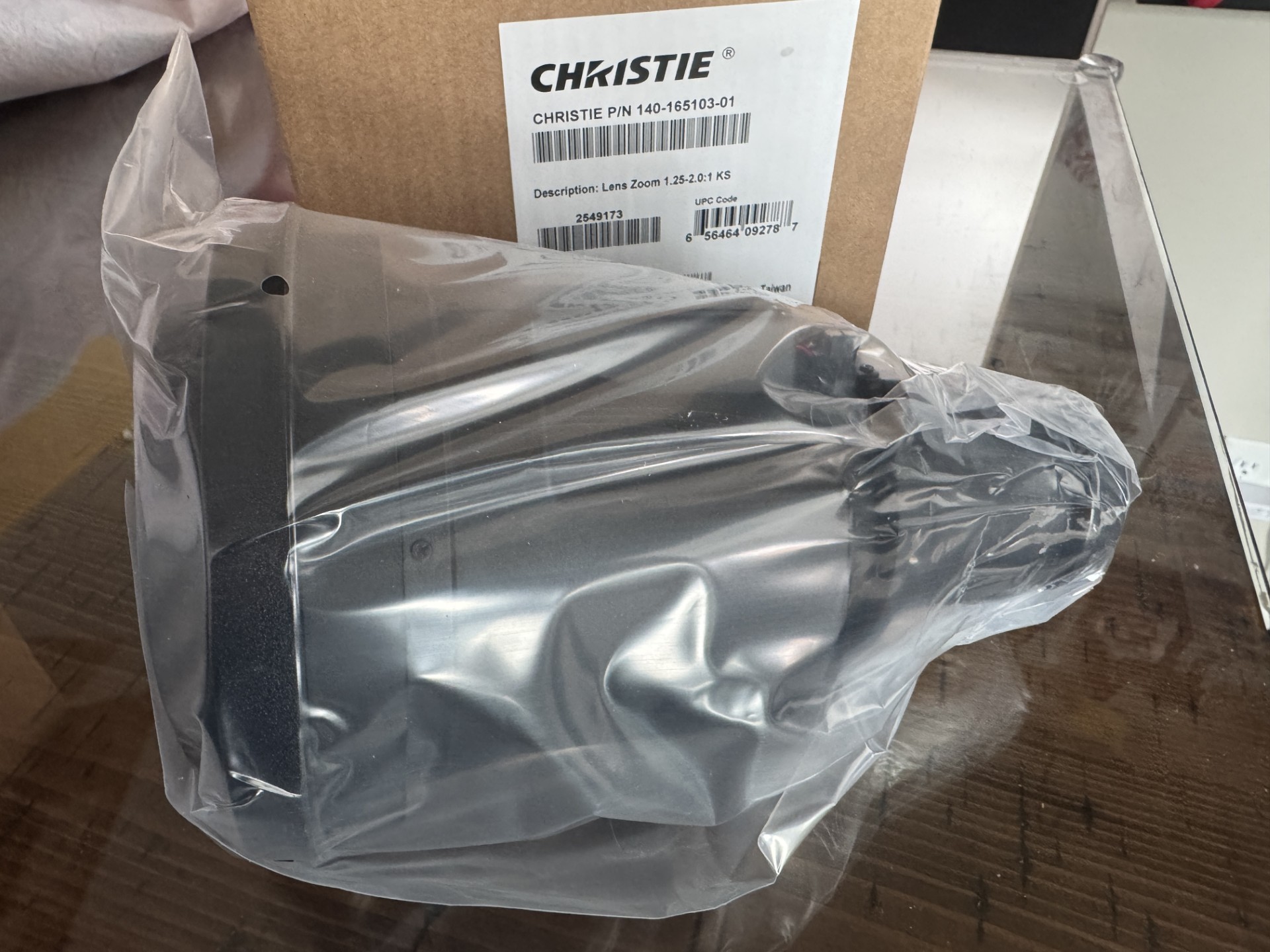
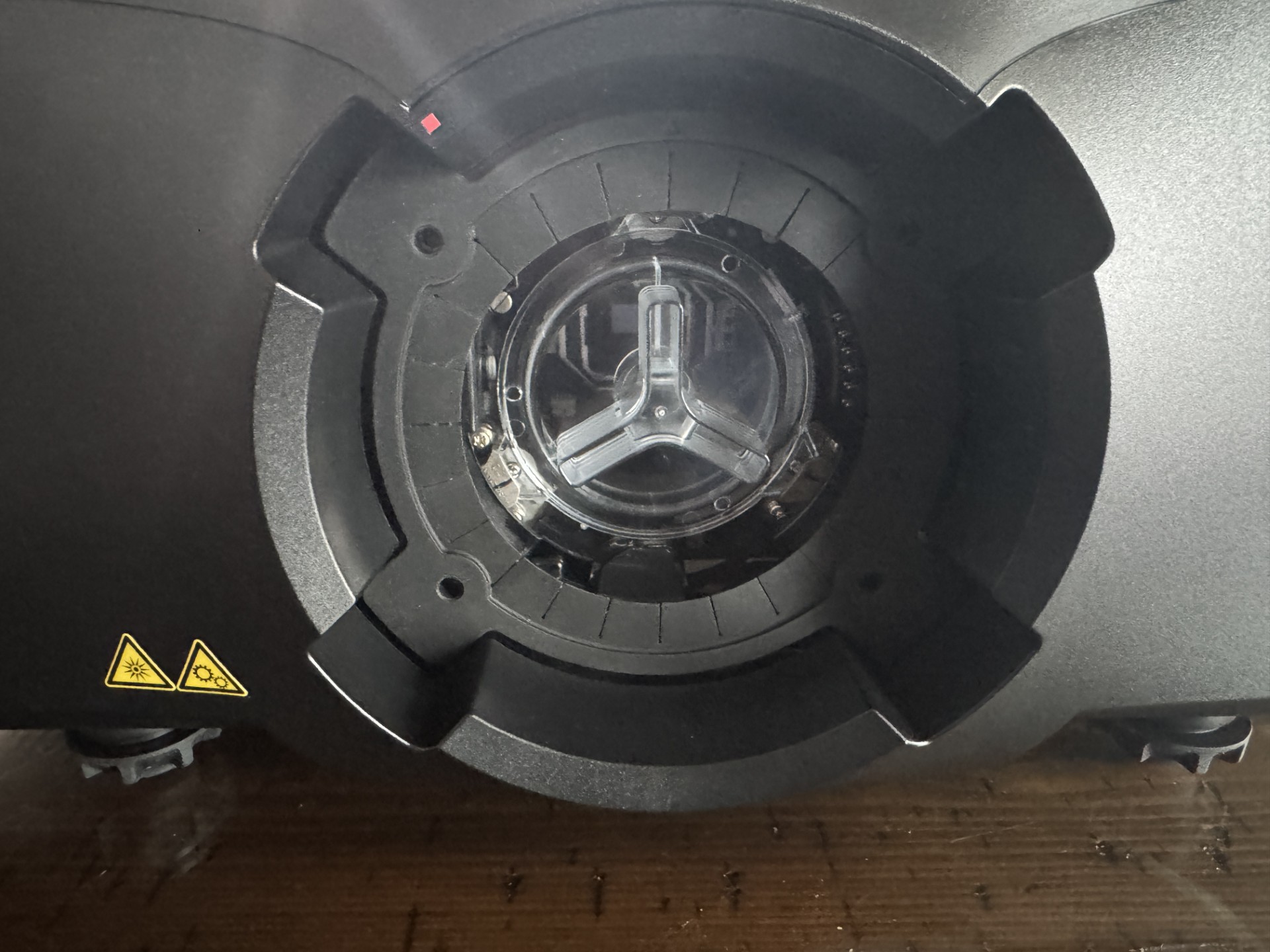
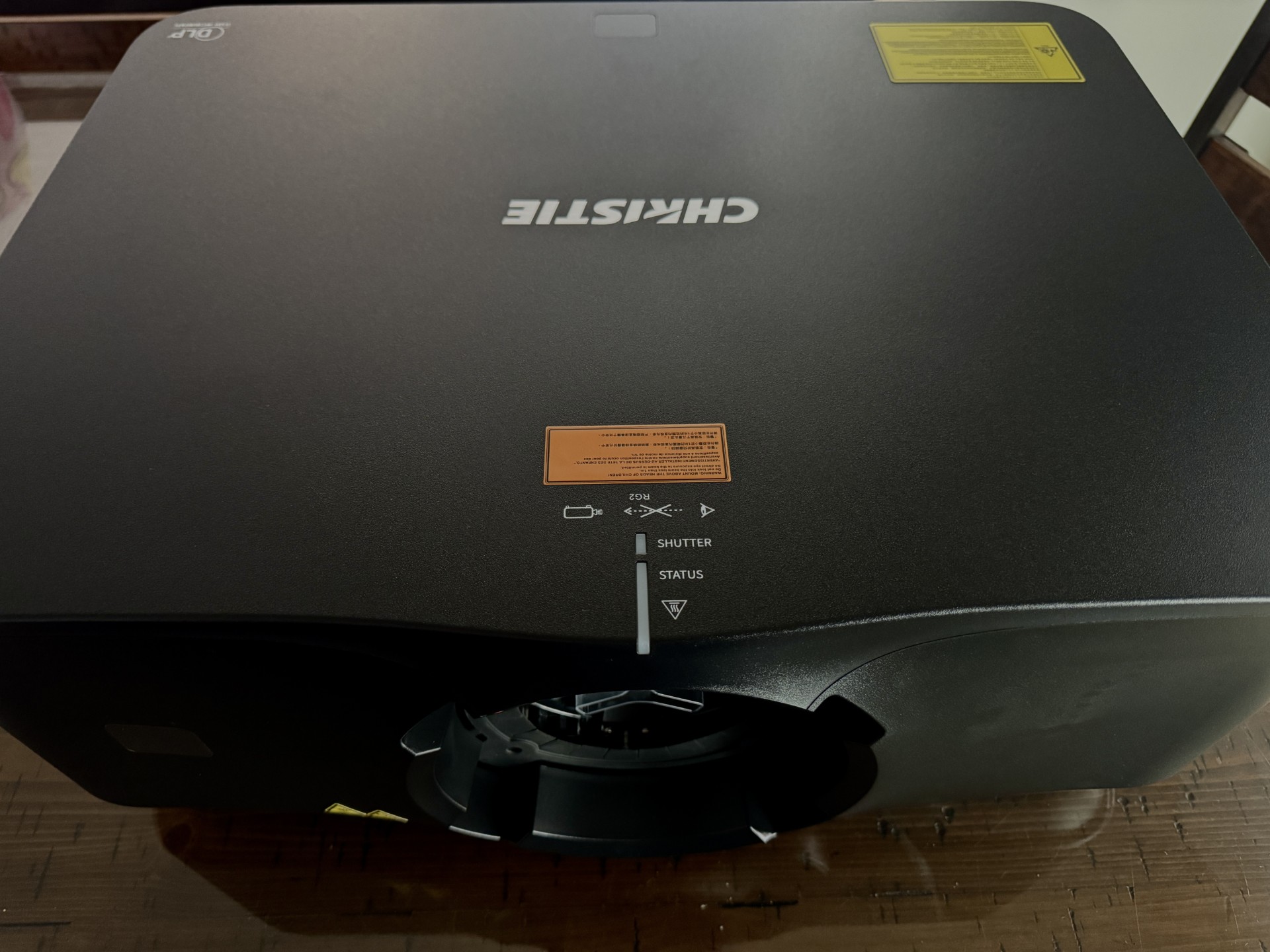
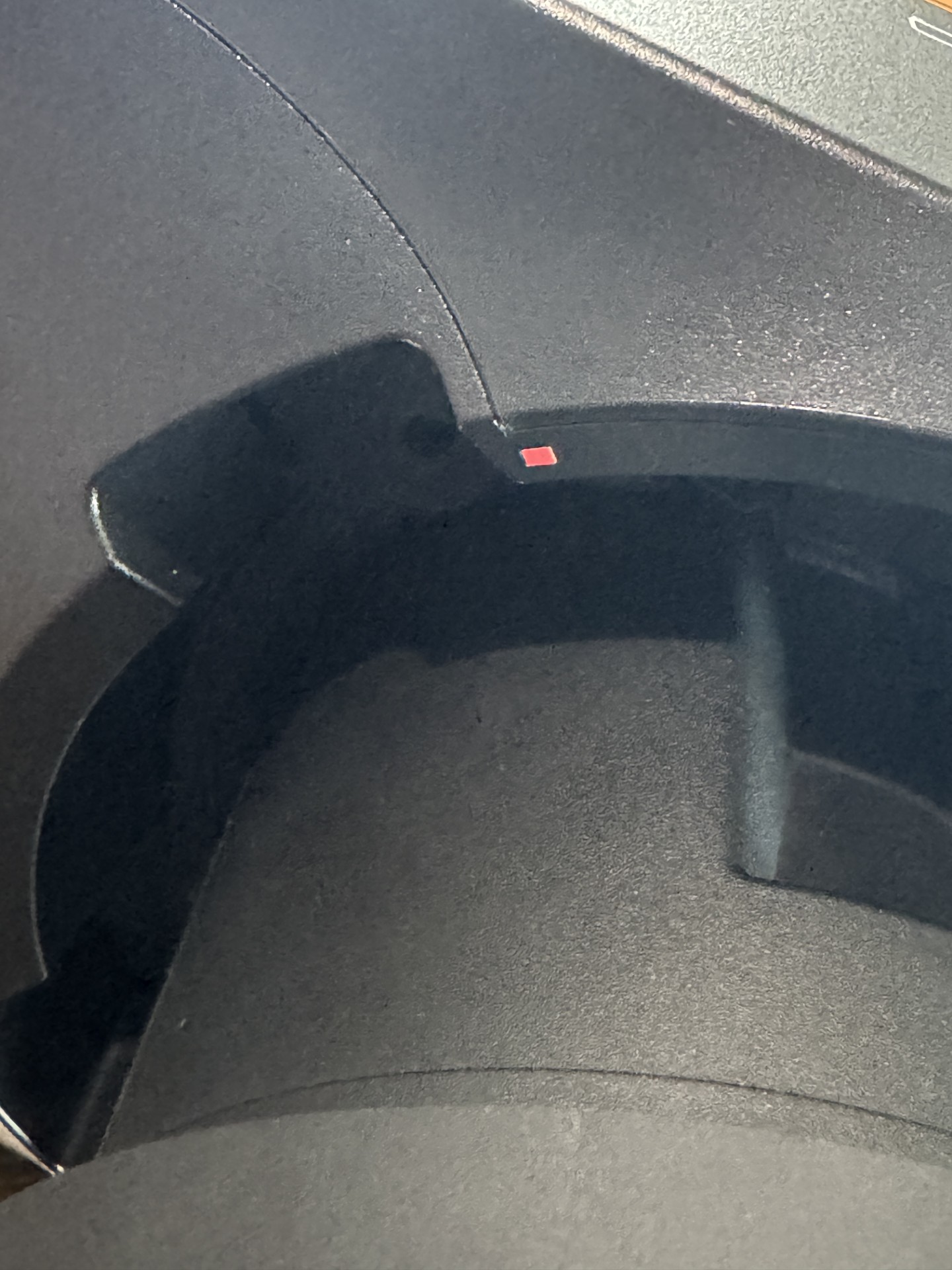
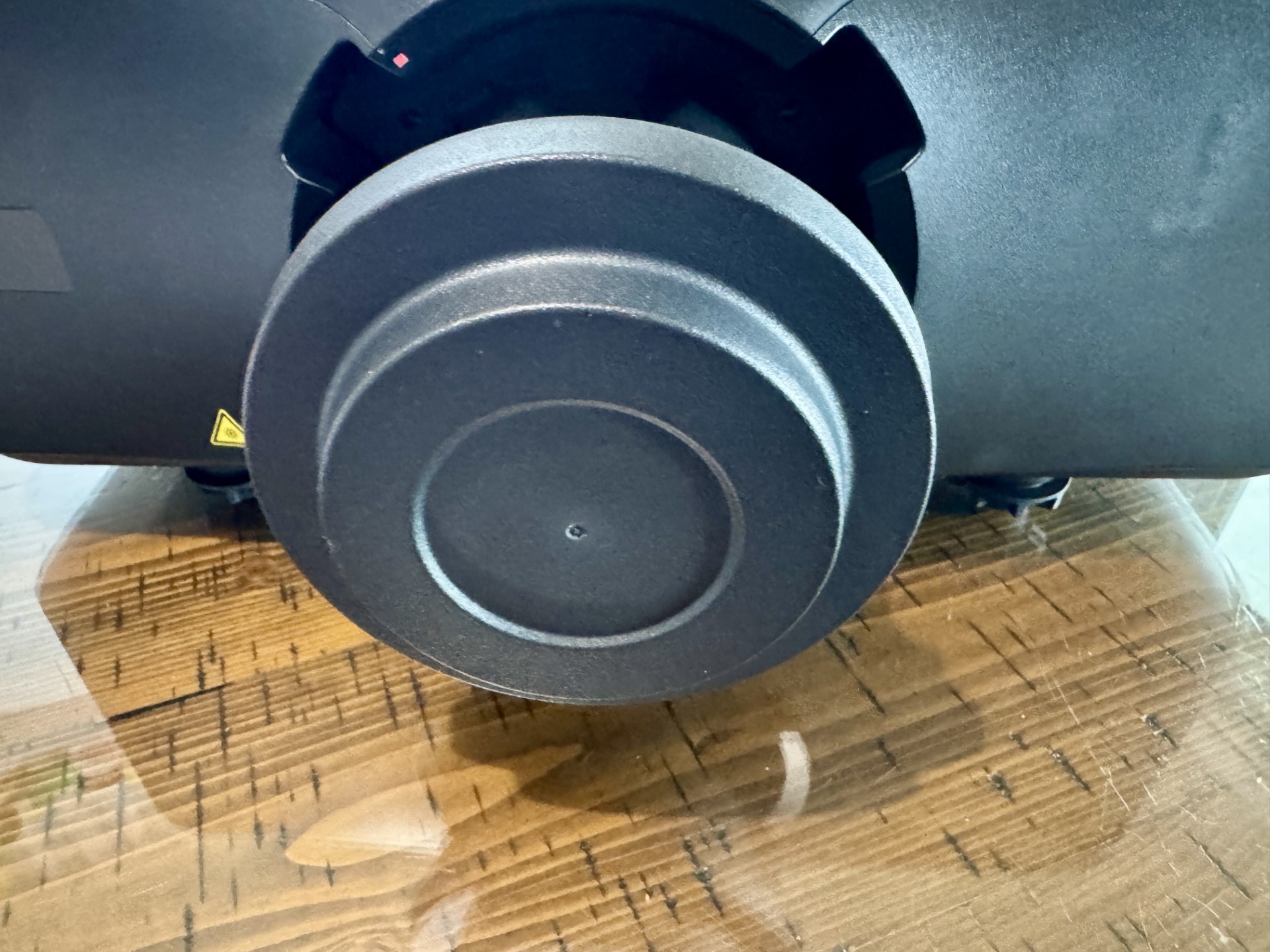
It just seemed about a year ago (actually it was) that I was just planning to do a brief audition of the Christie 4K860. We all know how that turned out. Fast forward until now and I am elated to Review the new Christie KORUS 4K1000. When it showed up I had everything ready except my ceiling mount. I was planning to use the same I did with the 4K860 but found out a peerless model was better for the job. The 4K1000 is larger and built more like a small tank in comparison. Those that have never had a projector come with a separate lens do not be intimidated. This was very easy to install. In the pics below you will see the small red squares (almost like dots) on the projector and the lens. You simply line them up and then a few inches of turning to the right (clockwise) and it clicks into place. Super easy. Just make sure you remove the rubber protective cap on the lens end that connects inside your projector. The 4K1000 came neatly packaged and you could tell they paid attention to them shipping safely.
CHRISTIE KORUS 4K1000 REVIEW
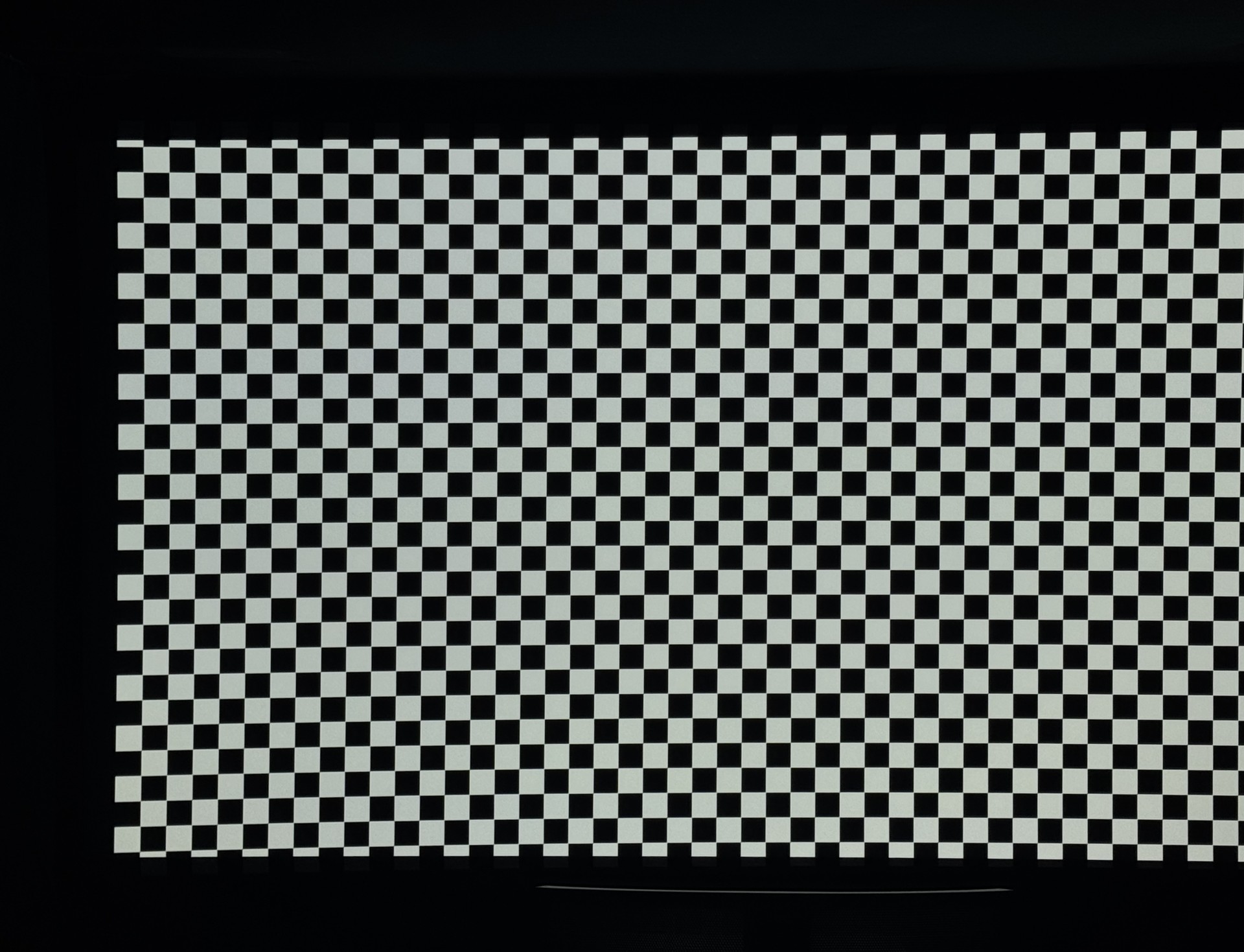
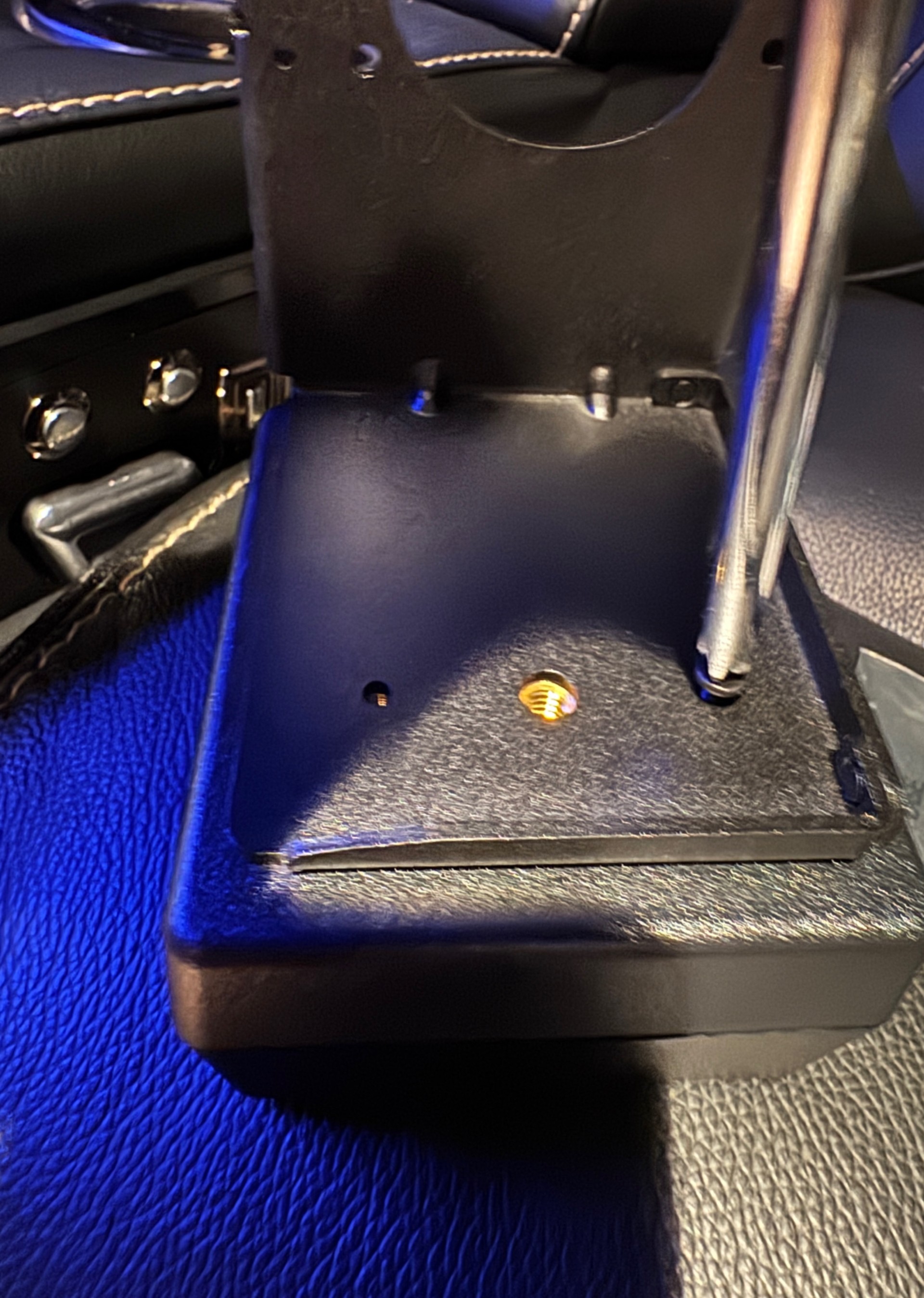
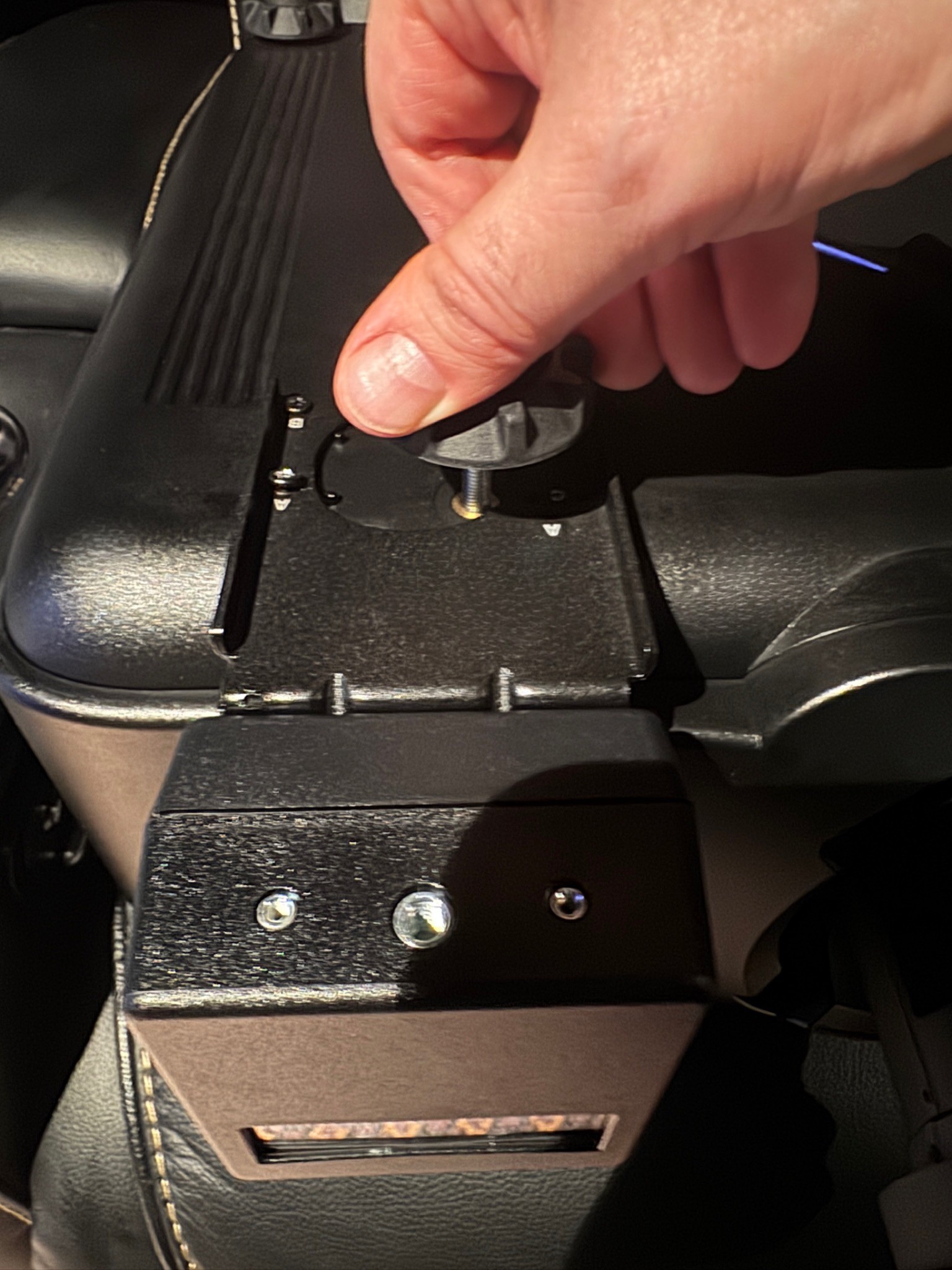
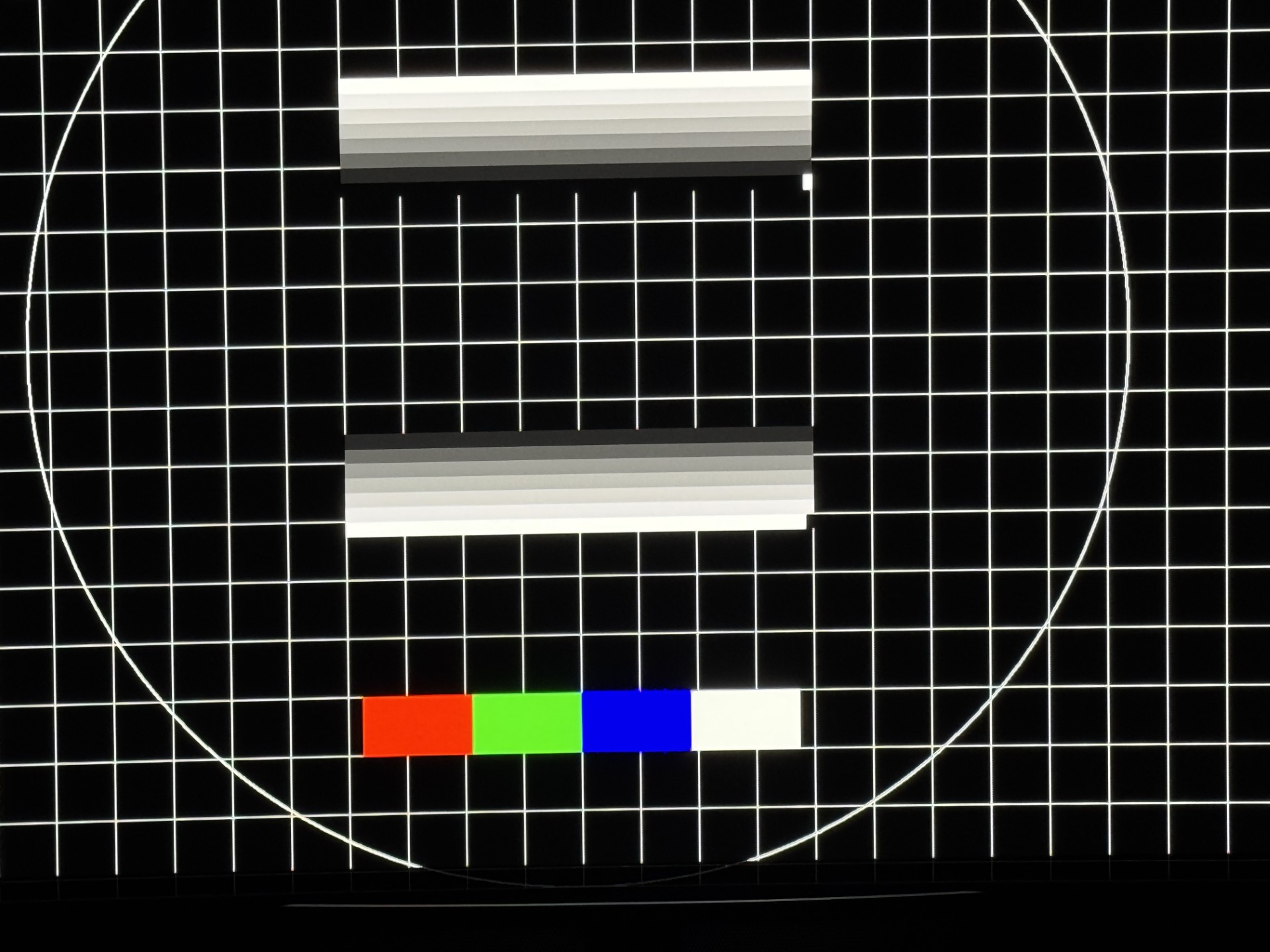
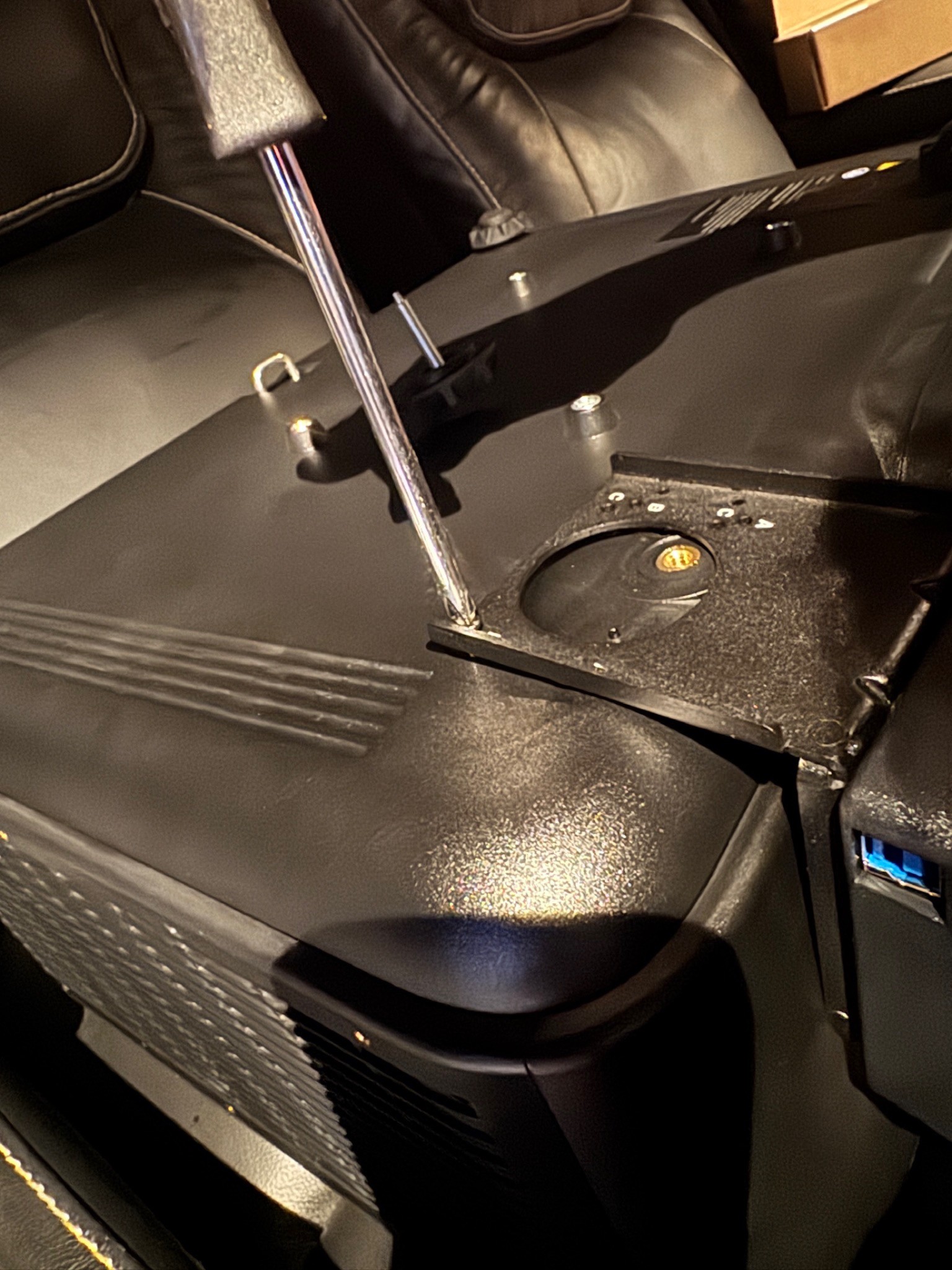
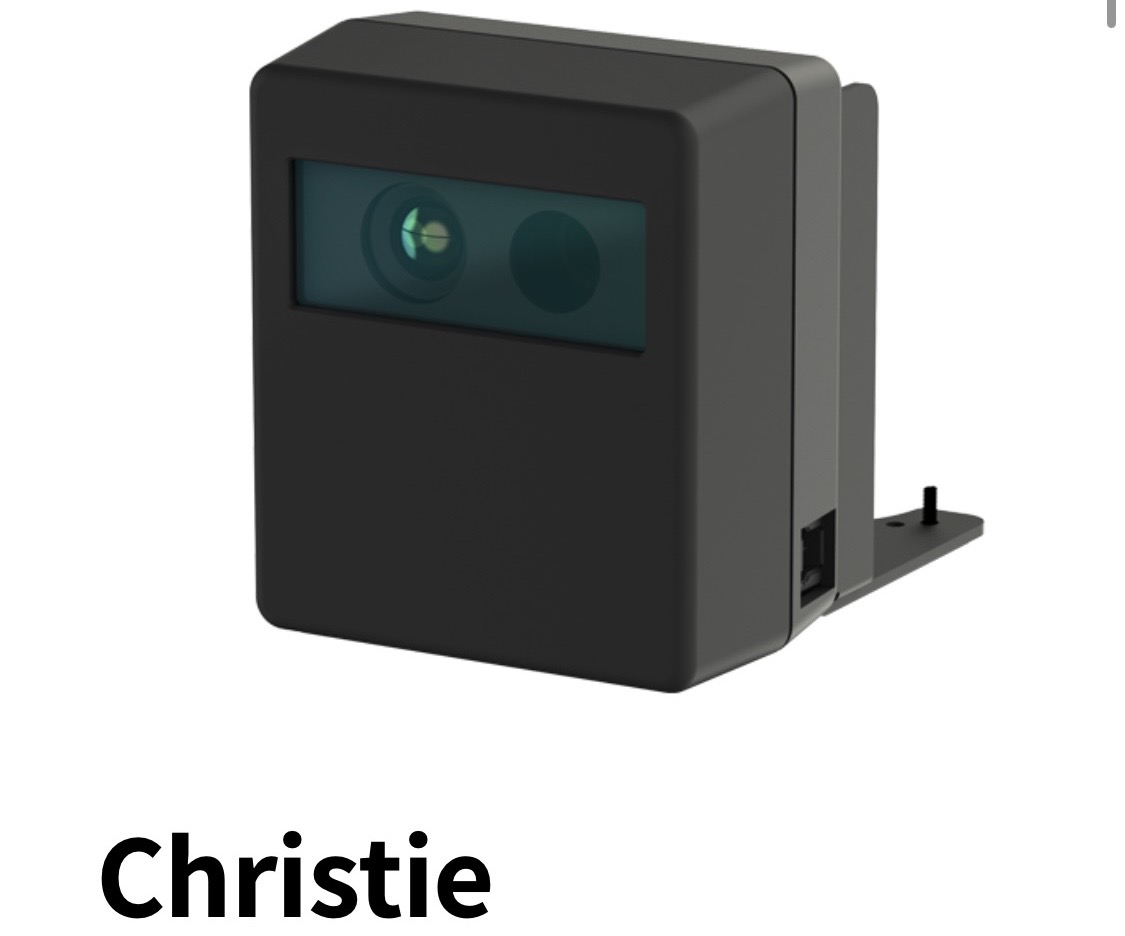




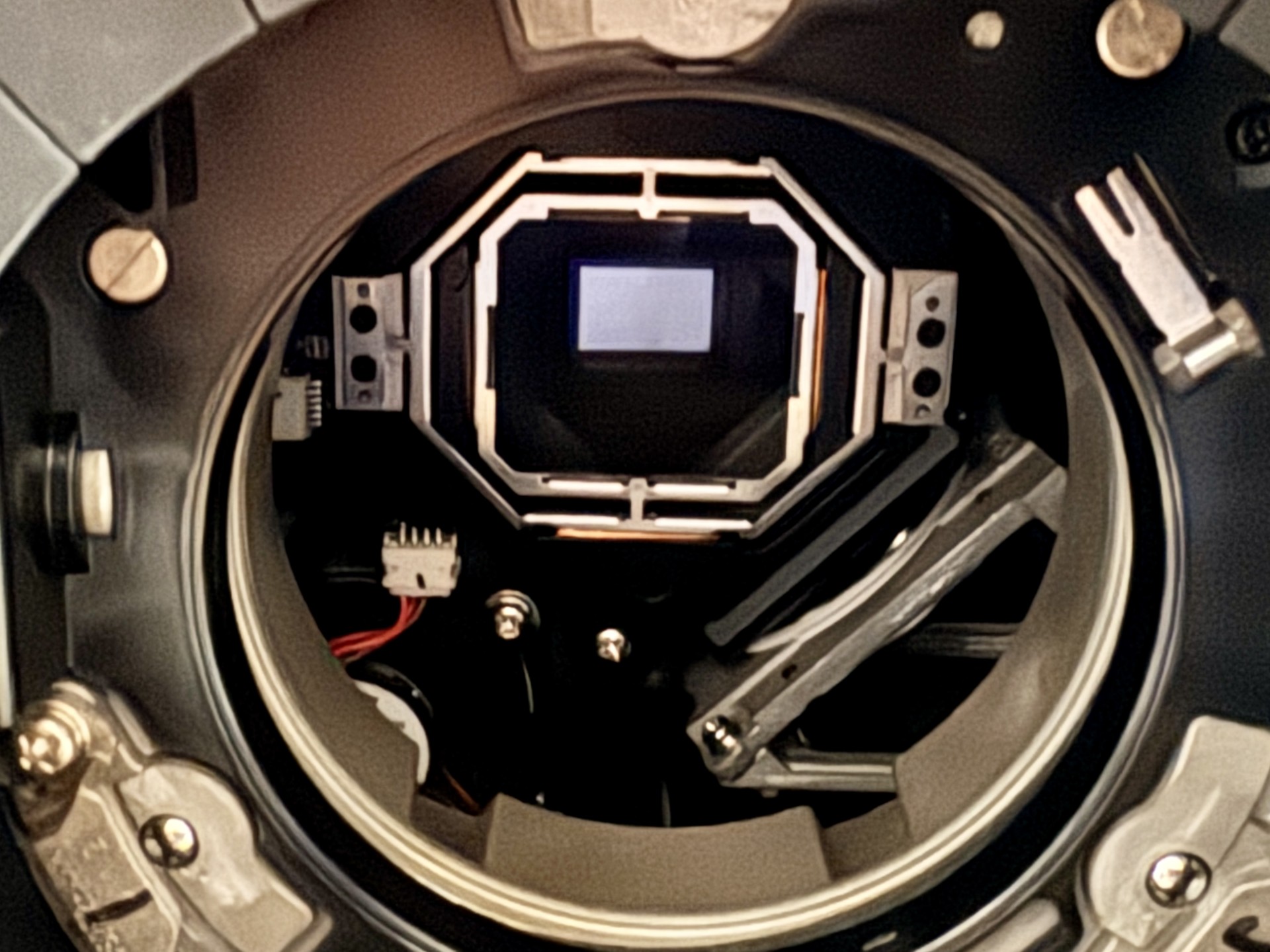
Diving deeper into the Christie CiC (Intelligent Camera) it is very easy to install. You remove a foot on the bottom and the camera is then attached to the L bracket by screws. Then you attach the L bracket to the 4K1000 and then finally you put the foot back on. All of these steps are in the pics below. The CiC allows you to "super" focus the image. Making it razor sharp! I always thought of myself as very good at
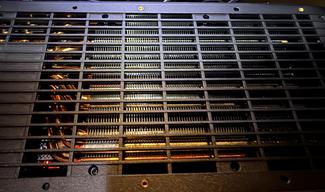
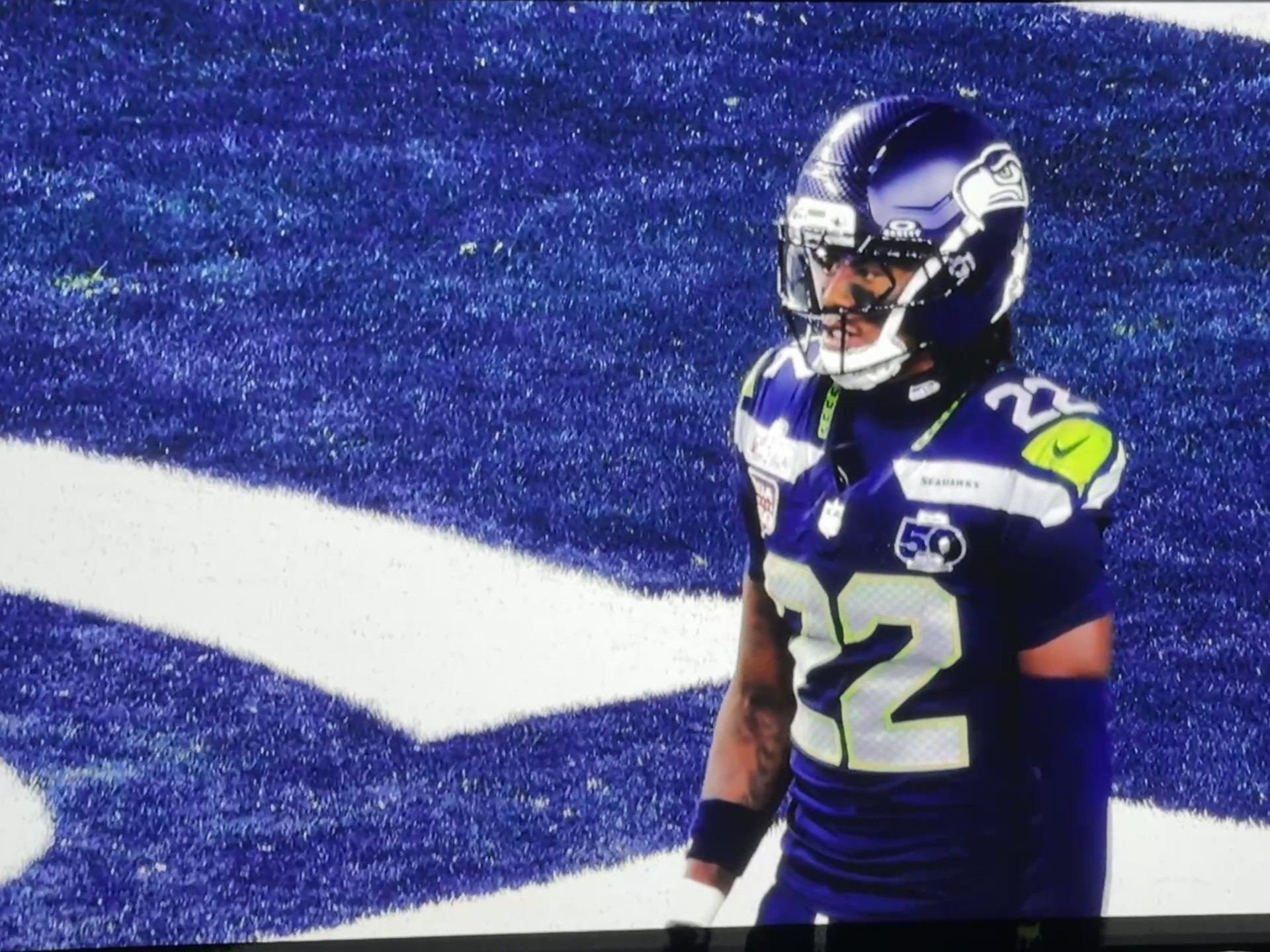
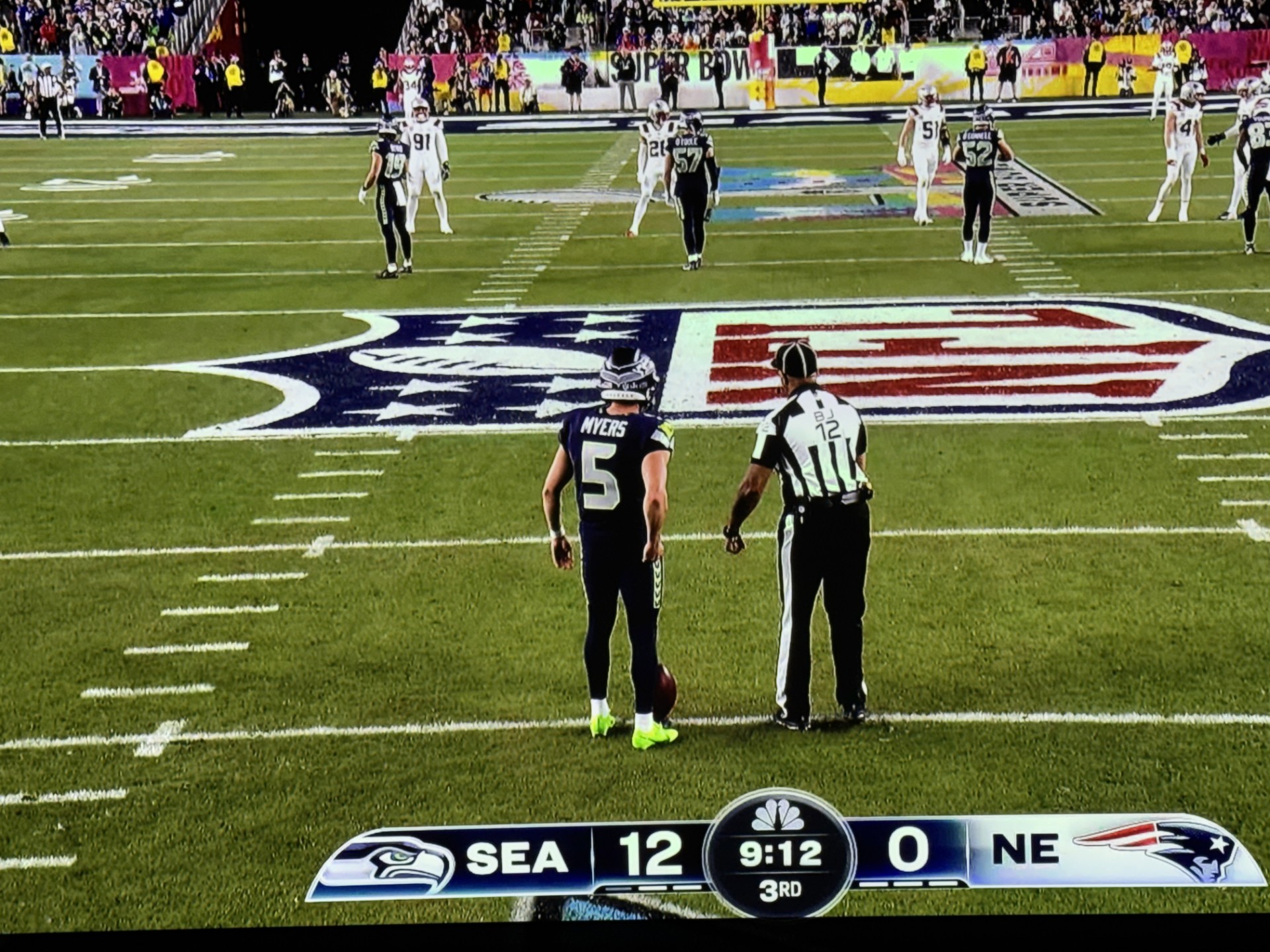
dialing it in but the CiC was next level! It will also help with color uniformity. I will say it is really amazing having the little camera do some of the heavy lifting for you when it comes to tweaking the image. I have been asked if it is worth it and I consider it an essential need with the 4K1000 or projectors. I like being able to do a hard Focus adjustment whenever I have a few minutes or before a group presentation. How cool is that? The checkerboard off to the left shows what happens during one of the CiC's sessions. The end result is eye pleasing. The right side of the projector blows air out. You can see it in the image. It is not hot air. Even on for four hours during the Super Bowl it wasn't hot. Maybe mildly warm? We can get into settings, and the remote next...
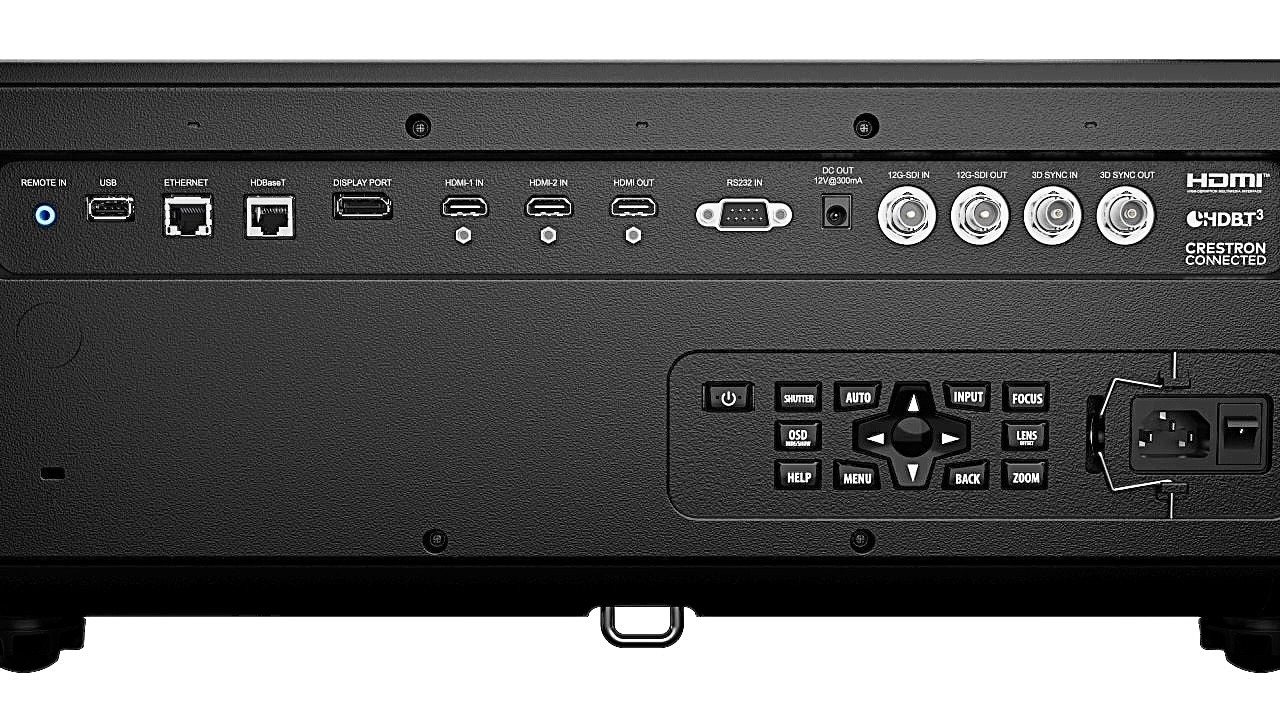
Looking at the back of the KORUS it is very much just like the 4K860 I reviewed. You get two HDMI inputs and an output. We get 3D sync Out (more on that later) and In and you get ethernet and USB connection (for your CiC to plug into) as well as others. When you use your remote the back panel lights up but that can be turned off if you find it distracting. Christie has put the best of the 4K860 into their new KORUS body and it works!
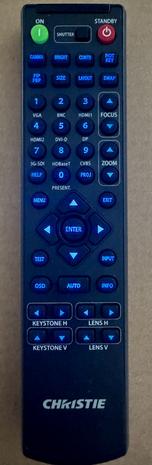
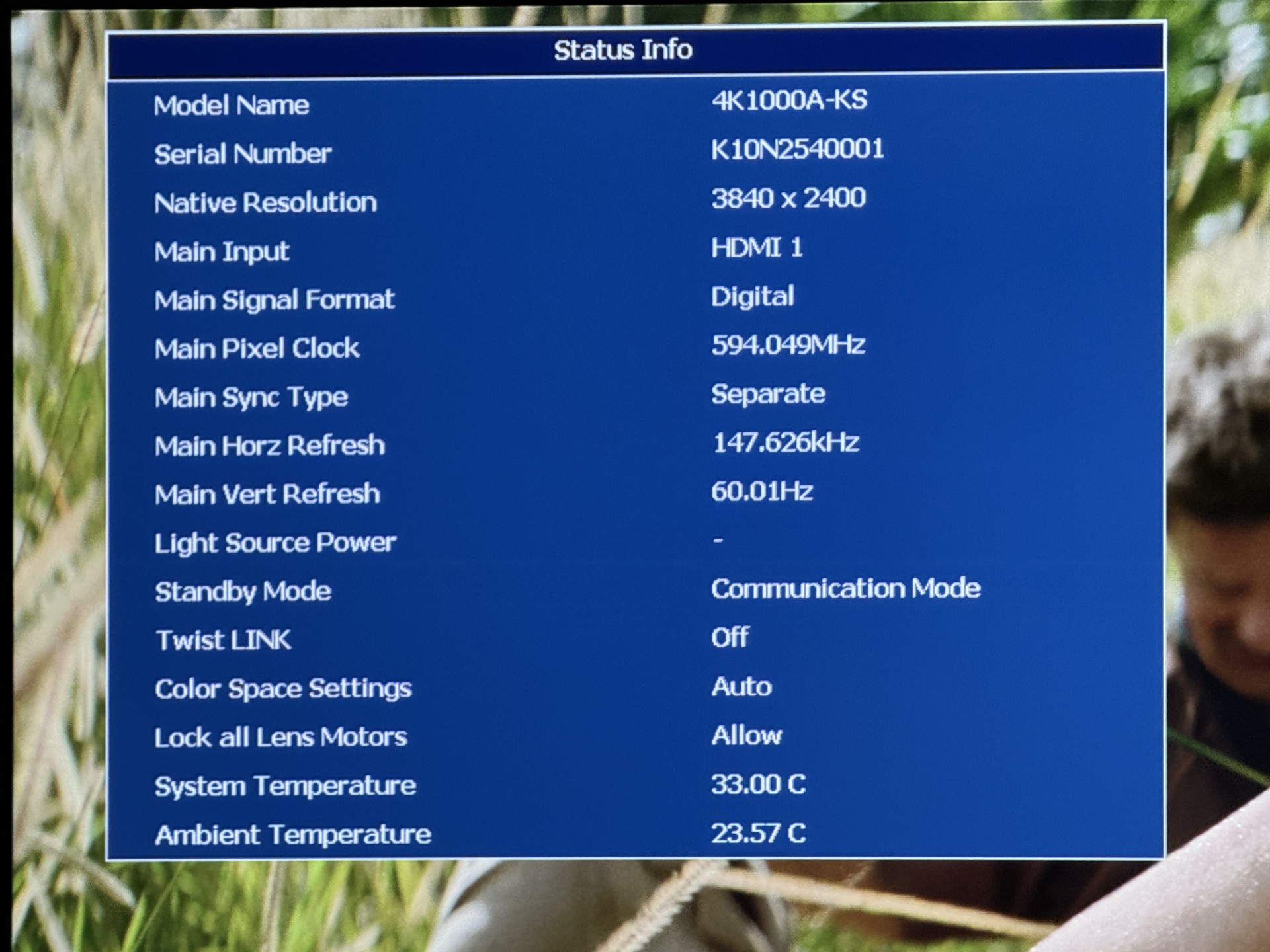
Same remote as the 4K860 so I am going to say the exact same thing: I love being able to have direct access to Zoom and Focus adjustments. Also Lens Horizontal and Lens Vertical adjusting too. Besides the direct button commands for each input we also get a Hot Key (which you can pick your own command.) I selected the "Details" feature which comes in Normal, High and Maximize options. Depending on what we're watching I either prefer Normal and High. Another nice button is the Info command which tells us everything going into the 4K1000 and everything about it. Besides resolution, refresh rates and color space you see a communications box. This shows you if you're connected to the internet and also shows your IP address, Gateway, etc. You can also see your Light Source Information with total projection hours and total LD hours. The amount of time the unit is on with the amount of time your Laser is on off. I almost forgot you also get Gamma, bright and contrast settings and a Shutter or hide the image button.
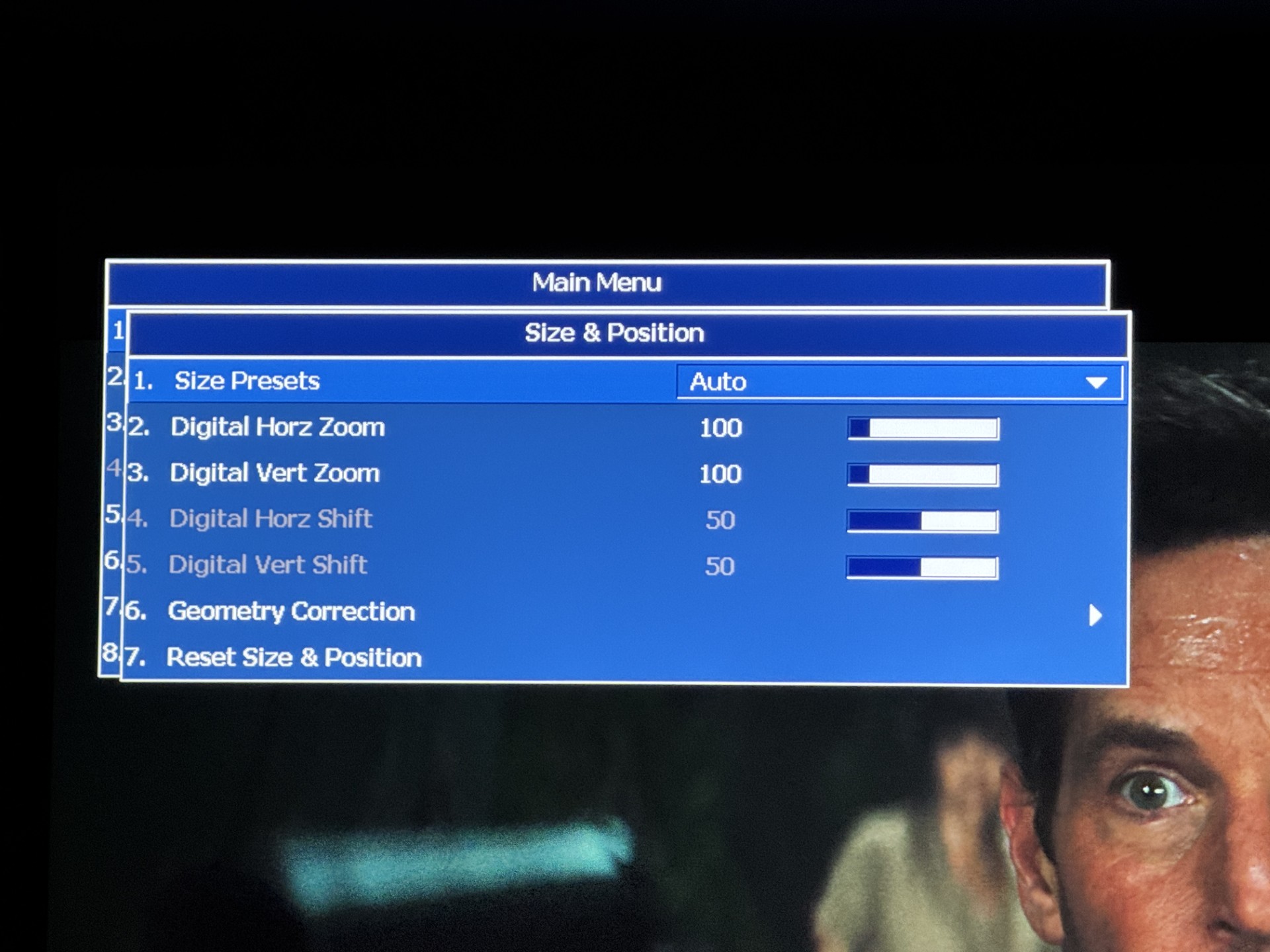
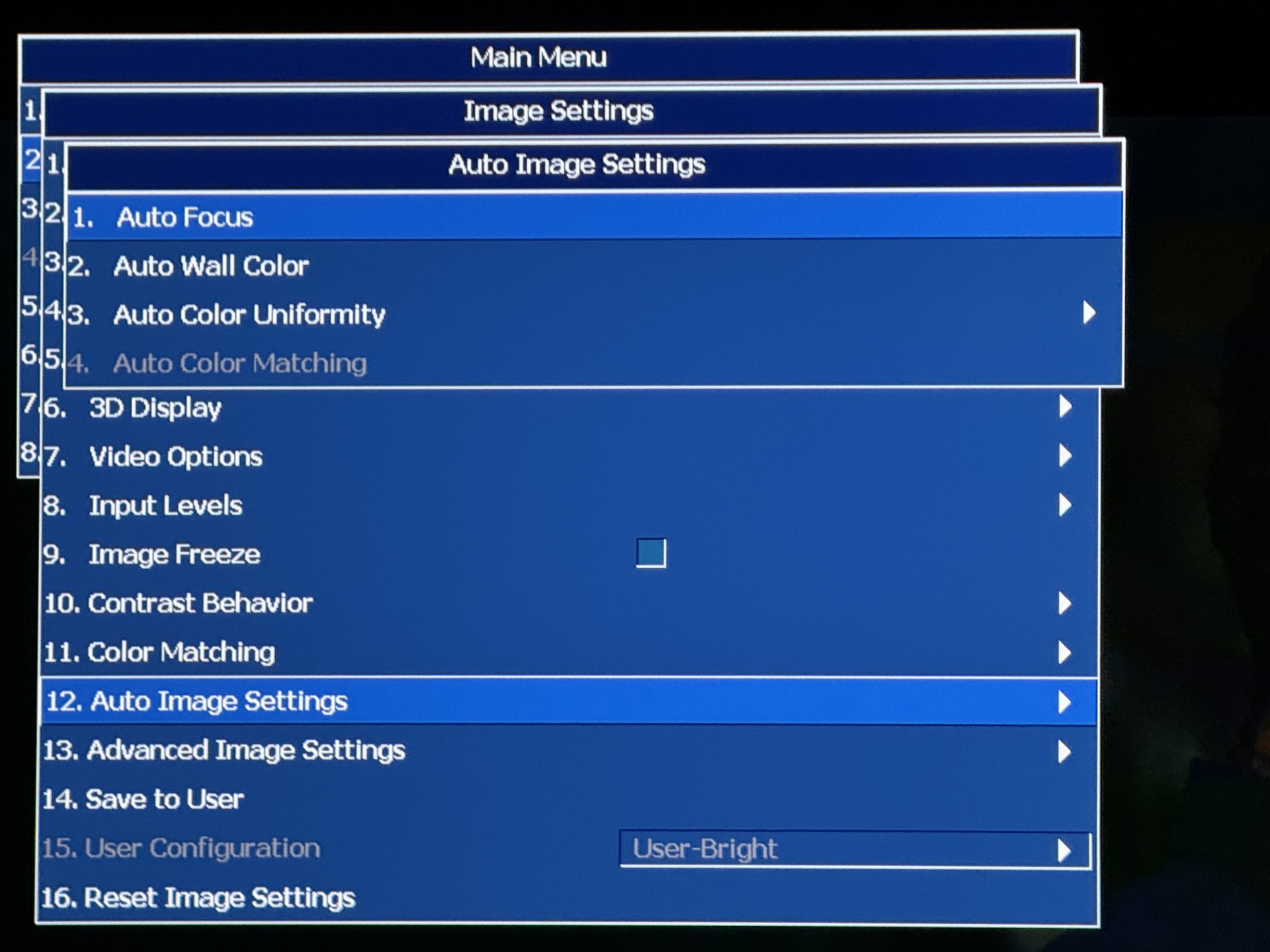
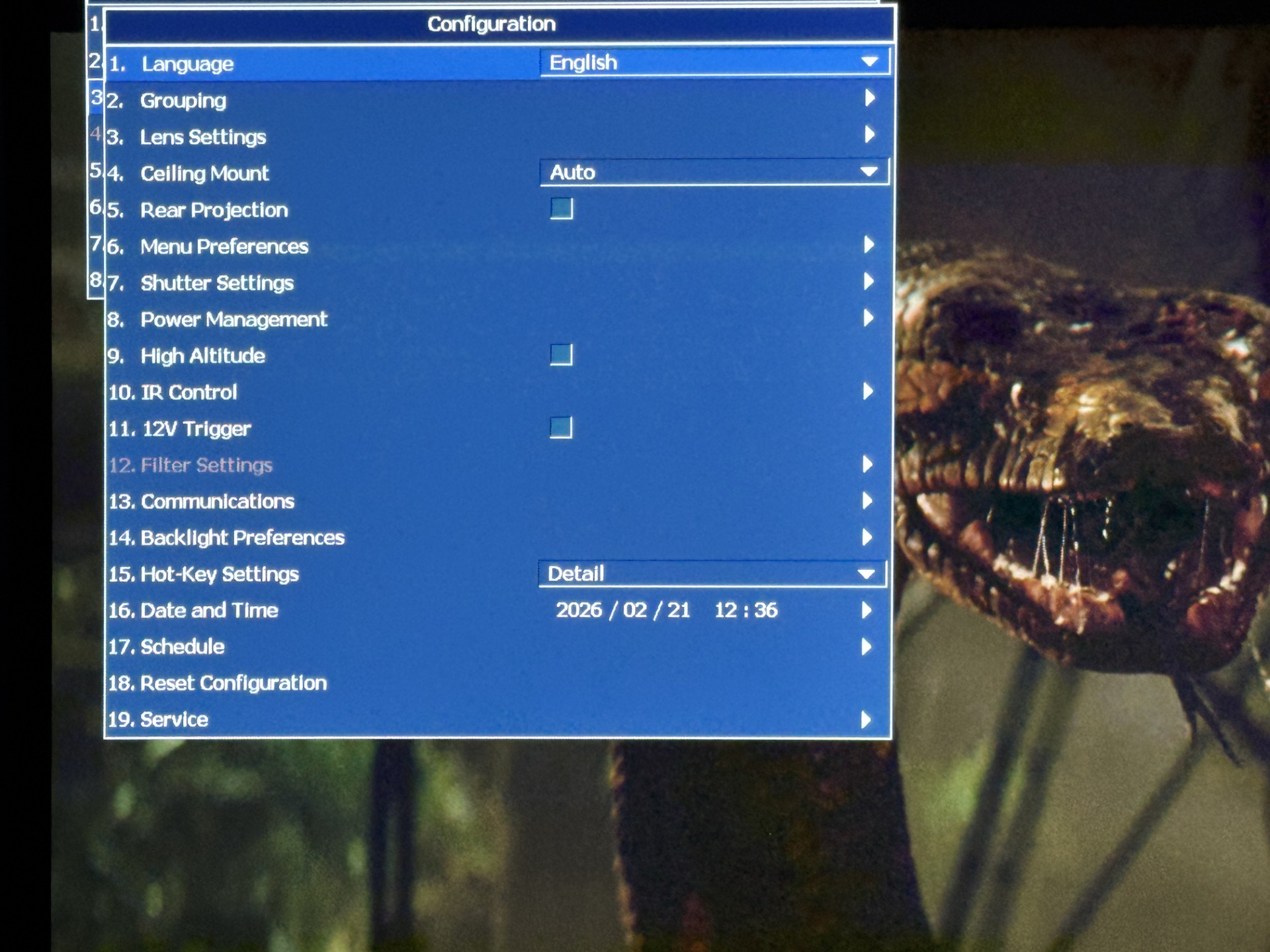
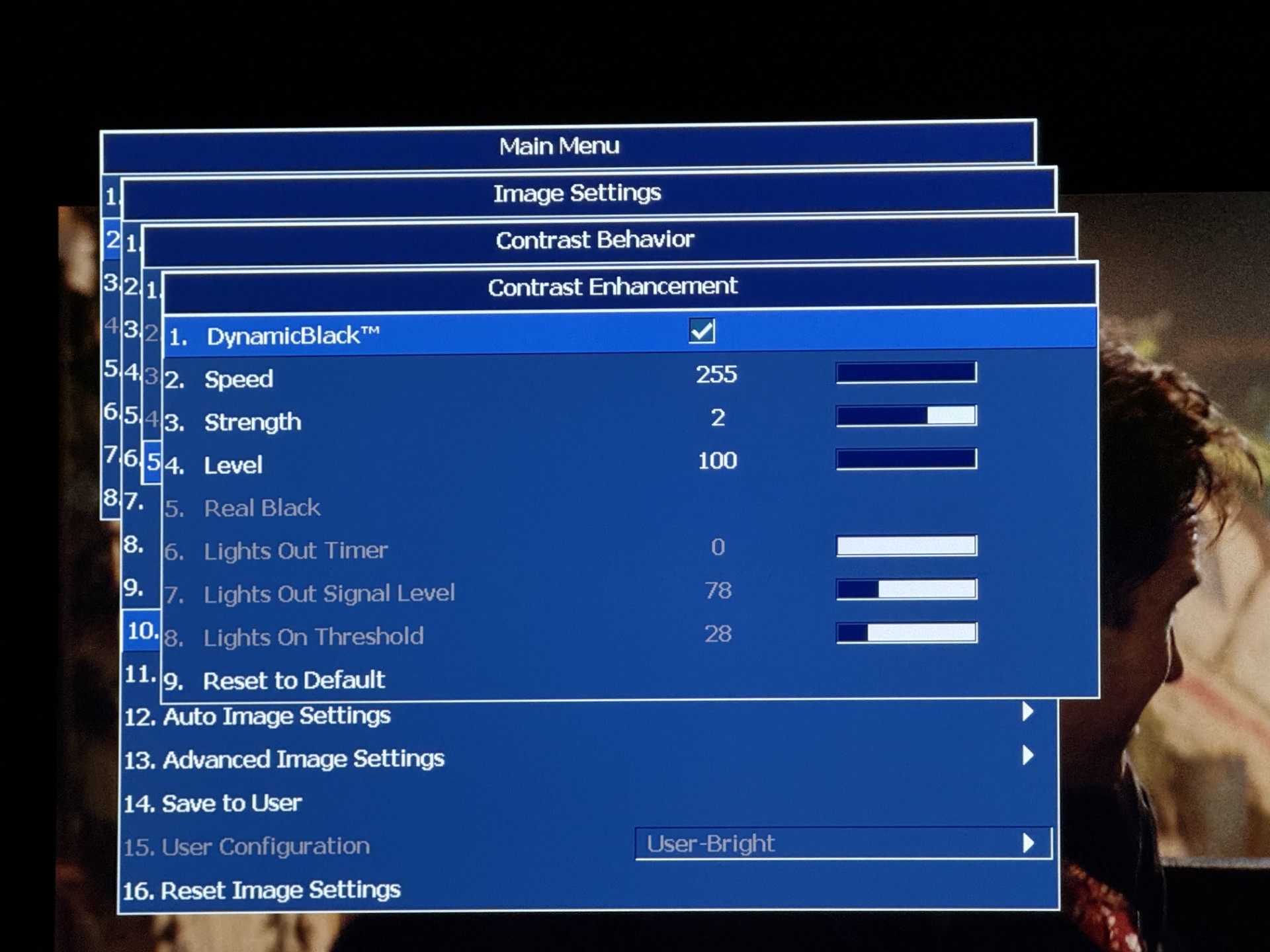
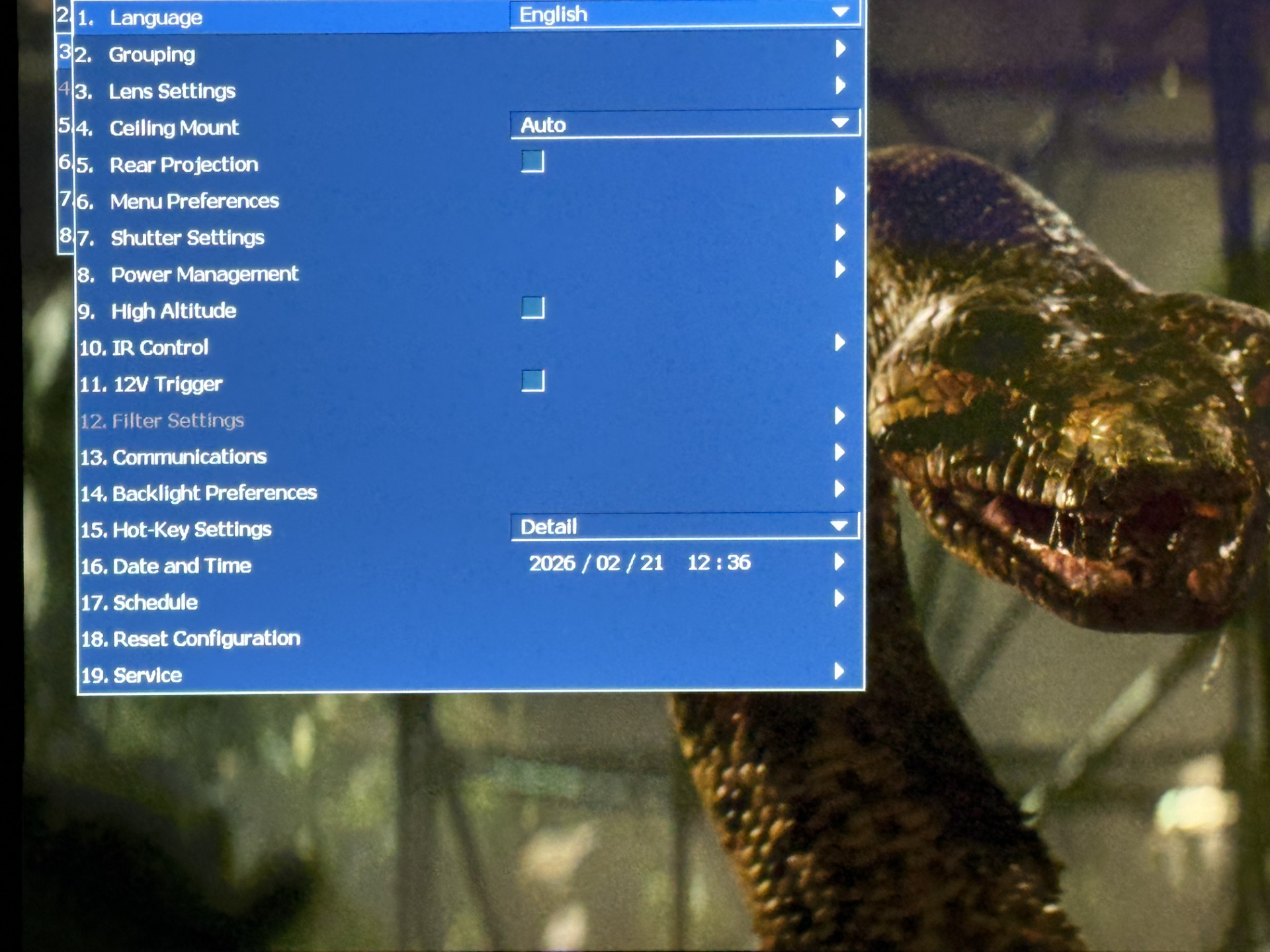
Looking at the settings above it is of course again very similar to the 4K860. As of now the PiP (picture in picture) option is not available. I will have to ask if that will be made available in an update. Not that it is a deal breaker but it made the 4K860 more flexible. Now the other settings are all there. I will say I have been asked about Lens Memory and I have not had any issues setting it and testing it on a few of the Memory slots (you can save uo to 5 spots.) Going over the settings, I will point out that under Dynamic Black the Speed setting is not accurate in the manual. They have its default set to 1 with indicating the scale is 1-15 but the actual scale is 1-255. The default is 1 which should be 255 like the 4K860. On the slowest setting of 1 you can see the adjustment happening more often whereas at the setting of 255 where the default should be it is nearly nonexistent as it adjust the light per scene. Of course they have a scale so there is plenty of adjusting to one's personal taste. Dynamic Black and Real Black are the two main contrast adjustments. Dynamic it seems has the most fans but Real Black does have a good following who enjoy their rooms going completely lights out! During those scenes you cannot even see your hand in front of your face. I personally would absolutely love an updated version that could possibly combine the modes. Maybe they could call it "Infinite" mode or "Absolute" mode? This would allow the deep, richness of Dynamic Black's mode while allowing it to do FFTIB (Full Fade to Infinity Black.) That would combine the best of both worlds. The other settings I prefer associated with both modes are above. These again are all personal taste. Experimenting is always good. It's great to have Level, Strength, Speed under the Dynamic Black mode and the various Light options under Christie's Real Black mode.
BT 2020
REC 709
Other key adjustments the 4K1000 has is its Picture settings. These are normally self-explanatory but with the 4K1000 and its very bright image it's smart to read what each one does. The Video setting which is my favorite is geared for Theater application. It sets the color temp to 6000k with 70% of maximum brightness. For movies for sure to my eyes this was hands down the best. The Bright mode is 100% all out brightness which can be used with your lights on all the way. Impressive yes! REC709 mode seemed suited for TV shows on Netflix or HULU. The color temp is at 6500k with 80% brightness. The 3D mode is obviously for 3D. More on that below. Now, depending on if you're using a Video Processor like a madVR or Lumagen there is a HDR mode. It will give the deepest blacks, brightest whites and vivid cinematic color using the REC2020 gamut. Now if you have a VP and it's doing HDR for you this mode will not be needed to be selected. It will "double" or "overdo" the HDR effect. You are better served selecting the Video mode and sitting back to a spectacular image. We also have a High Frame Rate mode which displays the image at 120hz. I also have to mention the User setting which can be selected to utilize the Christie Camera CiC's parameters. It can do Color Uniformity and Wall Color as well as Focus. I mainly appreciate the awesome job it does with its Focus talents. That image is right there or exceeding the sharpest image I have seen in my own theater to this date! Now if you are not using a VP you will have the ability to select HDR10 under the Contrast Behavior selections. This will give you the opportunity to then select the Level. Auto will automatically select the best levels or you can manually do it. Options are 500, 1000, 2000 or 4000 nits. The Custom Max Mastering Nits are adjustable 200-1000. The other mode which I am using with my madVR MK3 is the SDR Enhance selection. This is because my madVR is handling all of the HDR parameters.
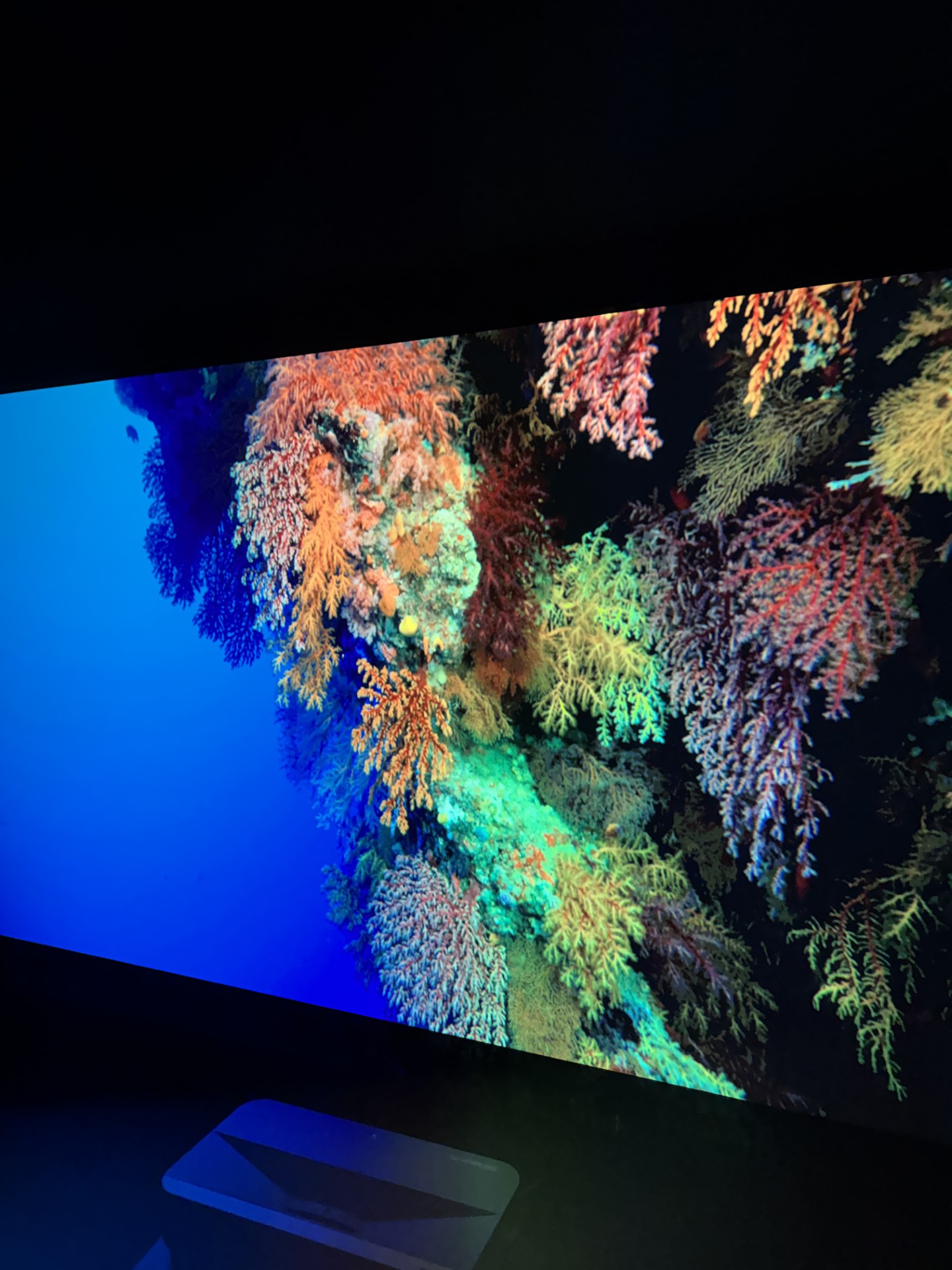
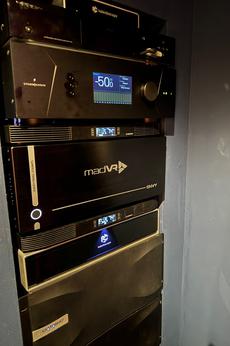
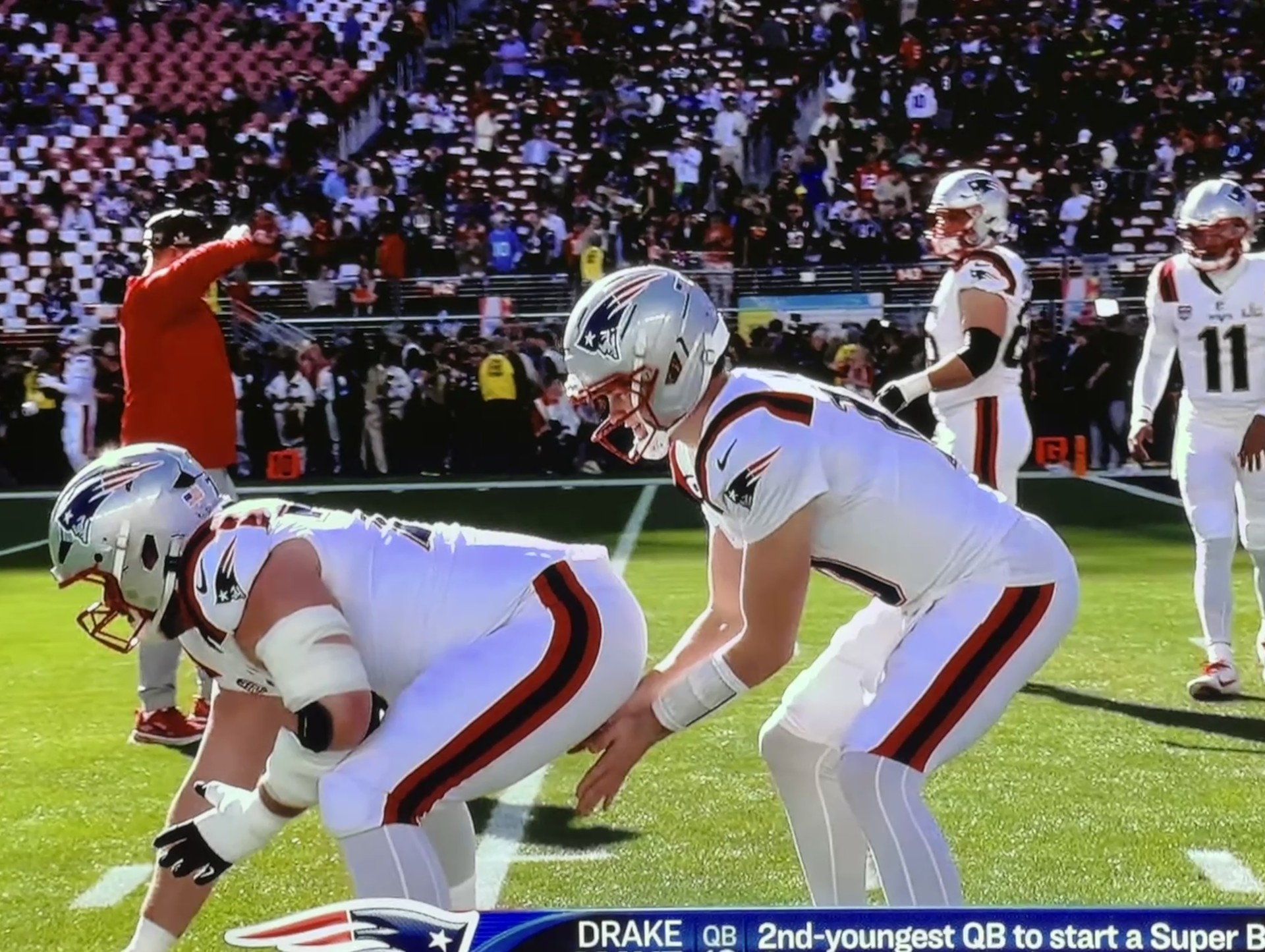
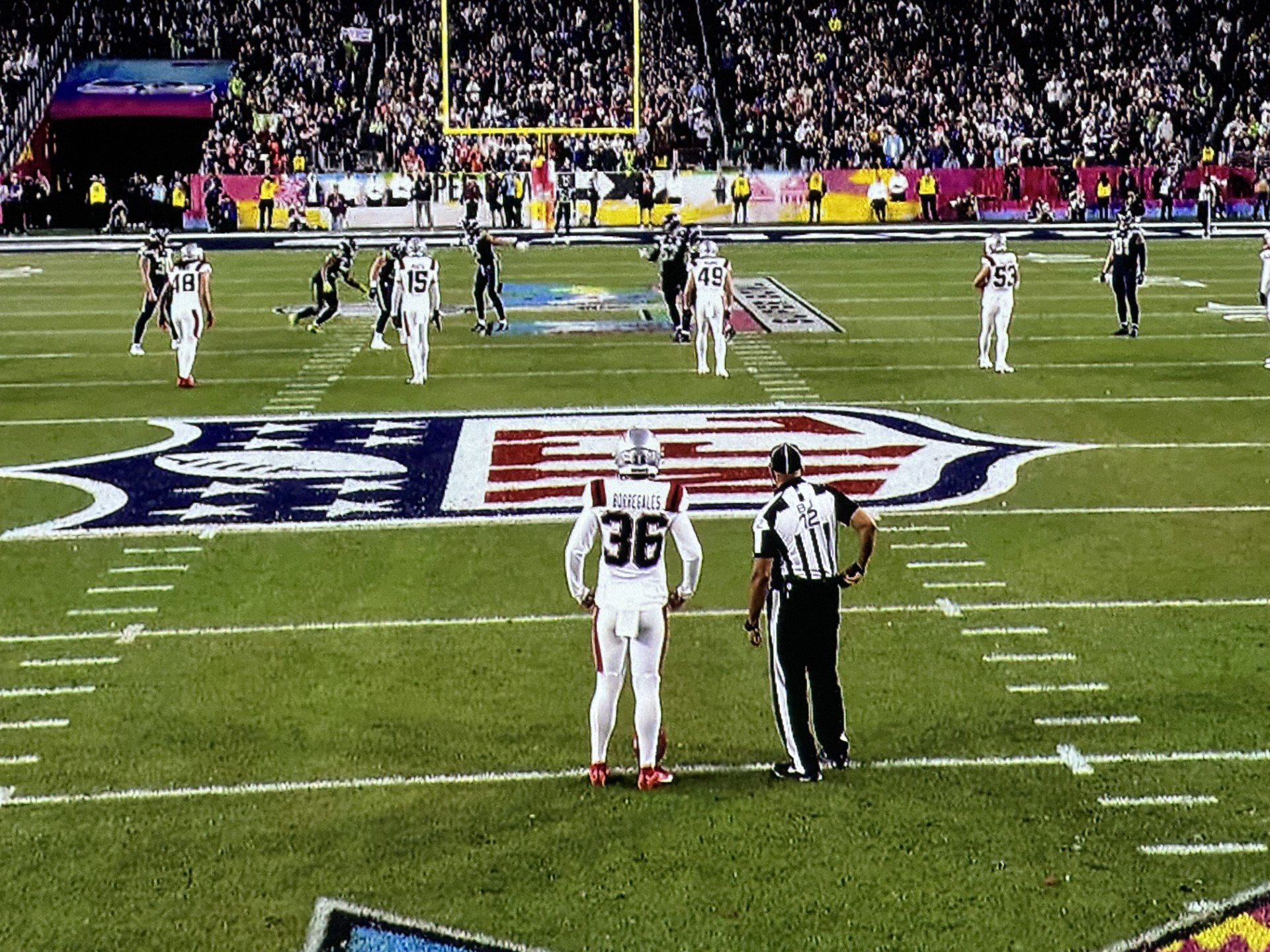
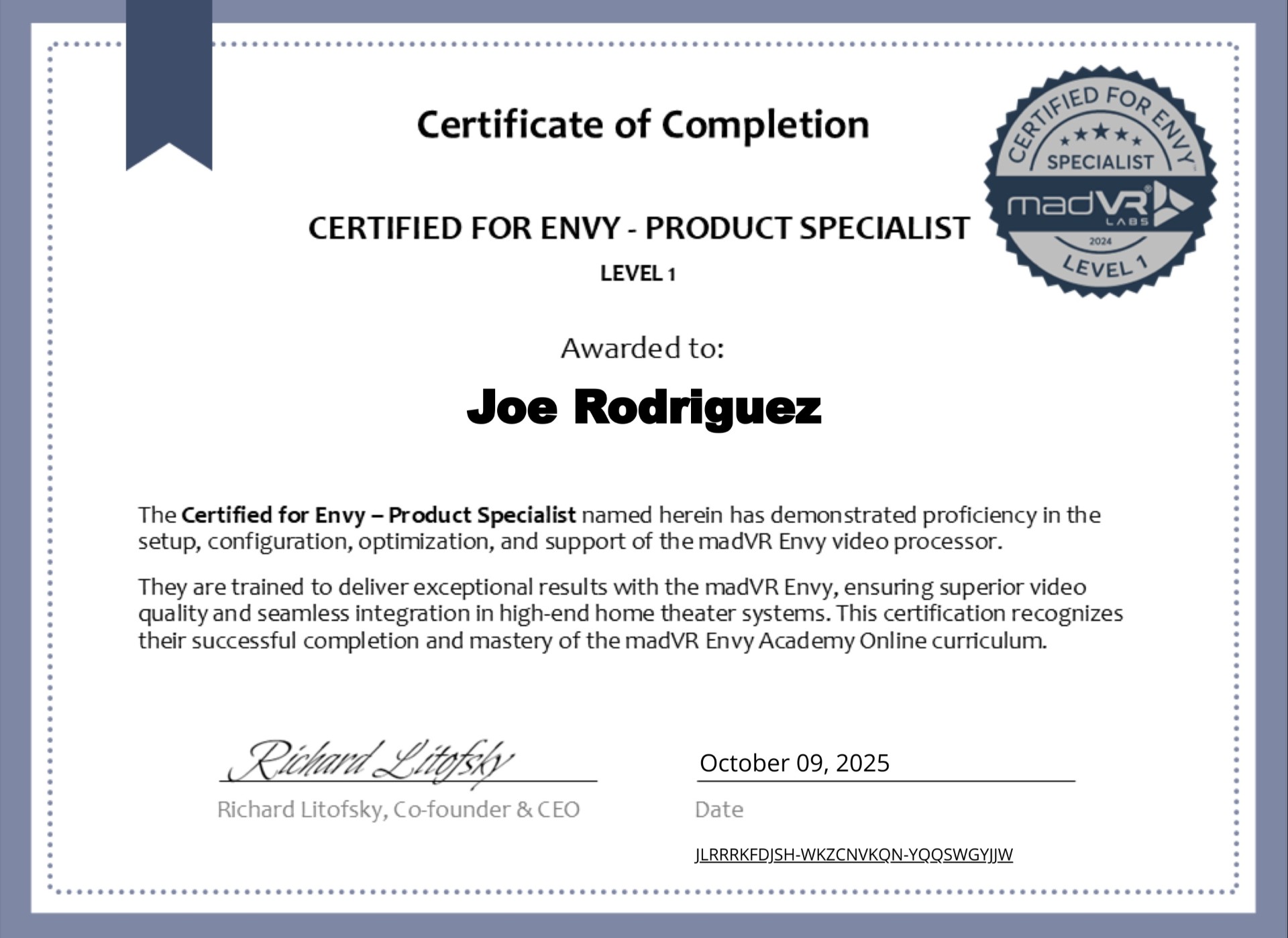
For the purpose of doing this Review I spent a good amount of time viewing with and without the MK3. I know many people will not want to invest in a VP like a madVR (even though their CORE MK2 and MK1 are very cost effective.) On a personal note, I have become madVR certified (image below) so I am very comfortable with their products. This comes in handy for potential customer questions or for doing an install. Back to the KORUS settings... Gamma selections there are six. The main one I am using and just favor the most is Video. The Film setting seems a little too dark. The others have their own look but Video just looks the best in my opinion. It has that "pop" look I love in an image. The White Peak adjustment slider instead of 100 I actually like it set to 90. Color Temperature comes in three flavors. Warmest, Warm and Cool. I seem to bounce back between Cool and Warm landing on Cool most of the time. Warm is 6500k and Cool is 7500k. I think to my eyes the Cool setting helps keep the HDR image disciplined and keeps saturation out of the image. It is just an eye pleasing event no matter what you watch. The Super Bowl I jumped into with the 4K1000 without much time to tweak. It literally just came two days before and I let it sit for 24 hours to get up to room temperature. I used my memory of the 4K860 settings and the results were better than all the TVs in the house big or small! The 4K1000 instantly was king of our house. And we had the lights on pretty high. Clean, with the best clarity I have seen for a football game! The 10,000 Lumens were flexing their muscles all evening.
We thoroughly enjoyed our Super Bowl 60 experience with the Christie KORUS. Though the game wasn't as exciting as we hoped it would be, the 4K1000 won!
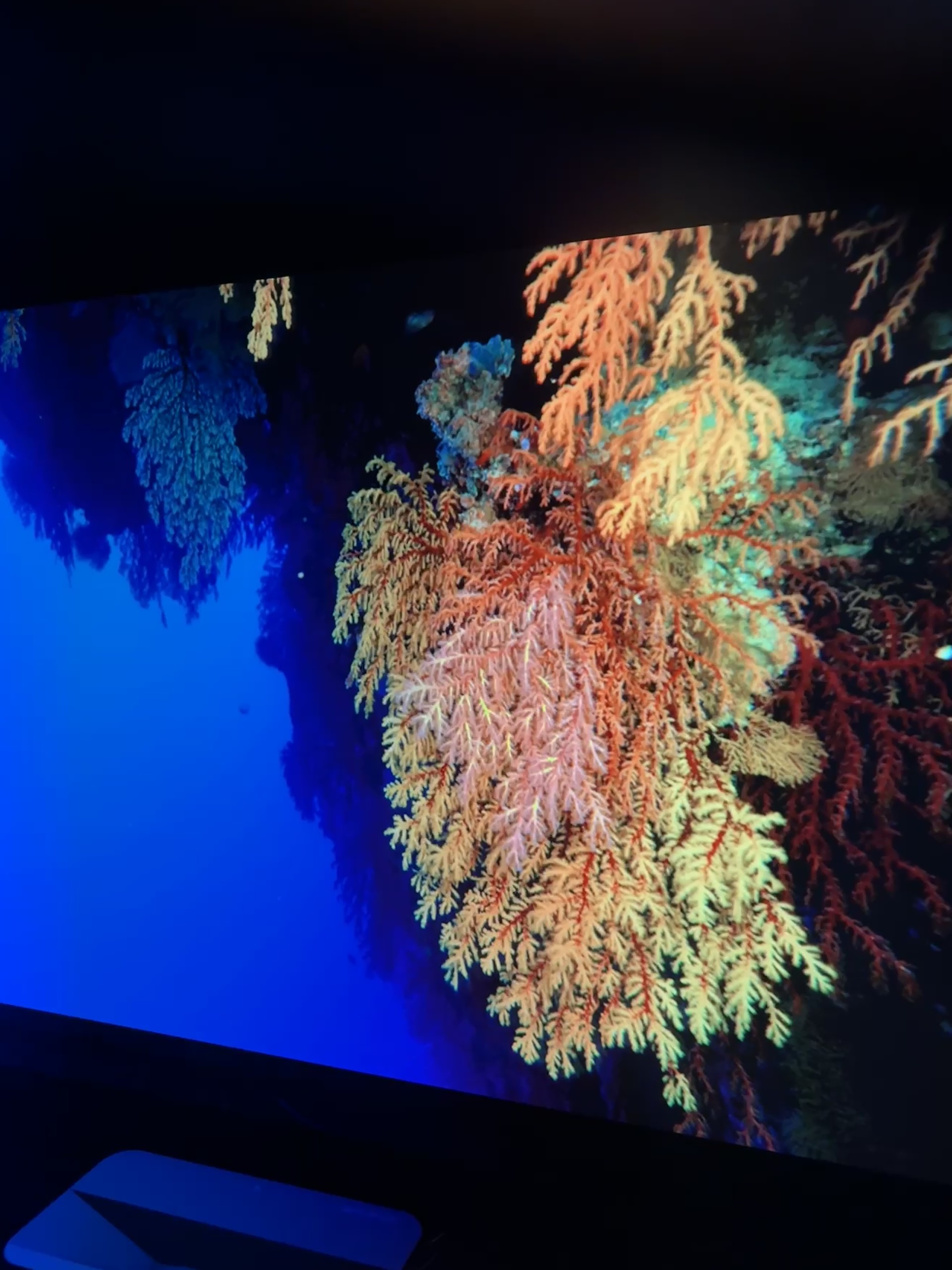
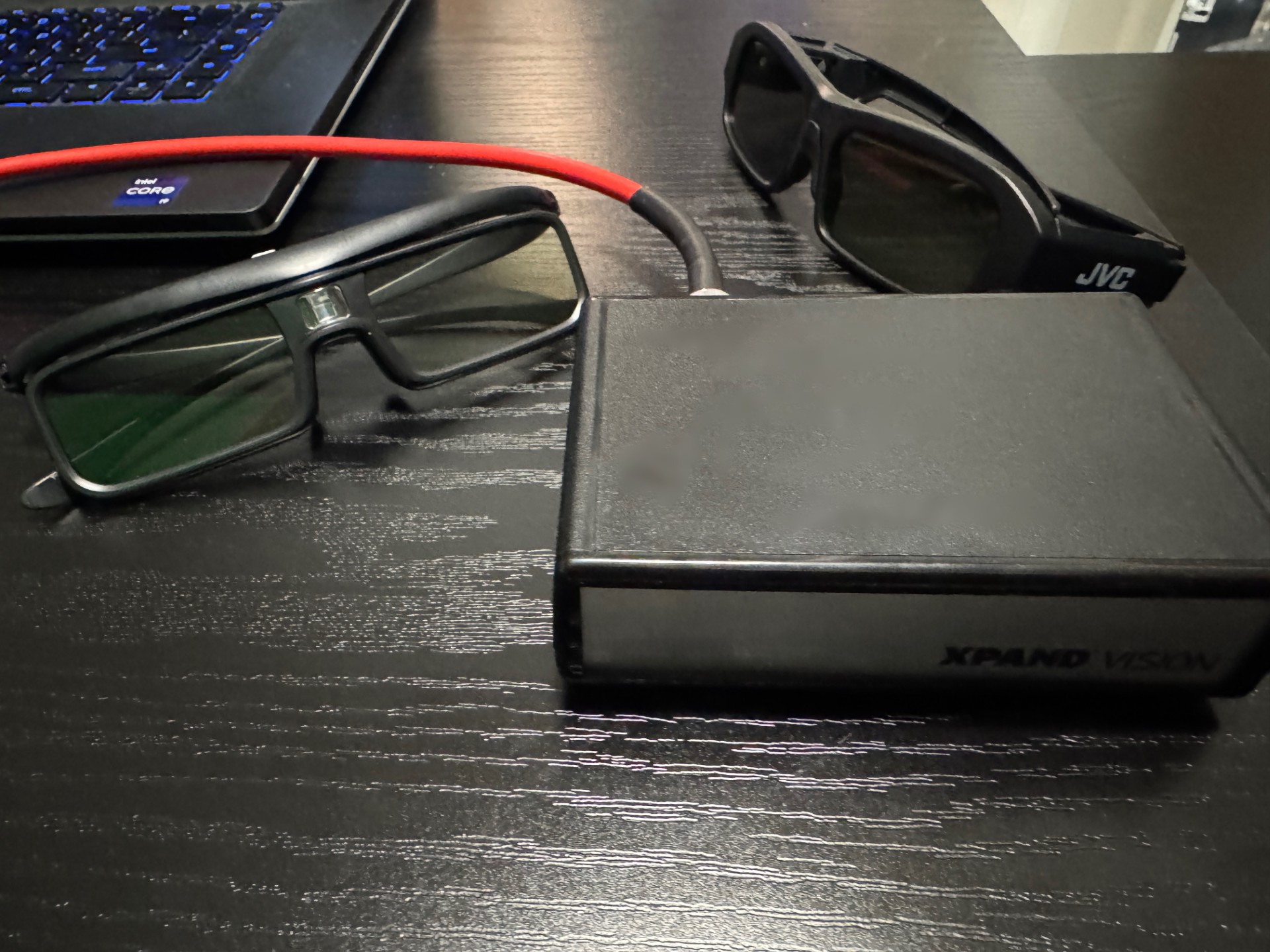
I was really excited to see what 10,000 ISO Lumens would look like on my Studiotek 100 for 3D. Just like with the 4K860 I used the Xpand Vision Emitter with various brands of glasses. I took some images through the lens of one of the glasses. I will say this is the best 3D I have seen to date not just here but anywhere else. I am a huge fan for 3D and we still own about 200 Blu-ray 3Ds. They are the main reason I have kept my Oppo Region Free 4K 3D Blu-ray player in the rack. The 4K1000 supports active and passive 3D with stunning depth and frame rates up to 60 Hz per eye. Talk about eye candy! Wow!
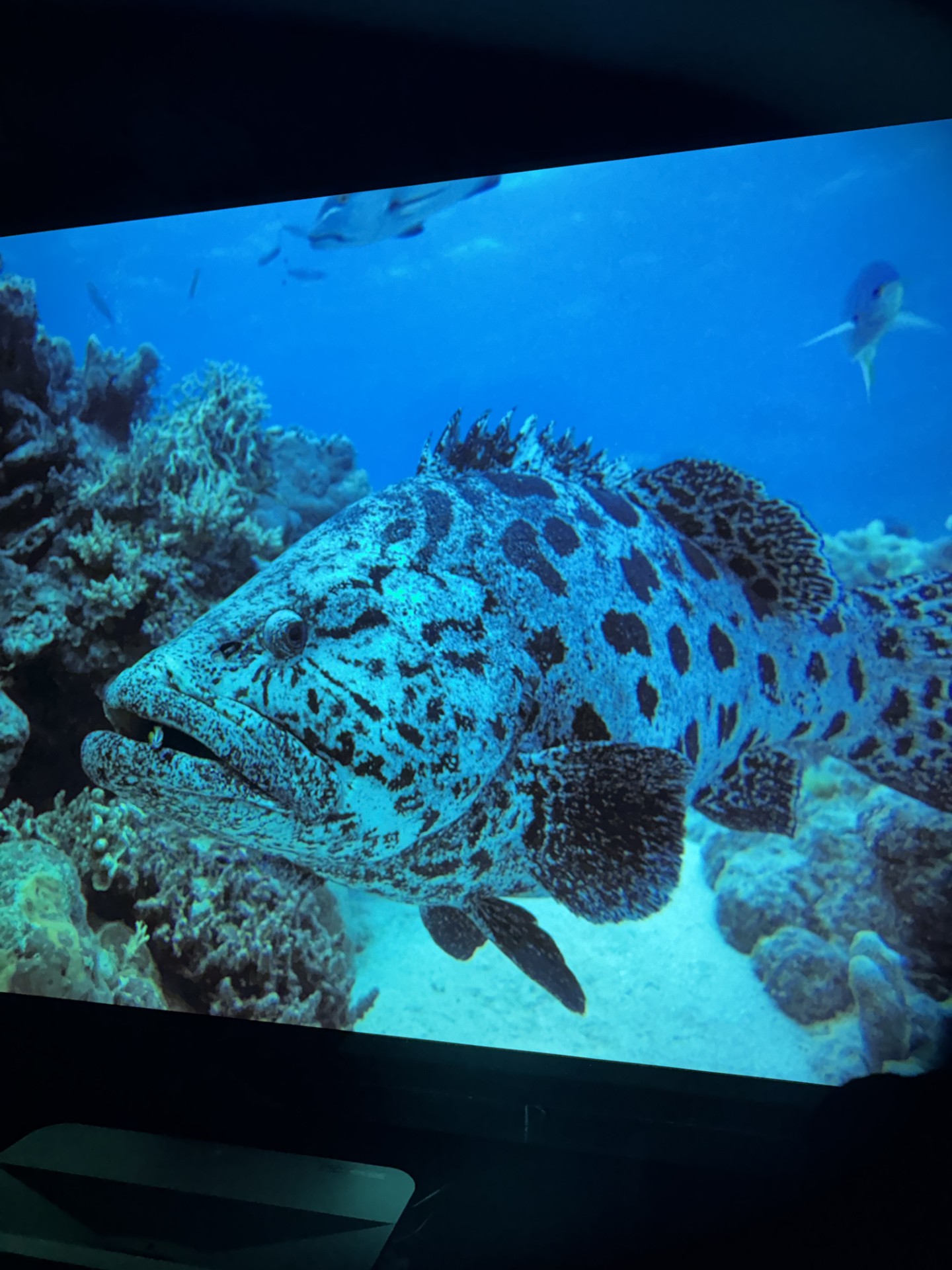
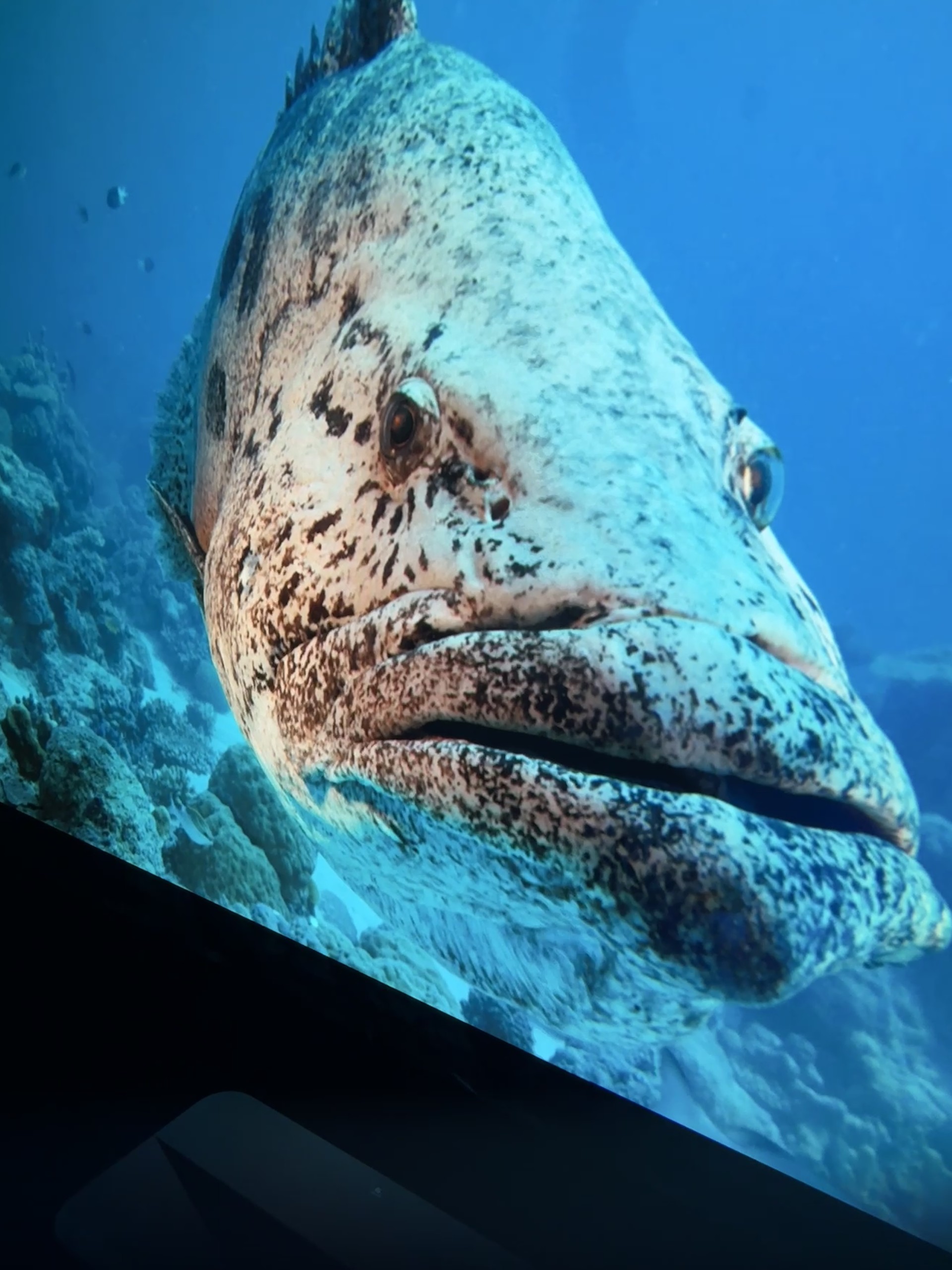
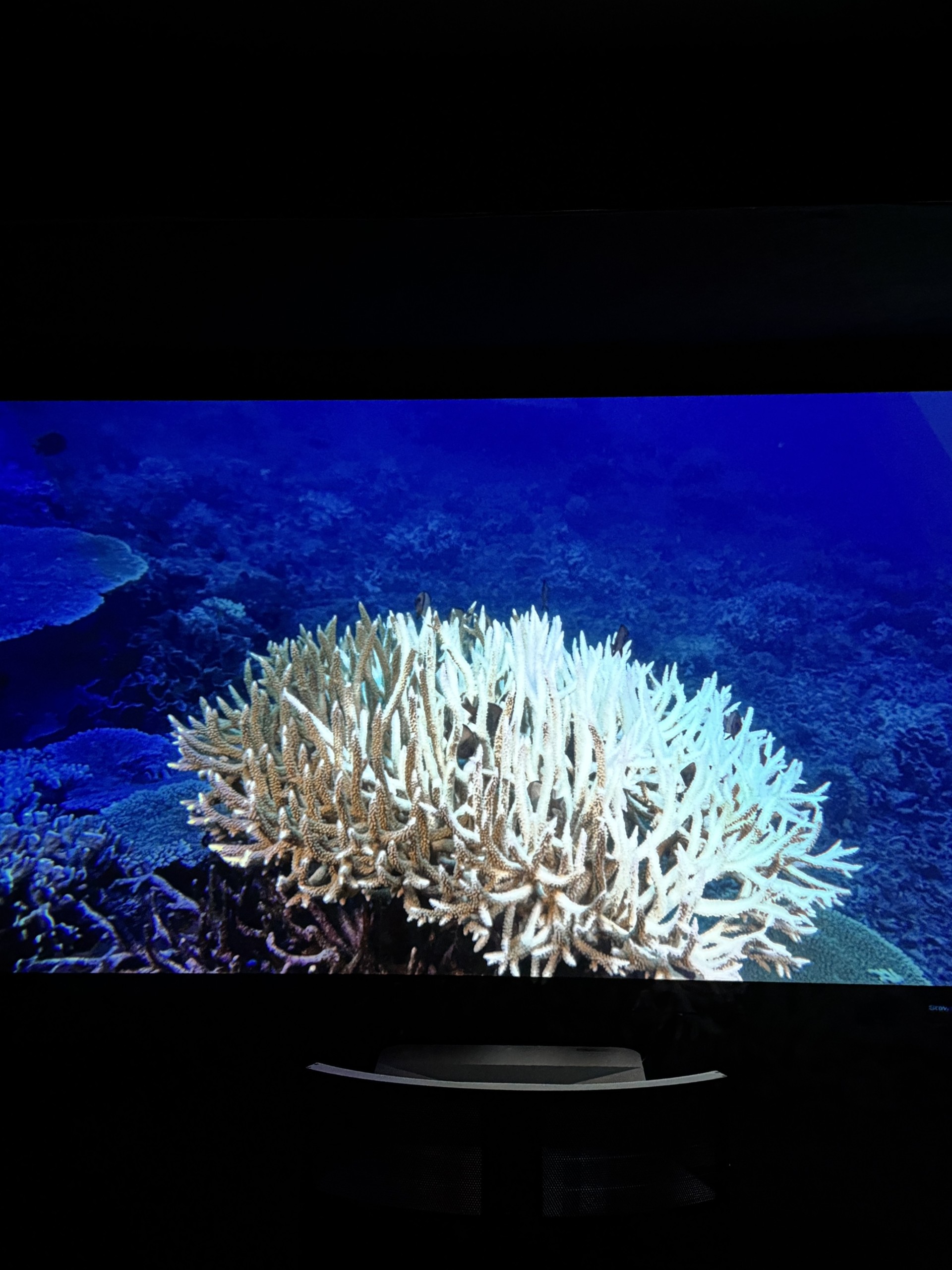
Avatar subtitles with previous projectors have always been the best with their 3D performance. The subtitles were truly floating in the air with the KORUS. IMAX Under the Sea was the best presentation I have seen to date. As 3D is dying with many brands it's amazing to see it thriving with Christie in 2026! Long live 3D with the KORUS...
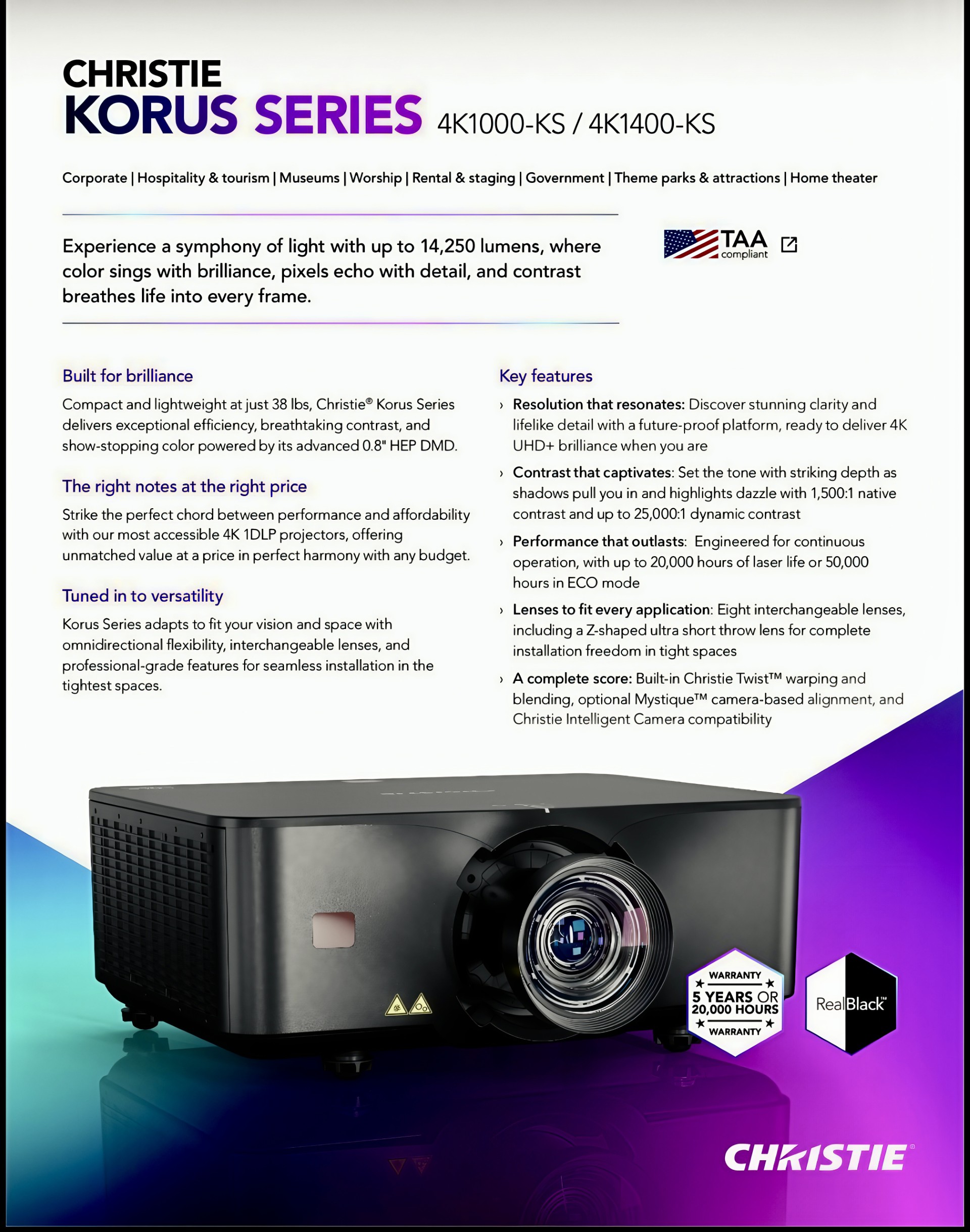
So far everything I've discussed is all good and dandy but now it's time to talk turkey. How is the KORUS 4K1000 with normal cinematic movies? Let's discuss the technology inside this DLP model. Using the latest advanced iteration of 0.8° HEP DMD (High Efficiency Pixel) the 4K1000 promises better reds, greens and overall contrast. It does 4K UHD+ 3840x2400 (9,216,000 pixels) (16:10) and 3840x2160 with 16:9. The HEP DMD features an increased tilt angle and filled mirror technology for enhanced brightness, contrast with Blacker Blacks. It does double width, double height x 4 shifting. As impressed as I/we have been with the 4K860 we are feeling the skies the limit with 4K1000 and so far it is proving just that. With 1500:1 native contrast and up to 25000:1 dynamic contrast the 4K1000 really shines with Dynamic Black engaged. Christie Engineered the KORUS for continuous operation, with up to 20,000 hours of laser life or 50,000 hours in ECO mode. These projectors are good for the long haul. They also give you an industry best 5 year warranty! With the Eight interchangeable lenses, including a Z-shaped ultra short throw lens for complete installation freedom in tight spaces the KORUS projectors can work with just about every application it runs into. As mentioned earlier in this paragraph, let's finally discuss some movies...

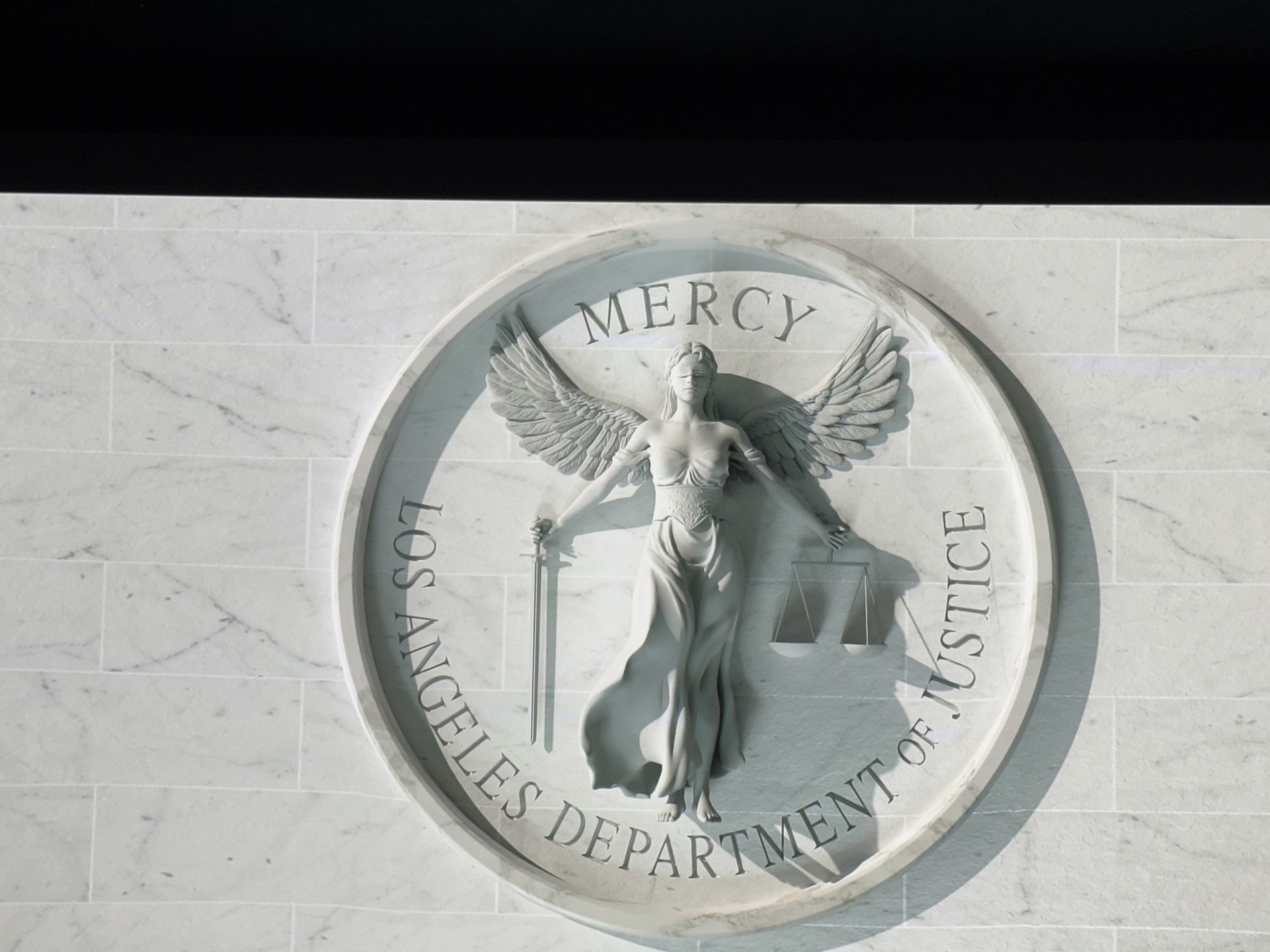
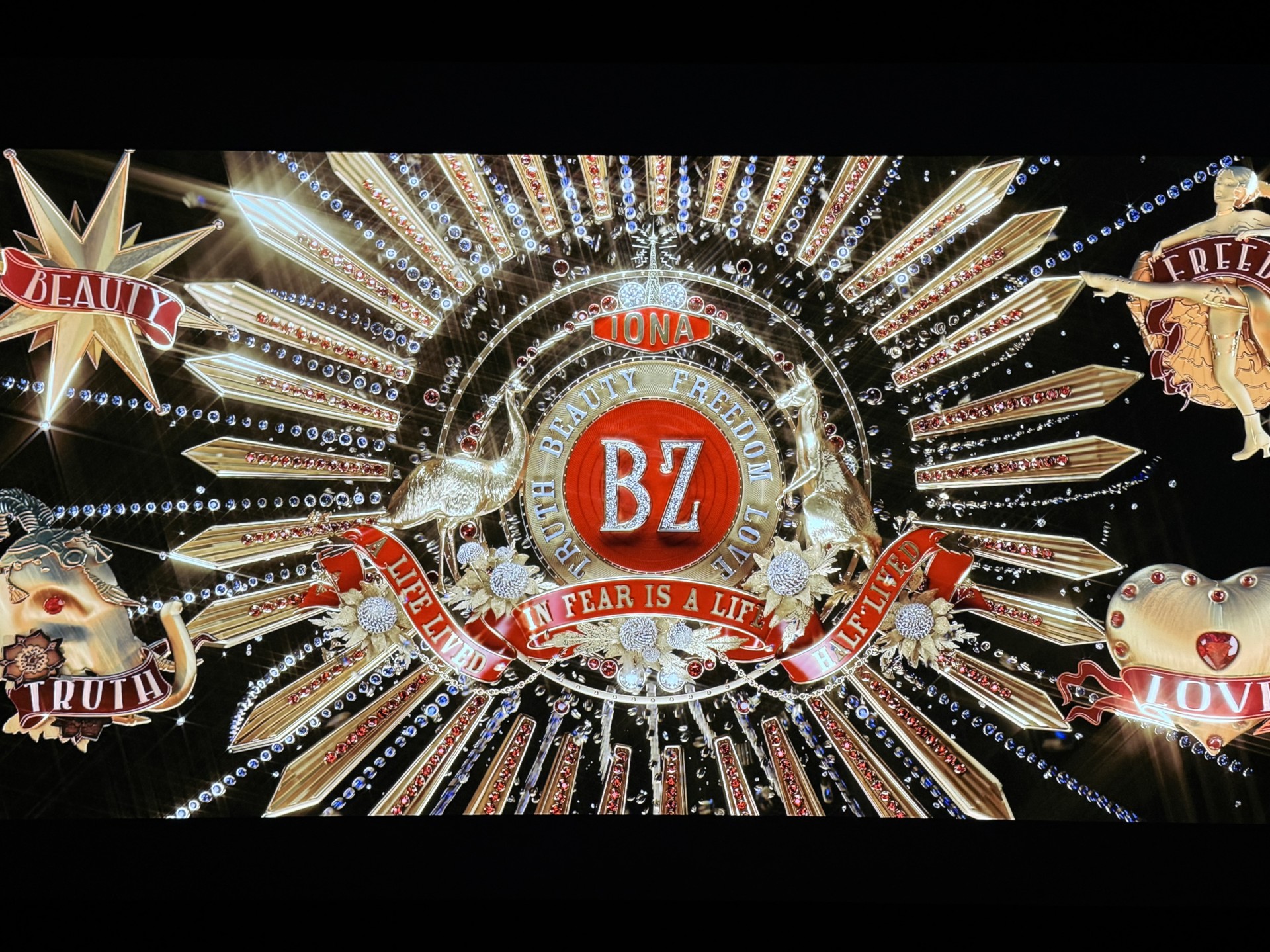
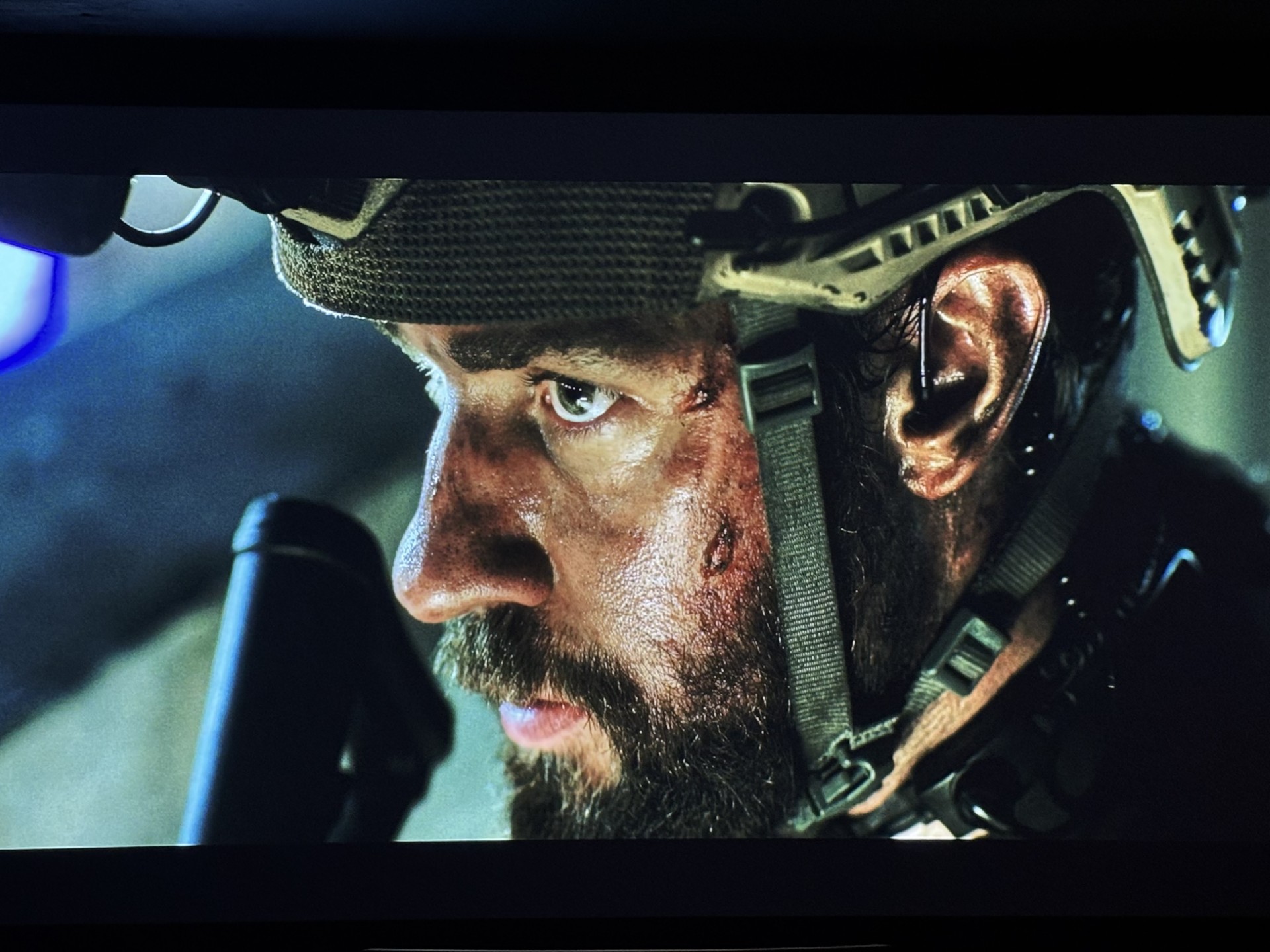
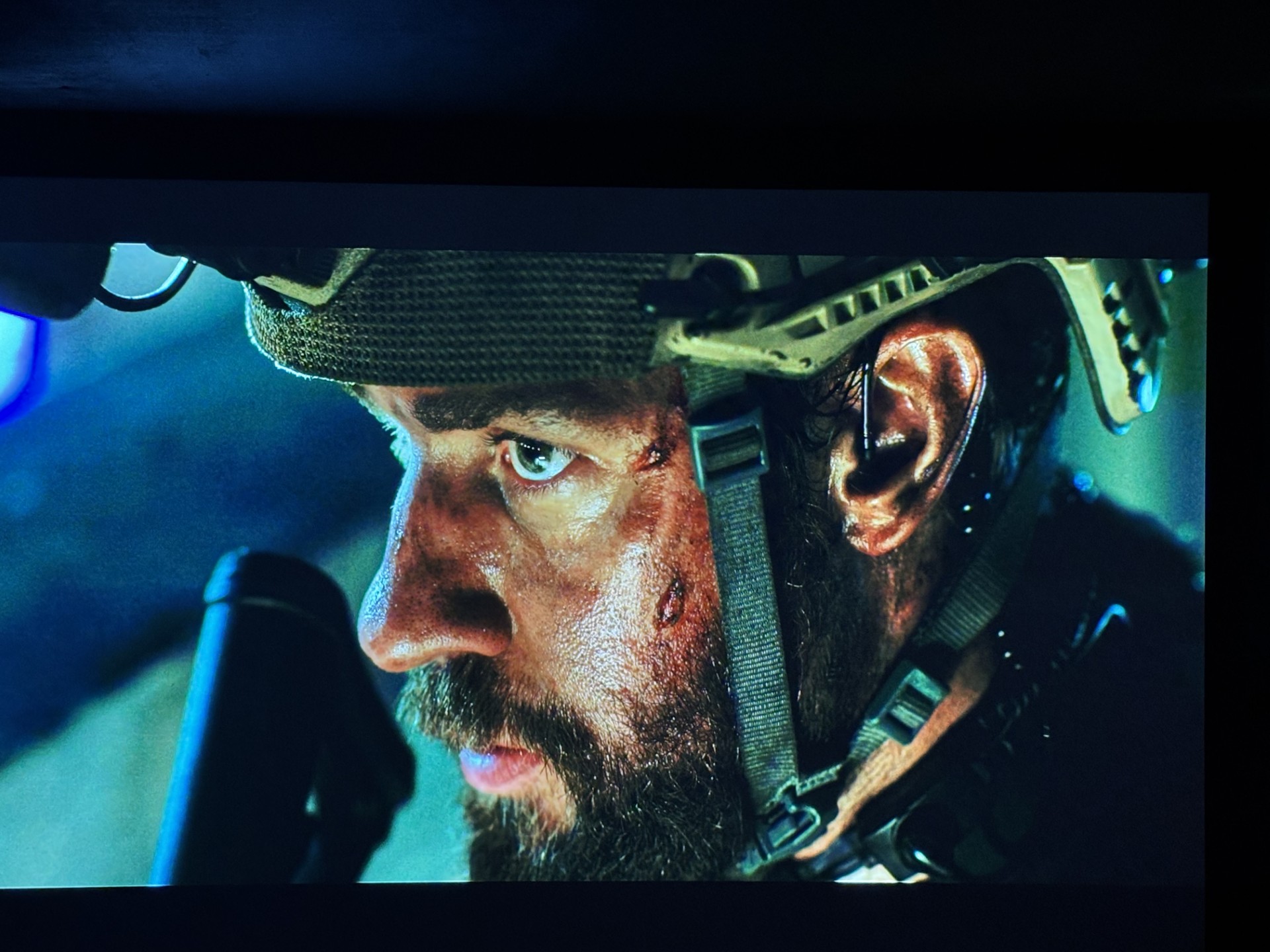
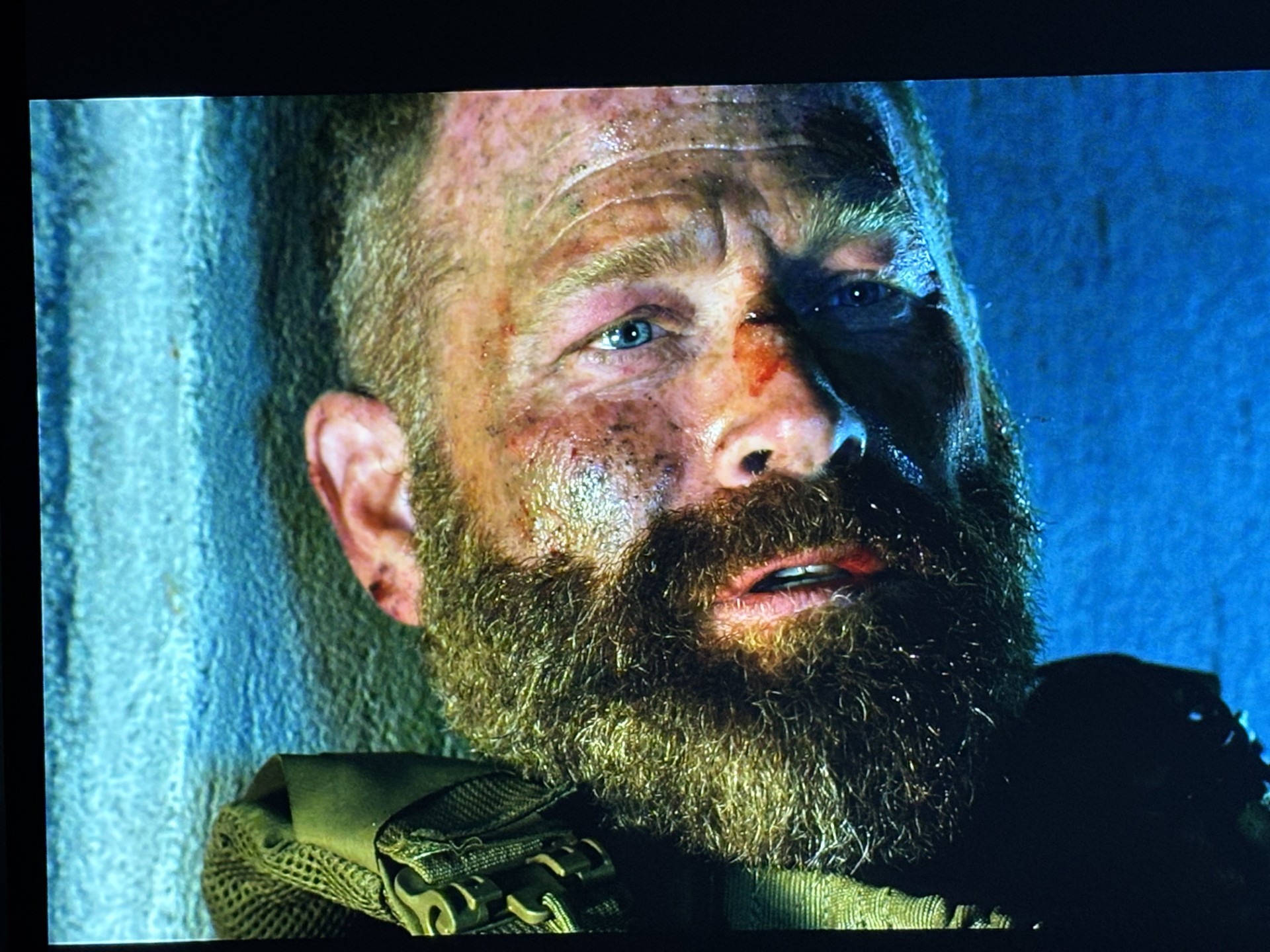
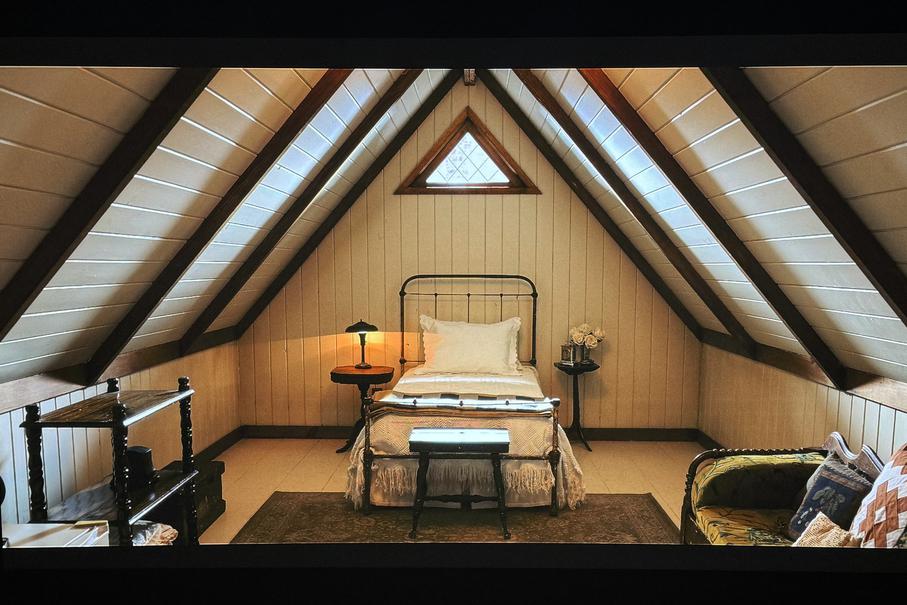
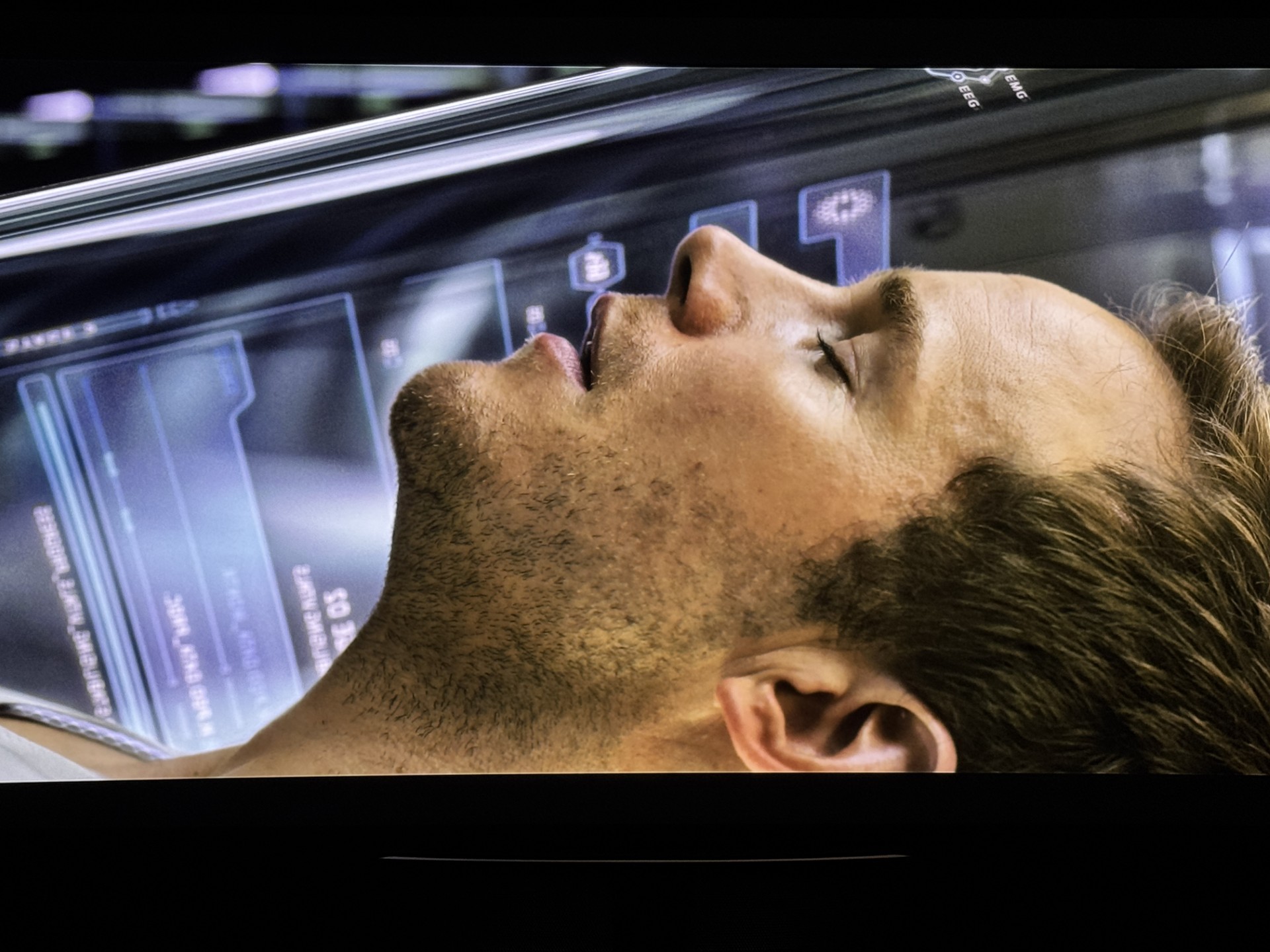
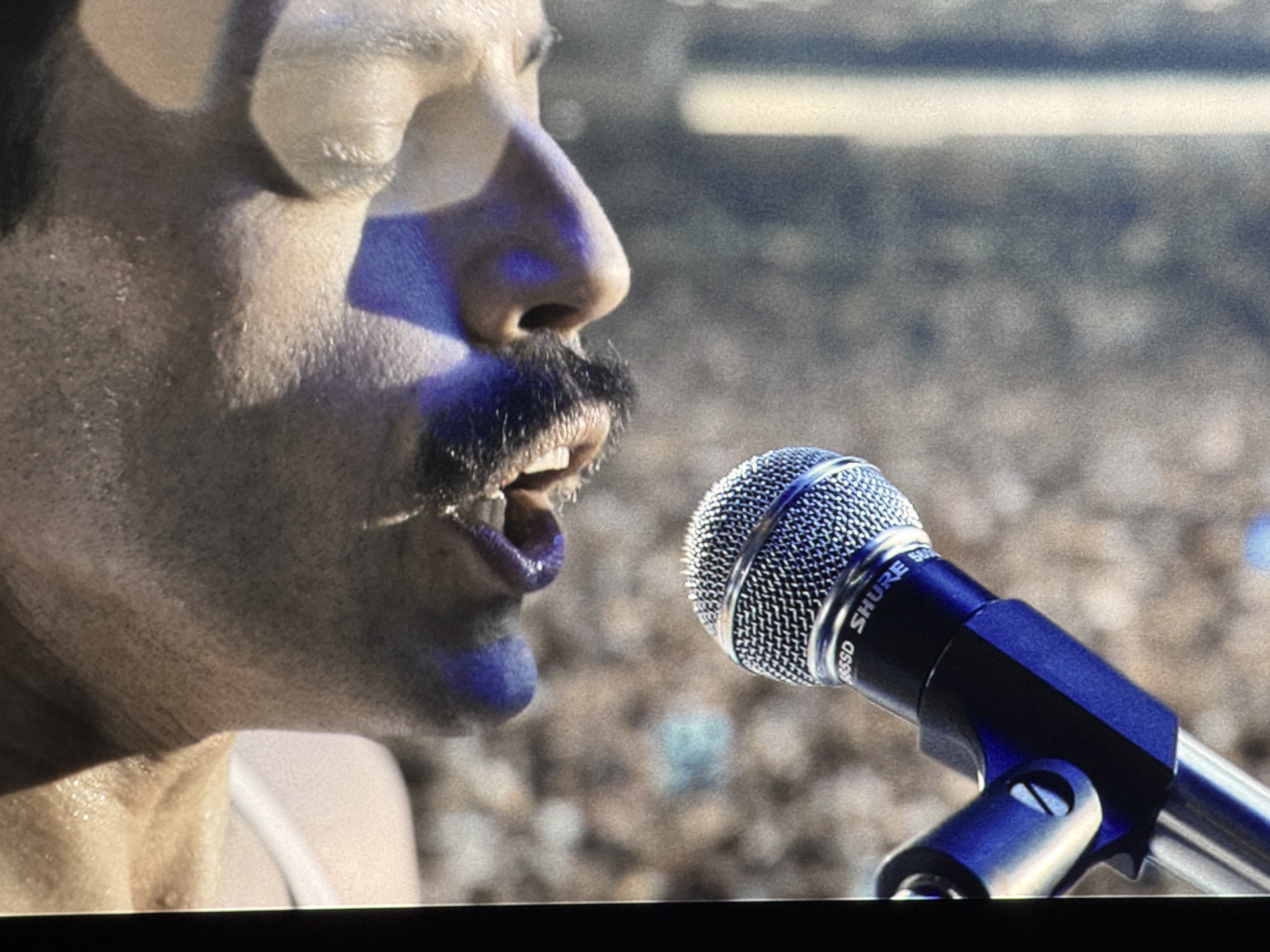
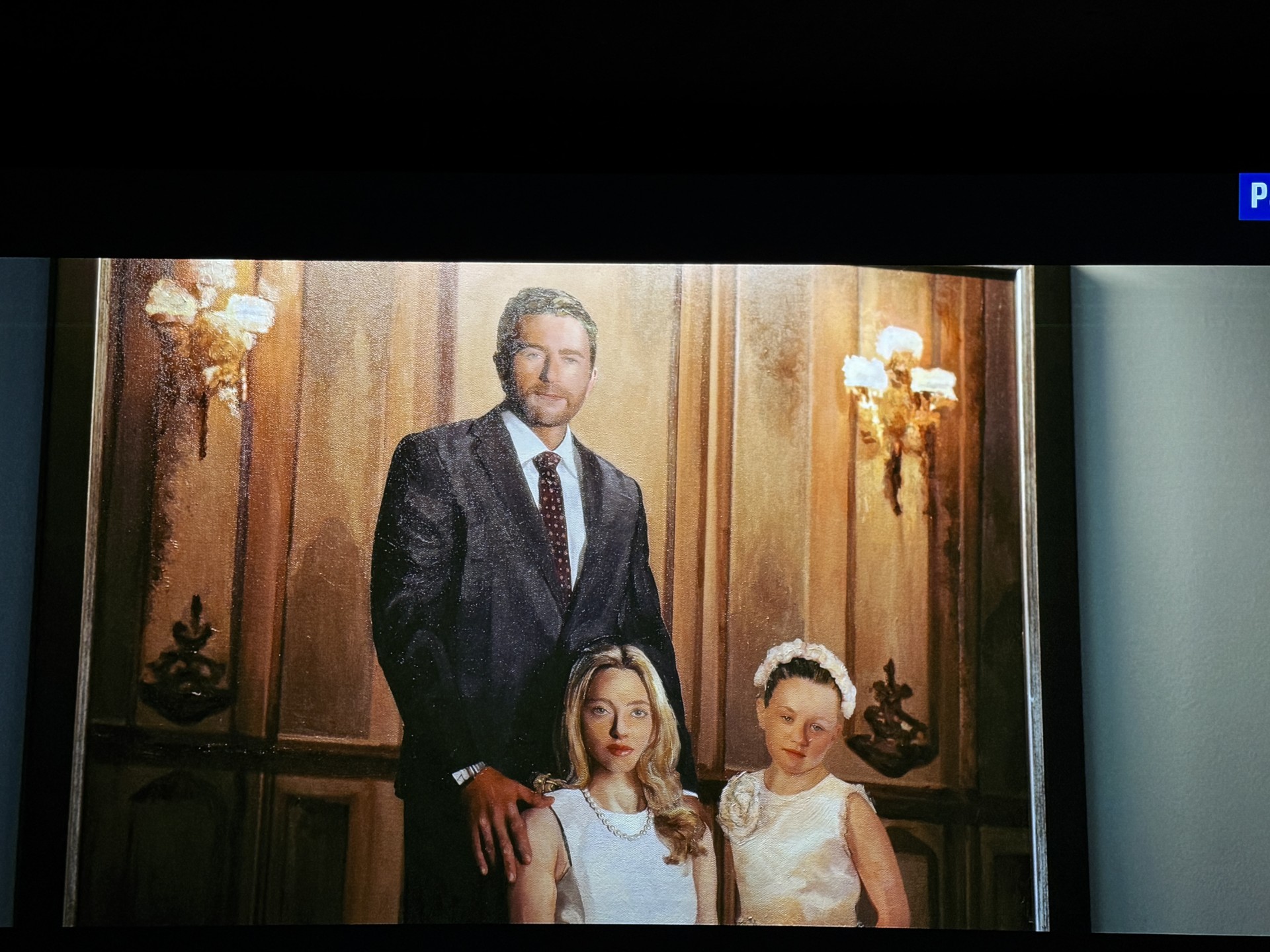
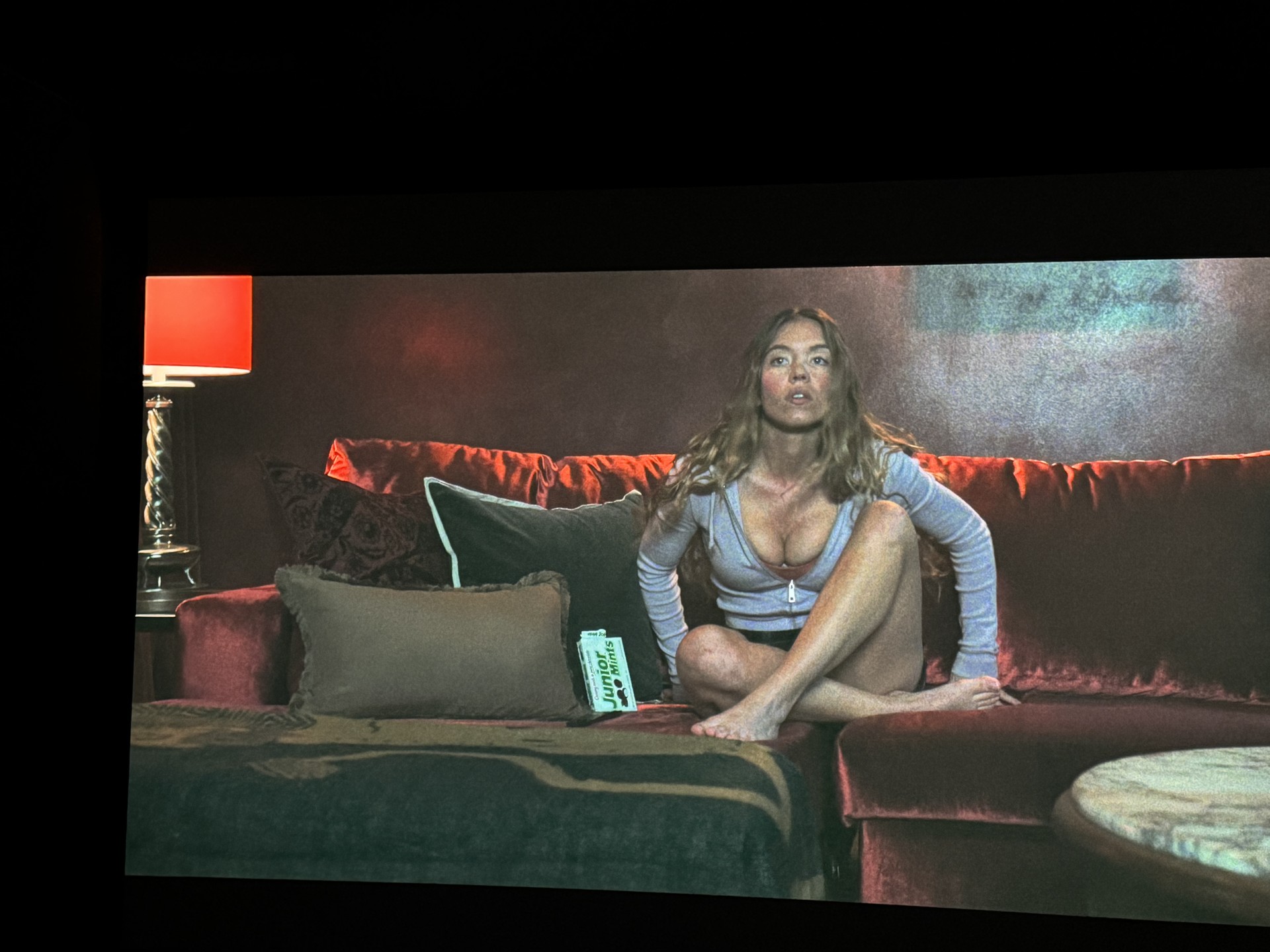
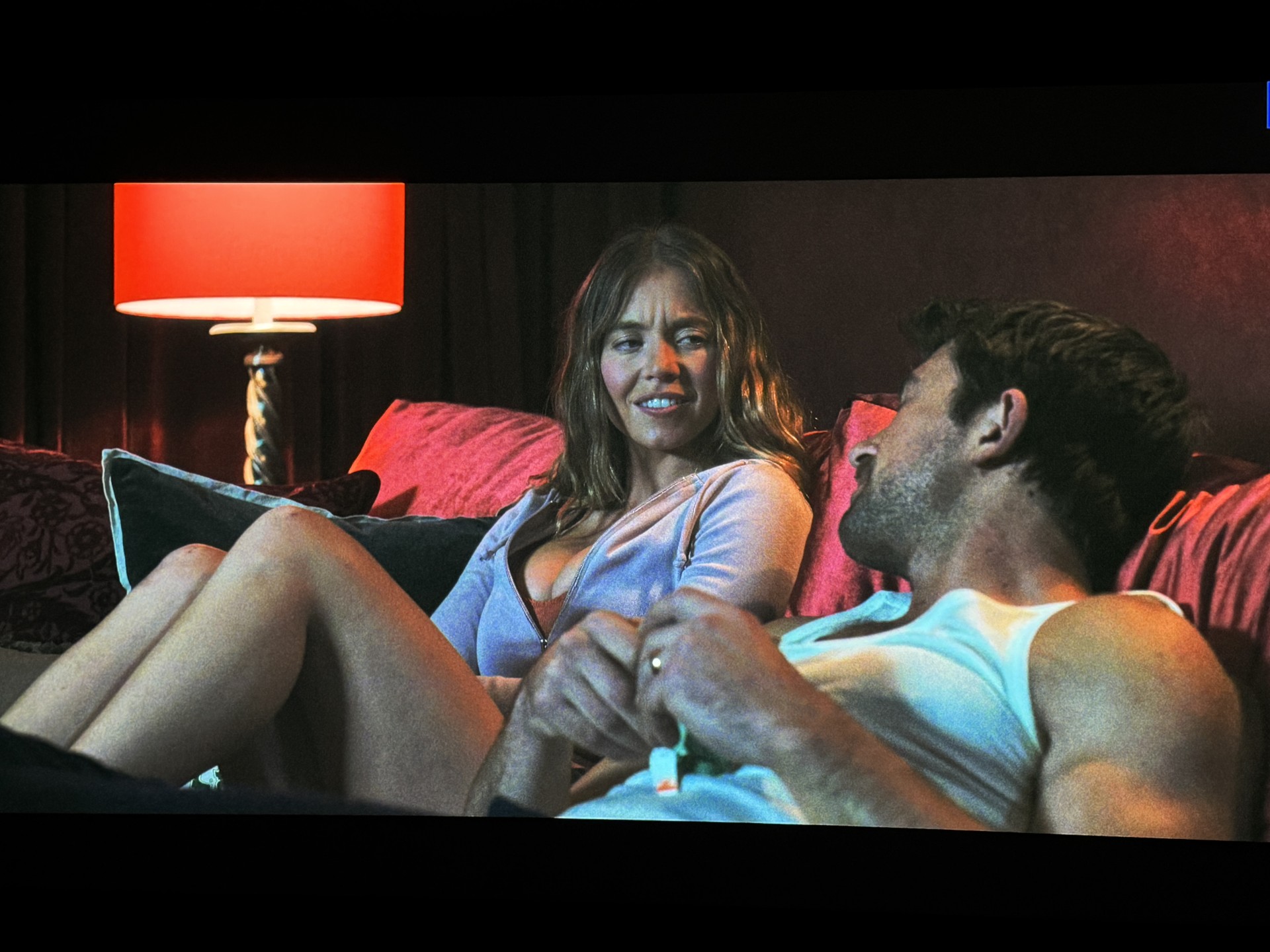
The very first full feature film we watched was The Housemaid. The clarity was jaw dropping. The close-ups, the night scenes, the amount of details that popped with both color and sharpness in each room. The KORUS was challenged in a couple scenes and it passed with flying colors. One moment they're in his mancave on the couch and the room is pretty much dark besides a lamp in the corner and The Family Feud playing on his large LED. Dynamic Black mode here showed the light beautifully while displaying shadow detail on the other side of the room. The overall movie is very good and I see why it is highly rated on Rotton Tomatoes. Not to mention there's plenty of eye candy for the guys with both beautiful actresses and the ladies get a win with their main lead. It's a win-win and win for all of us. I tested Passengers and the opening space scene shows so many stars. I included a short video and images of Chris Pratt waking up again. The opening of Elvis directly above pics looks incredible. It looks as if these items are in your room and floating in front of your screen. We also very recently did a viewing of Mercy which is a new Chris Pratt movie. We really liked it and it showed great colors and terrific clarity while he is in the chair. Overall scenery just put you in the movie. My video demos demonstrate Real Black and Full Fade to Infinity Black with Mad Max Fury Road and Kingdom of Planet of the Apes. A Dynamic Black demonstration with the beginning of Passengers shows amazing stars.
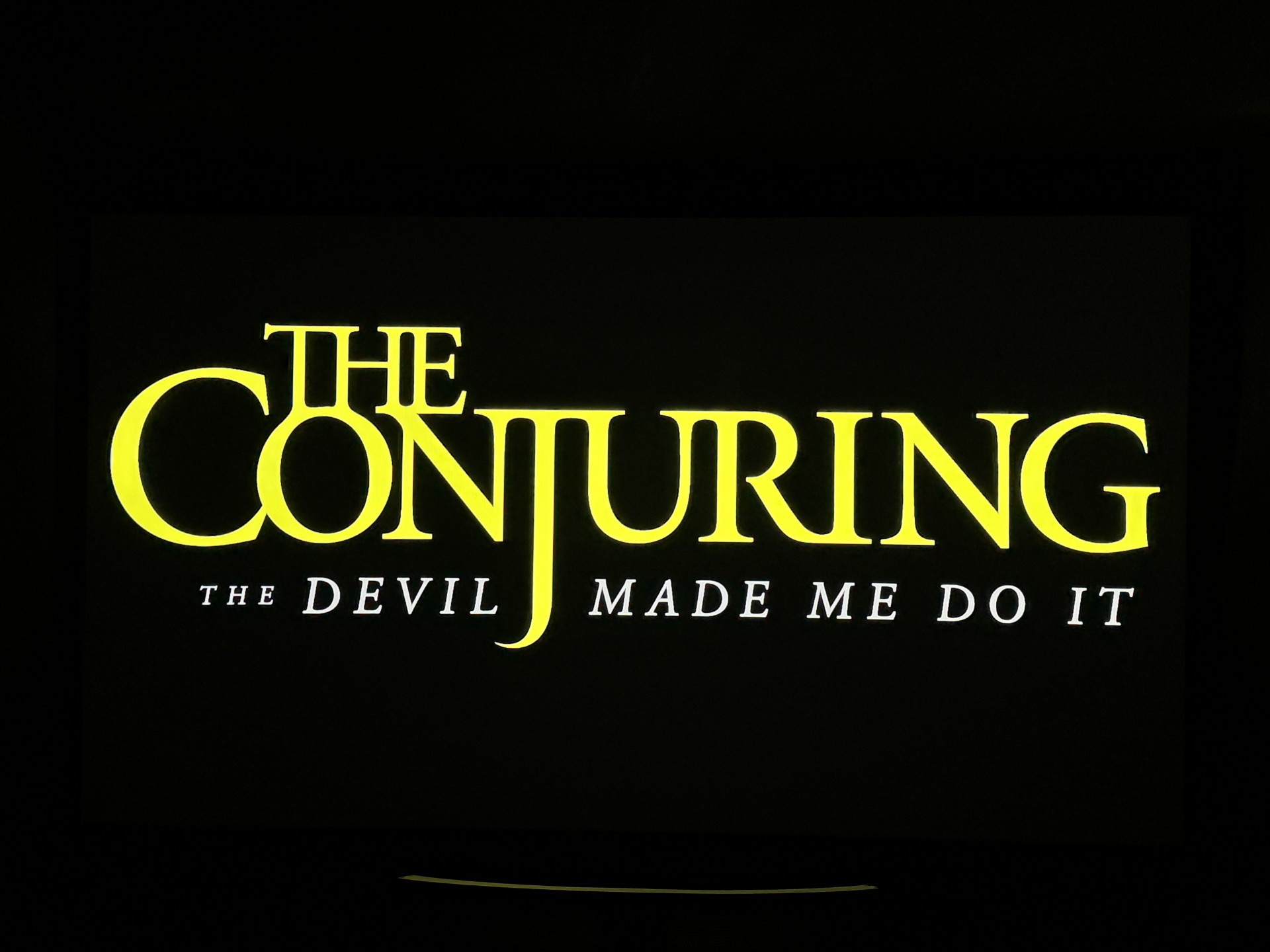
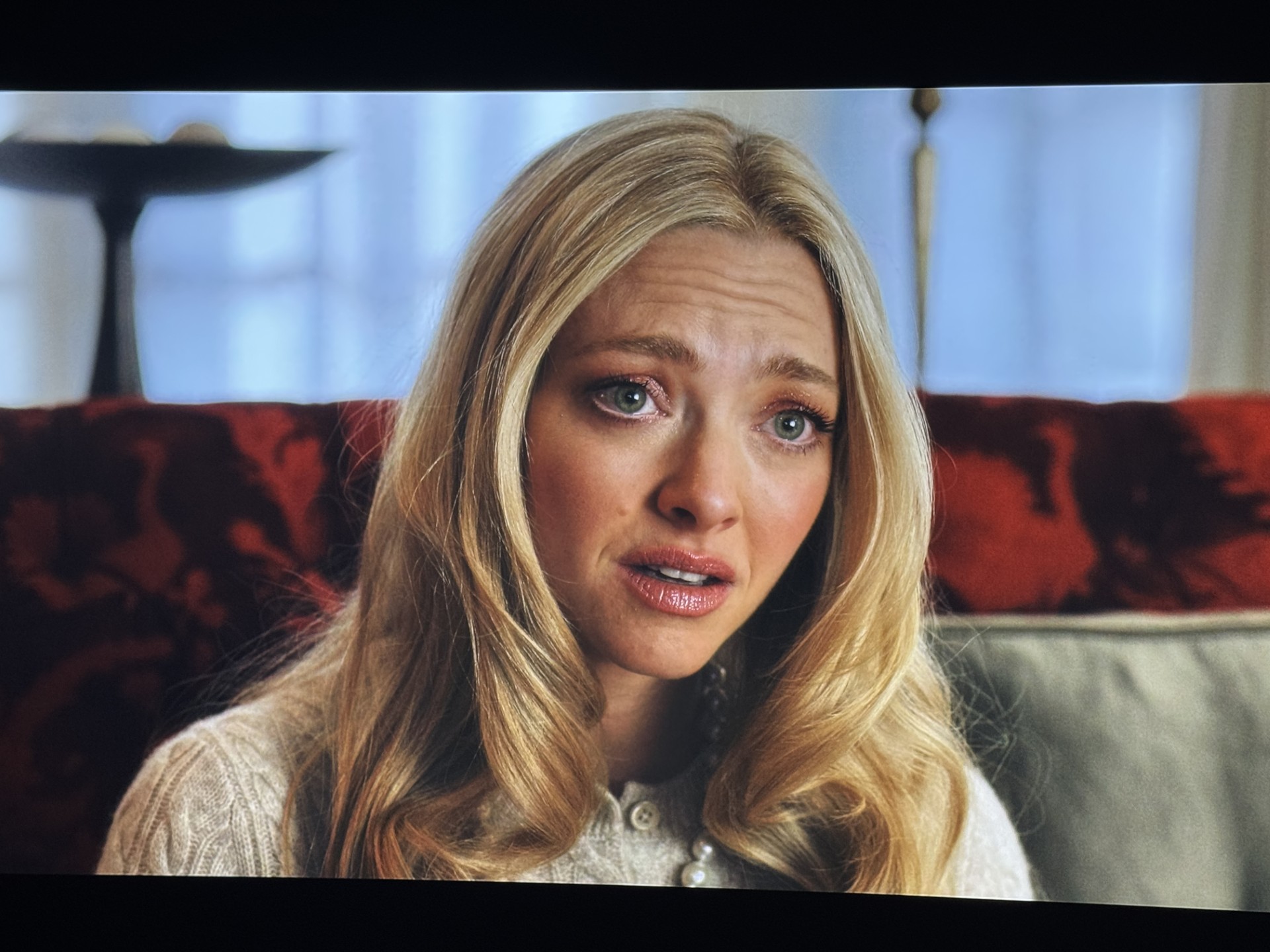
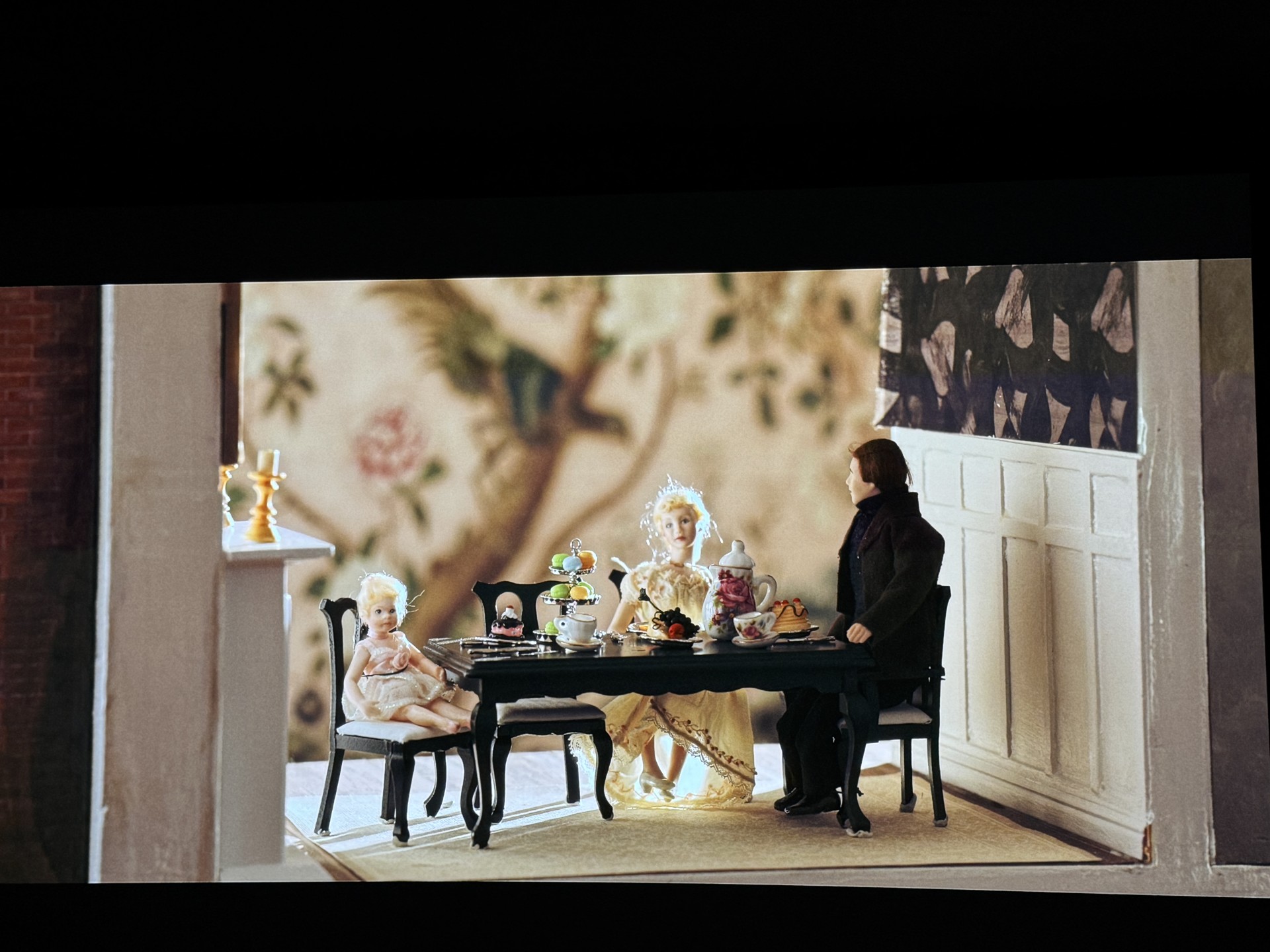
Deep black levels are the holy grail for many. JVC has been the king for home theater for a long time. Some have come very close this past year but still not able to supplant them. The 4K860 in my Review a year ago was one of those that came close. Christie's new KORUS with 10,000 ISO Lumens even coming close would be groundbreaking. Well, it certainly does. I tested Smile 2 again and the opening of The Conjuring The Devil Made Me Do It (pics above.) The images in my Review indicate just how deep they can get but it's even better in person. I have been asked by a few people about RBE (rainbow effect) and I will tell you we had a large Super Bowl party and now have had about 10 others to view movies with the 4K1000 and not a single person has seen any. Just an eye pleasing experience by all.
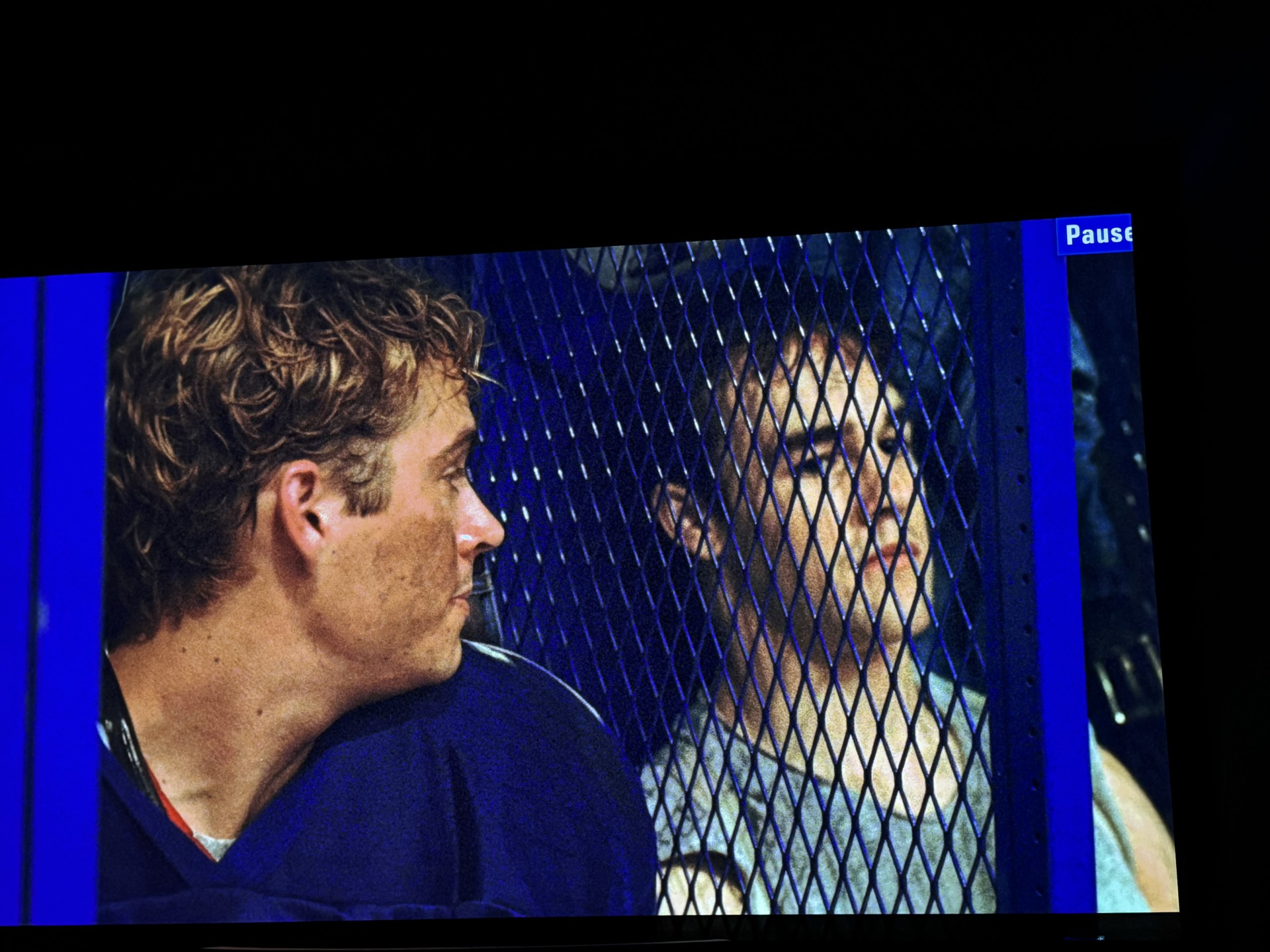
Yes, we watched Varsity Blues on the Christie 4K1000. For being an older one it sure looked great! Rest In Pease James Van Der Beek and of course Paul Walker. Thank you for entertaining us.
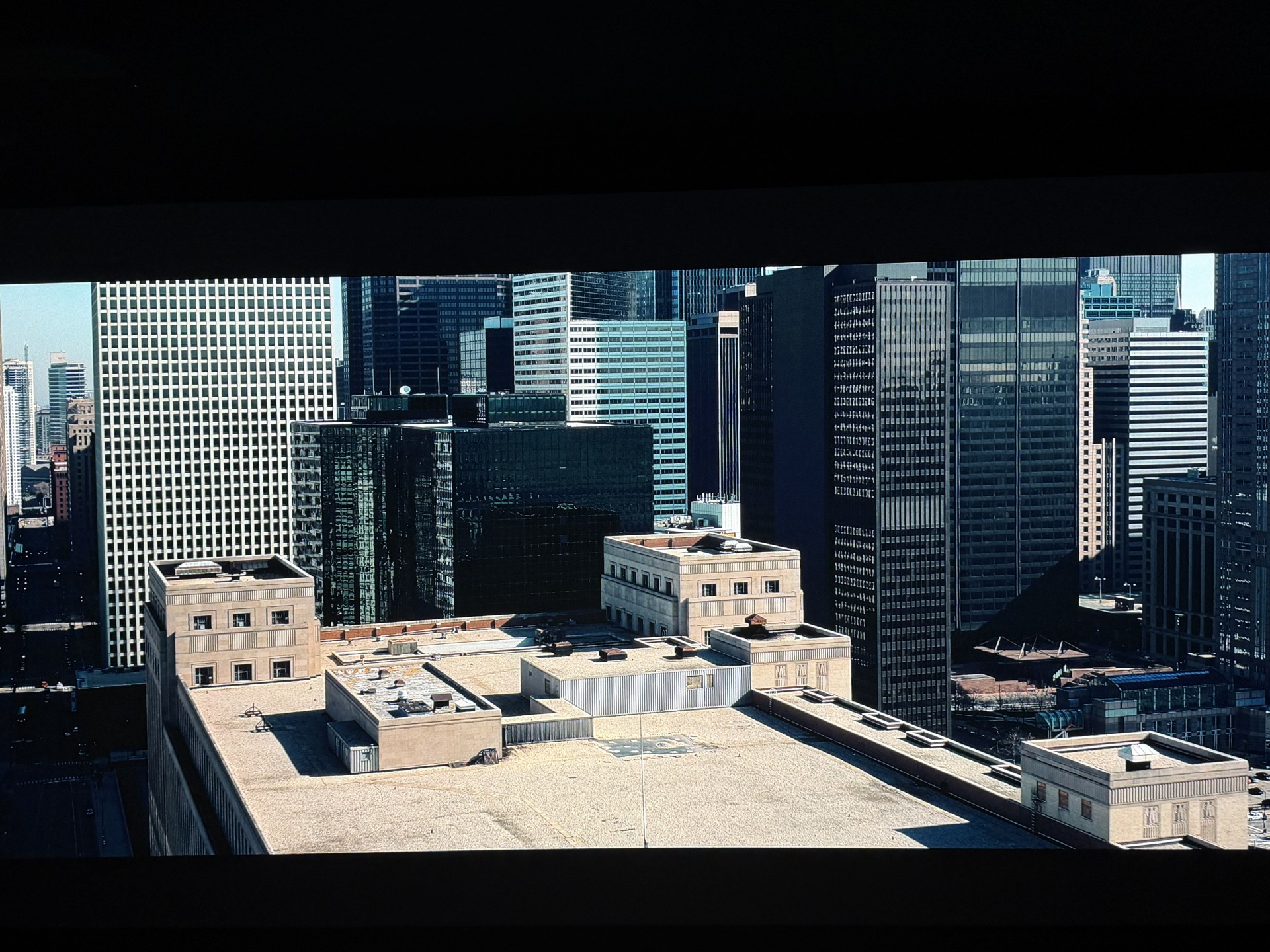
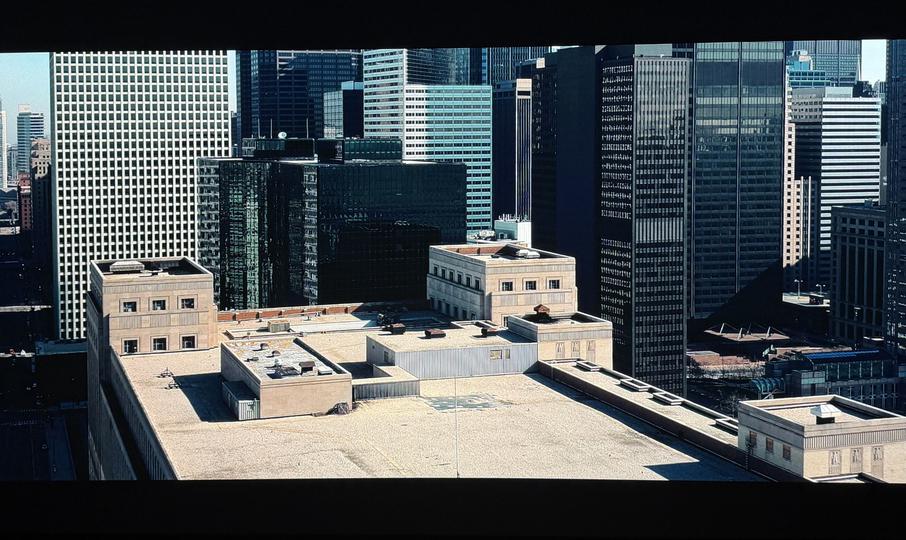
Actual image from the KORUS 4K1000.

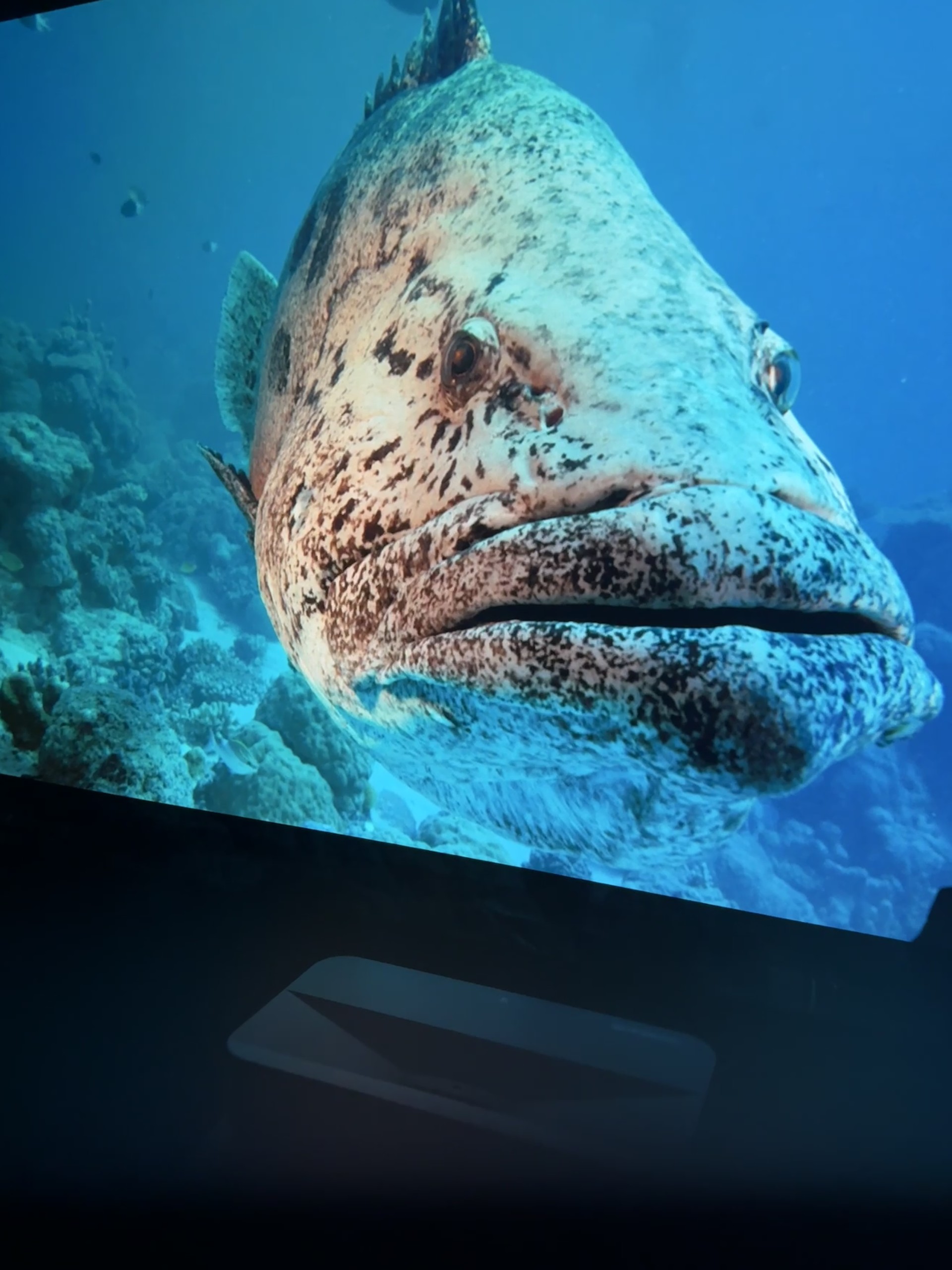
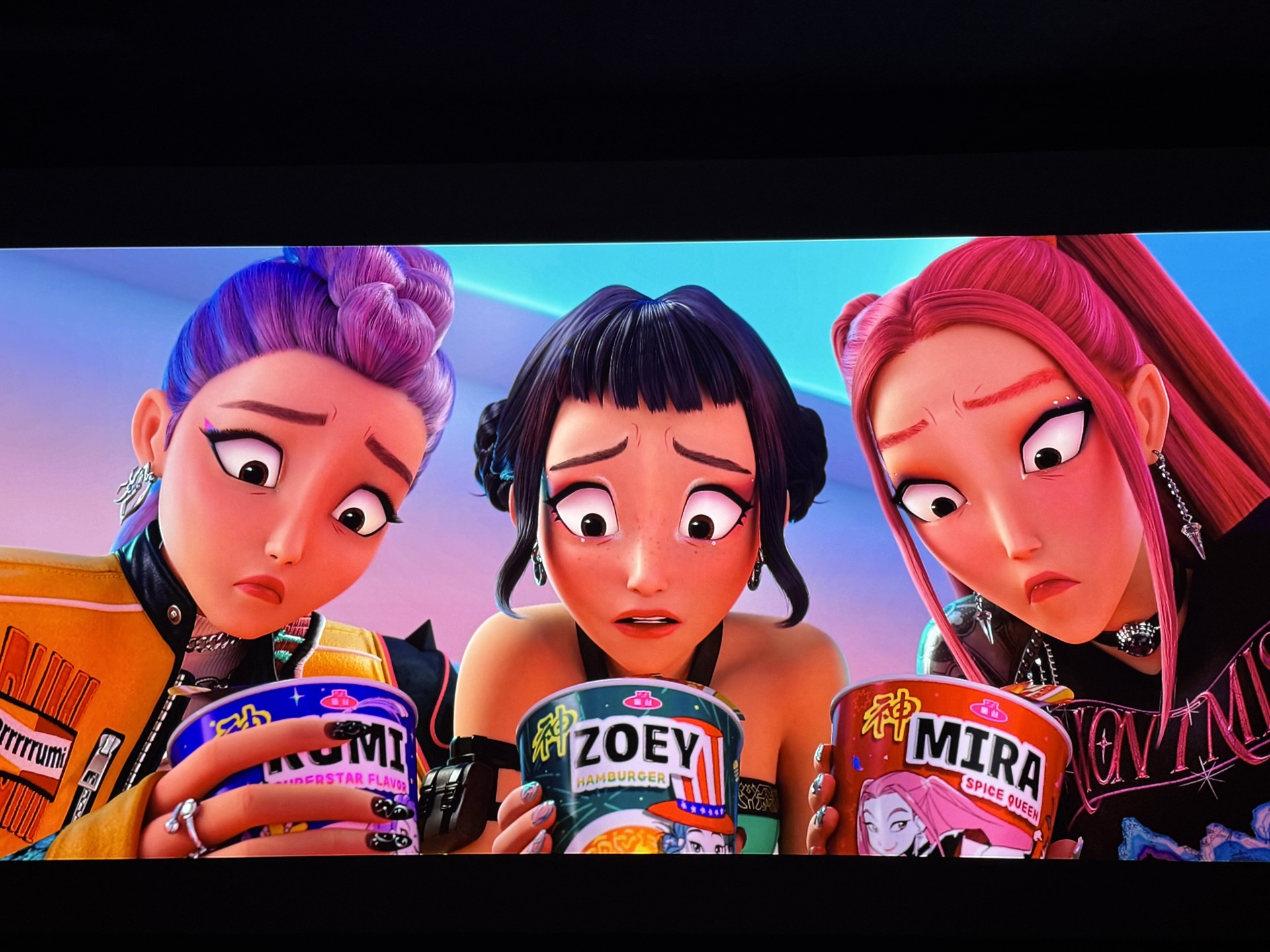
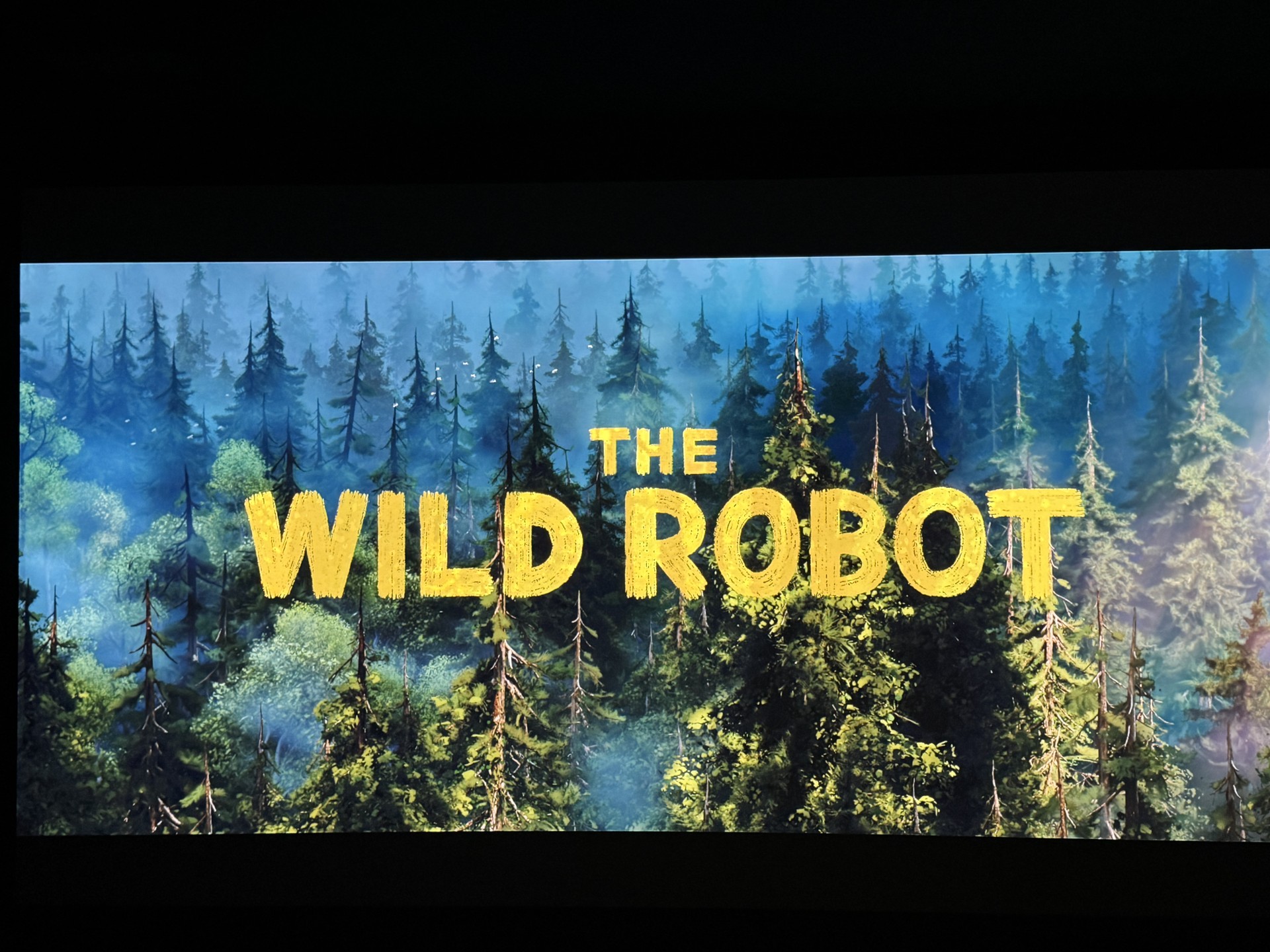
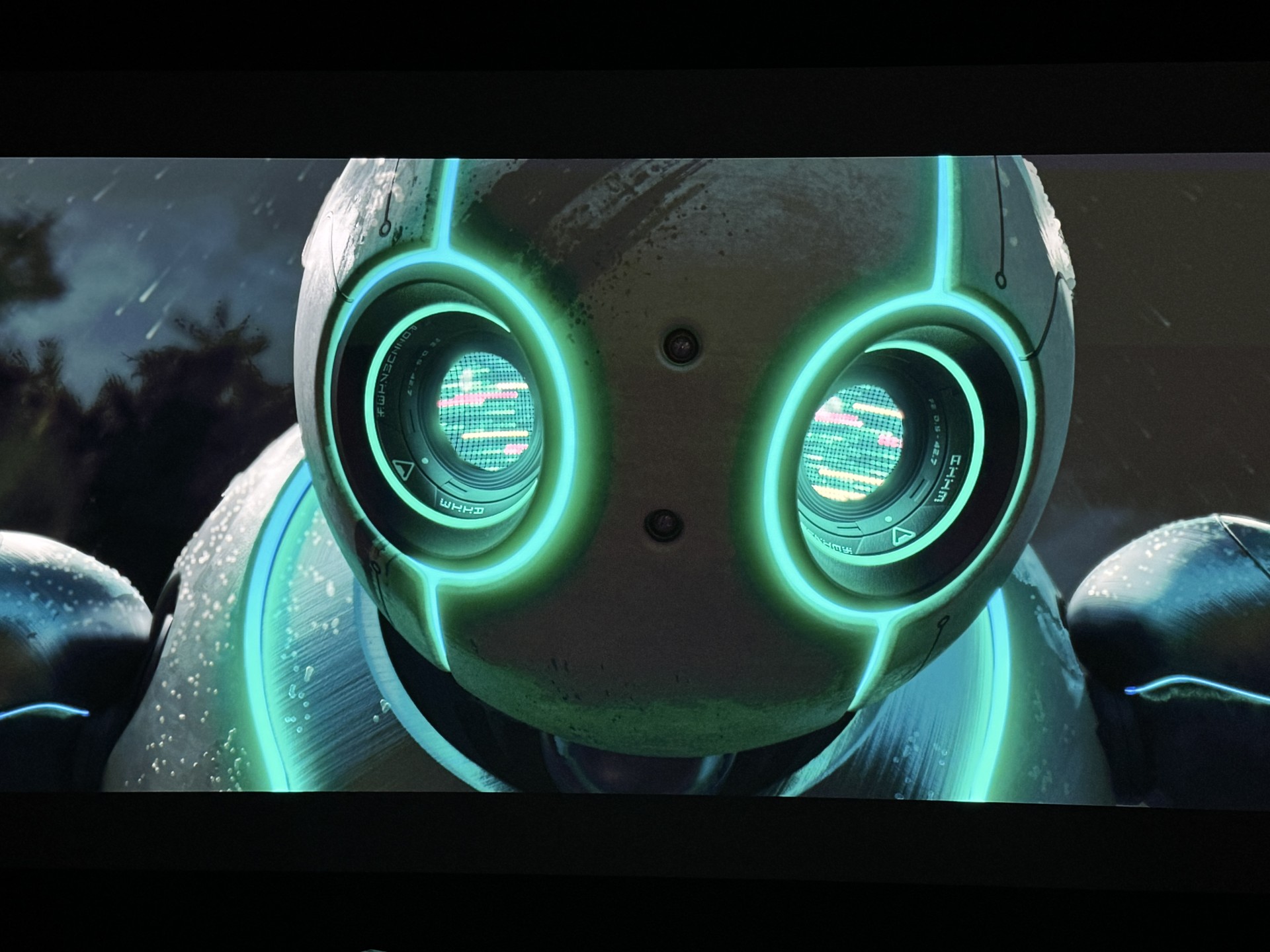
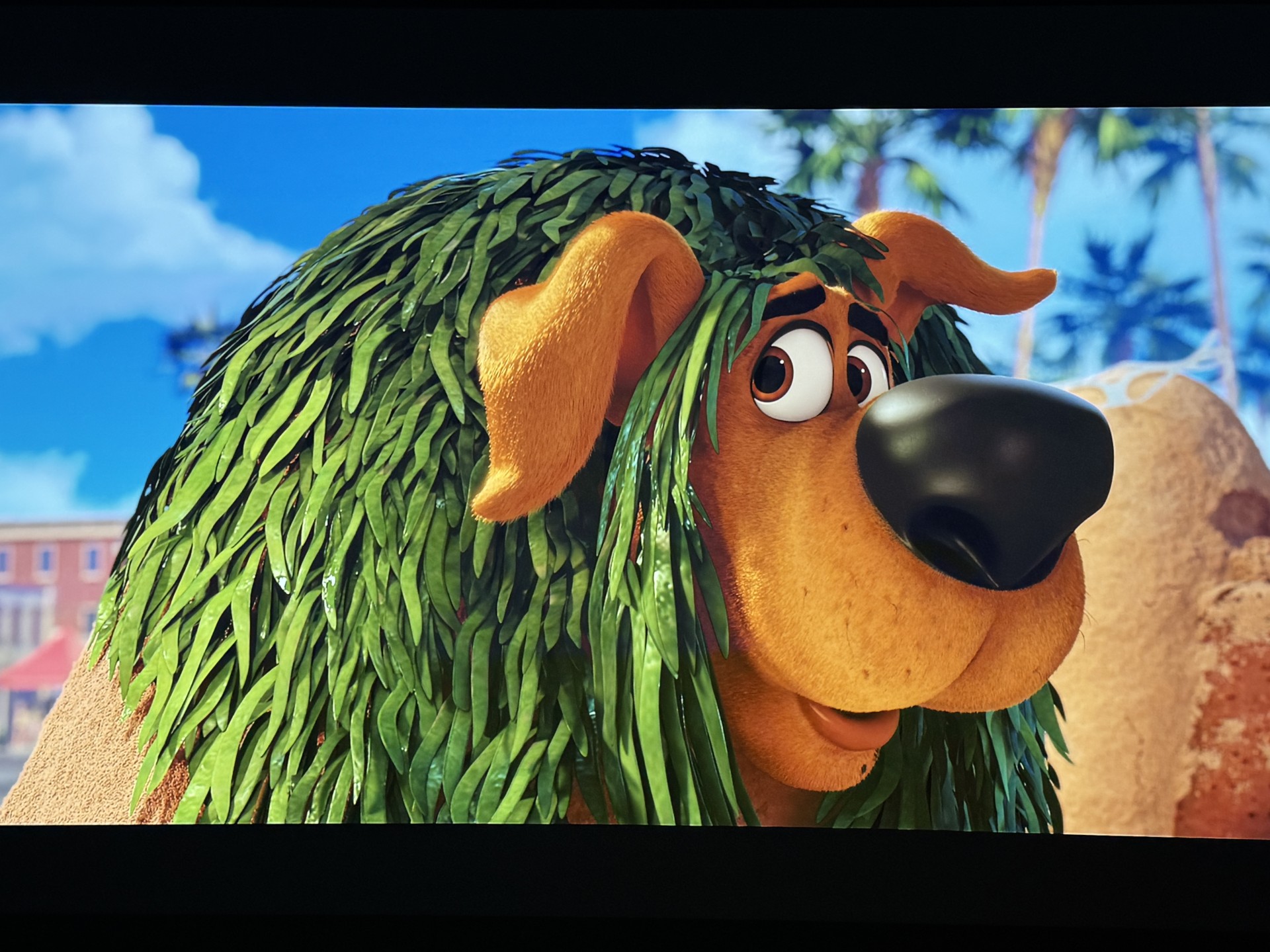
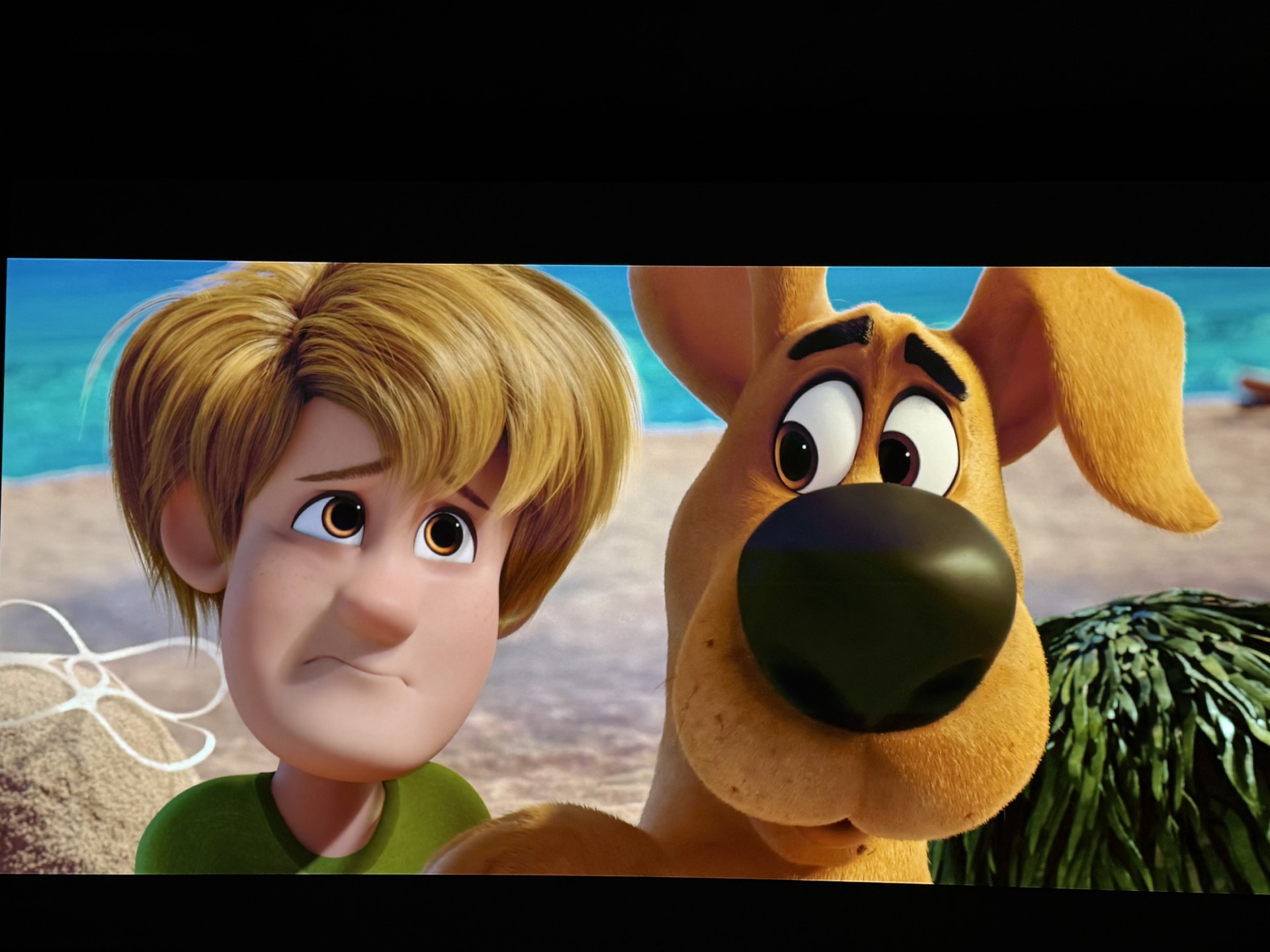
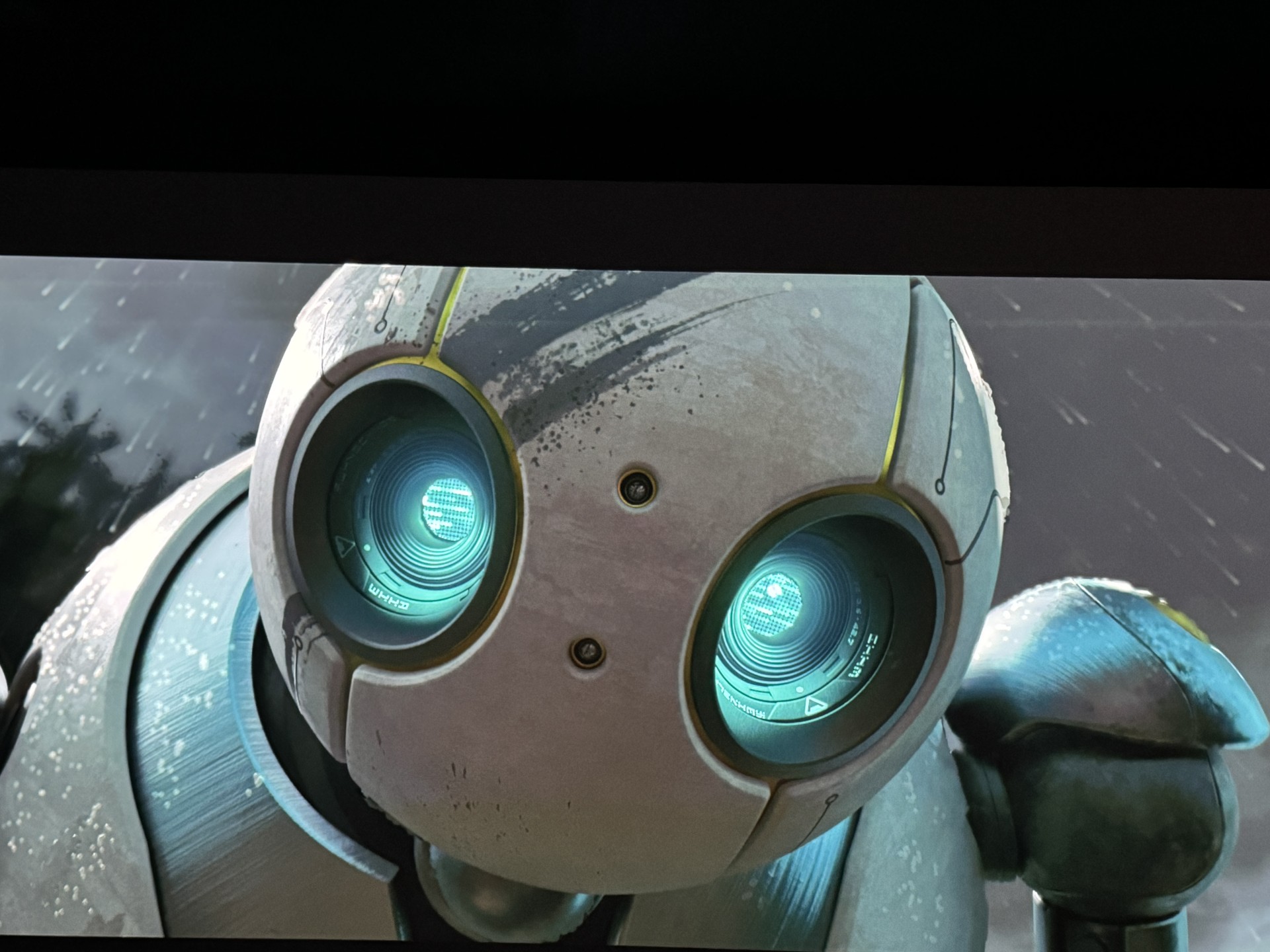
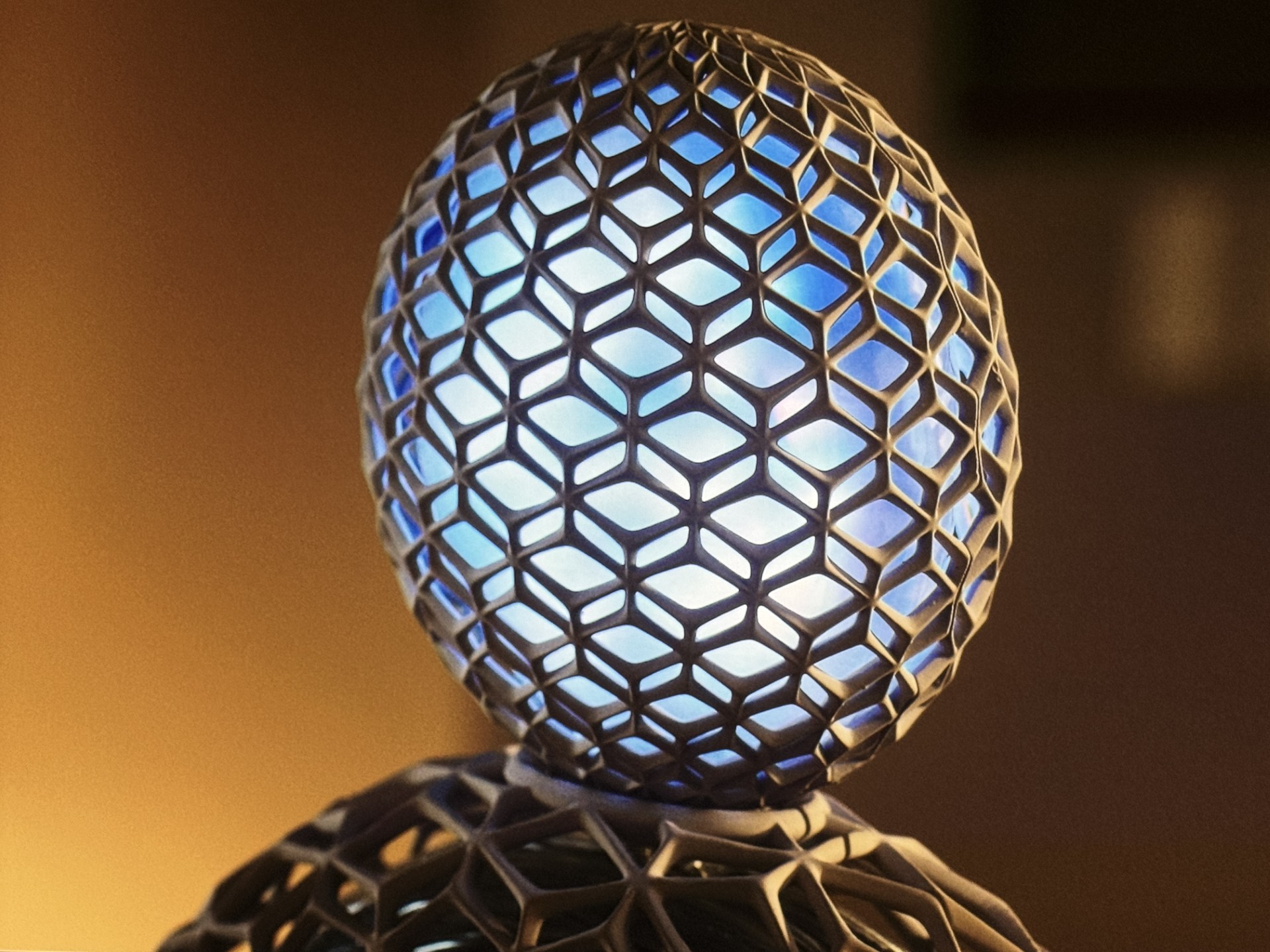
The Wild Robot just looked so detailed. You can definitely read the letters and numbers in and around Roz's eyes. The clarity and depth of the image is astounding. Even the title screen showed the most depth and detail (the birds) and the letters spelling The Wild Robot were just so sharp. Our son Dallas has been going through a Scooby Doo phase and we gladly showed him Scoob. Now I know animations look good on all displays but the KORUS 4K1000 simply shows the brightest, sharpest, rich colored image with intense black levels. It's hard to make a case that all are the same with the KORUS in the same room. Scoob is a fun story with a good background on how their story as mystery solvers began. The images directly below are some of the best I have ever taken. Same for the movie Afraid. The image of their robotic assistant AIA is the best I have ever seen. And these are not the best because they're the brightest but the best because the have the complete package.
This is part 1 of this Review. I am planning a part 2 with some numbers from a third party. My own comparisons to its own smaller cousin the 4K860 first. Definitely brighter even though the 4K860 is very bright as well. I will say it took me longer to dial in the 4K1000. With extra headroom you need to take advantage of all the tweaks to maximize image quality. I will say the 4K860 being out longer it has its default settings neatly established. It's also smaller and weighs less. The other comparison in the same body as the 4K860 is the SIM2 UN4. Now this one has a msrp of 32K and has ceramic parts and super quiet and does about 7000 lumens. The SIM2 when compared to the 4K860 has a more film-like look. The 4K860 looks more digital. They both are terrific and would be happy on a desert island with either of them. Now, the 4K1000 has the same film-like look as the SIM2 with a touch of digital. The extra brightness gives it more of the 'In your room feeling." To me, clarity is an essential quality and the best projectors today have it. I rank the KORUS with outstanding clarity! Comparing the KORUS to Epson, Sony and JVC is harder to do since as mentioned above were talking about different technologies. The Epson and Sony do sports very well. They are great for all around applications with a good mix of Movies, Sports and watching family videos. JVC this last round added a vivid mode to address sports but their strong suit has always been Movies. Especially scary, space or any one with lots of night scenes. JVC fans love their industry leading black levels and it's hard for other brands to get there. The DLP models traditionally have always been sharper. Imagine making a DLP under 20K (depending which lens) that is razor sharp, has a new advanced DMD chip, does 10,000 ISO lumens with Dynamic Contrast of 25K:1 and is capable of doing beautiful color with deep, intoxicating black levels and outstanding clarity. Meet the Christie KORUS 4K1000.
What else can I say that I haven’t already said throughout this Review? The Christie 4K1000 is a generational piece that only comes around every so often. The KORUS is a generational "Game Changer" at just 38 pounds and doing 10,000 ISO lumens with not having a lot of heat and noise. It’s amazing to have witnessed the evolution of the DLP projector with the results being the Christie KORUS. It is a 4K UHD+ 3840 x 2400 (9,216,000 pixels) (16:10) force to reckon with! For other brands it's game over. Christie wins!
EQUIPMENT USED FOR ALL OR PART OF THIS REVIEW:
Christie KORUS 4K1000, Kaleidescape Strato E and C, Christie 4K860, SIM2 UN4, JVC and Epson QS100 UST Projector, madVR MK3 ENVY Extreme, Stewart Studiotek 144 ST100 16:9, STORM CORE 16+ ISP Sound Processor, ROKU ULTRA 2024, NVIDIA Shield Pro, Datasat RA7300 Amps X 2, Oppo UDP-203 4K 3D Player, Samsung UBD-K8500 4K Ultra Blu-ray player, Furman Elite-20 PFI, Monster Power HTS 5100, AC INFINITY Component Coolers, Speakers: MARTIN LOGAN ILLUSION Center, IMPRESSIONS (Left and Right), VANQUISH (HEIGHTS & ATMOS & Top), AXIS (Backs), Subwoofers- Martin Logan BalancedForce 212 X 2, Seatcraft Equinox Seating with Sound Shakers, Remote: One For All, Harmony 1100, HARMONY ELITE, Harmony ULTIMATE, Cables: Audioquest shorter HDMI cables top to bottom. Audioquest Cherry Cola 48s...
Images on the left actually show the top of the KORUS and the CHRISTIE logo. Also, as I mentioned above here is my madVR certificate showing I am Envy Certified as a Product Specialist.
Let me know if you need anything or just have a question. I am always here well beyond the point of sale.




"The Christie KORUS is a Game Changer."
Special thank you to my family for all of their support. This is not just a hobby to me and it is great having them involved. The kiddos had fun on our latest episode. Thank you for all the kinds words having them on Nothing Personal.
If you have any questions about the Christie 4K1000 please test or call me at 219-916-9245. I am available for calls every day of the week!
Click here to go back to:
JoeRodHomeTheater.com
KORUS: Meaning a Band of Singers and Dancers performing together in harmony. Click below to learn more about the KORUS from Christie's website:
CiC
